

Managing work becomes difficult when tasks pile up, deadlines shift, and teams lose track of priorities. This is where Zoho project management software steps in to bring order to daily work. It acts like a simple digital guide that helps you plan, organize, and complete projects without confusion. Because everything stays in one place, your team works with more clarity and less stress.
Today, businesses need tools that make work easier, not harder. Zoho offers a space where tasks, communication, and timelines connect smoothly. Instead of jumping between apps or searching for updates, you can follow a clear path that keeps the entire team aligned. This simplicity helps you stay focused on results.
With a setup that is easy to learn and flexible to use, Zoho becomes a helpful companion for individuals, small teams, and growing businesses. It gives you structure, saves time, and supports your work from start to finish.
What Is Zoho Project Management Software?
Zoho project management software is an online tool designed to help teams plan, track, and complete work in a structured and simple way. Think of it as a digital workspace where every task, update, and timeline stays connected. Instead of dealing with scattered information, Zoho gives you a single place to manage your projects from start to finish.
At its core, Zoho organizes work into tasks, deadlines, and milestones. This clear structure makes it easier to follow progress and understand what needs attention. Even as your project grows, the platform keeps everything easy to manage through clean layouts and intuitive tools.
Because it is built for different types of teams, Zoho supports various workflows without feeling complex. Whether you’re handling client work, internal projects, or daily tasks, the system adapts smoothly. As a result, businesses get a reliable and simple way to stay organized, productive, and aligned.
Key Features of Zoho Project Management Software
Zoho comes with several helpful tools that make managing work easier and more organized. Each feature is designed to simplify daily tasks and reduce the confusion that often slows teams down. With short learning curves and practical layouts, these tools support both beginners and experienced users.
Key Features:
- Task Creation and Tracking
You can create tasks, set deadlines, assign team members, and monitor progress with clarity. This helps you stay on top of work without missing important details. - Milestones and Dependencies
Teams manage projects more easily when they clearly map major goals and task relationships. This structure helps them see what needs to be completed first. - Team Collaboration Tools
Zoho connects messages, comments, and shared files to tasks. Communication is kept organized, and information is prevented from getting lost. - Time Tracking Options
Built-in timers and timesheets help you record how long tasks take. This makes planning, billing, and analysis more accurate. - Document Sharing
You can store files inside projects, making it simple for teammates to find and use what they need without searching through old emails. - Automation Capabilities
Routine steps can be automated, saving time and reducing manual work. This boosts consistency and helps teams maintain smooth workflows. - Reports and Dashboards
Visual charts and summaries show how projects are progressing. These insights help you make better decisions and identify areas that need attention.
These features work together to create a well-structured workspace where every task is easy to track, communication stays organized, and teams can coordinate more effectively. By keeping information accessible and workflows streamlined, they help teams plan better, avoid confusion, and stay aligned on shared goals.
How Zoho Project Management Software Works
Zoho project management software works by turning messy workflows into simple, organized steps that are easy to follow. It gives you a clear structure for planning tasks, assigning responsibilities, and tracking progress. The tool has many features and the process feels natural once you start using it.
1. Build Your Workspace Foundation
Begin by creating a new board or choosing from the many templates available. This board becomes the heart of your project, giving you a single place to manage everything. You can add tasks, assign responsibilities, and reorder priorities as your project evolves. It helps you keep every detail organised without feeling overwhelmed.
2. Input and Arrange Your Tasks
Add all the tasks, goals, or important activities for your project to the board. Next, sort them according to their urgency, assign them to the right team members, and mark the current stage of each. A clear structure is created through this method, helping work be navigated efficiently and ensuring no tasks are forgotten.
3. Streamline Actions with Smart Triggers
Leverage Zoho’s automation options to reduce repetitive manual work. Set up simple rules that handle routine tasks like sending reminders, reallocating assignments, or updating progress. This saves time and also ensures your team stays aligned and deadlines are never missed.
4. Team Up Through Instant Collaboration
Invite team members to join your project board so everyone works together seamlessly. Share updates through comments, upload documents directly to tasks, and tag the right people to make sure everyone knows what’s happening.
5. Track Movement and Milestones
Switch between timeline, calendar, or dashboard views to visualize your project at a glance. Check which tasks are completed, identify pending ones, and monitor how workloads are distributed across the team. This makes it easier to adjust plans and prevent bottlenecks before they become issues.
Tools Inside Zoho Software
Zoho project management software comes packed with practical tools that make team collaboration, task tracking, and workflow management simple. Each tool focuses on solving a specific aspect of project management, helping teams stay organized.
1. Task Management Tool:
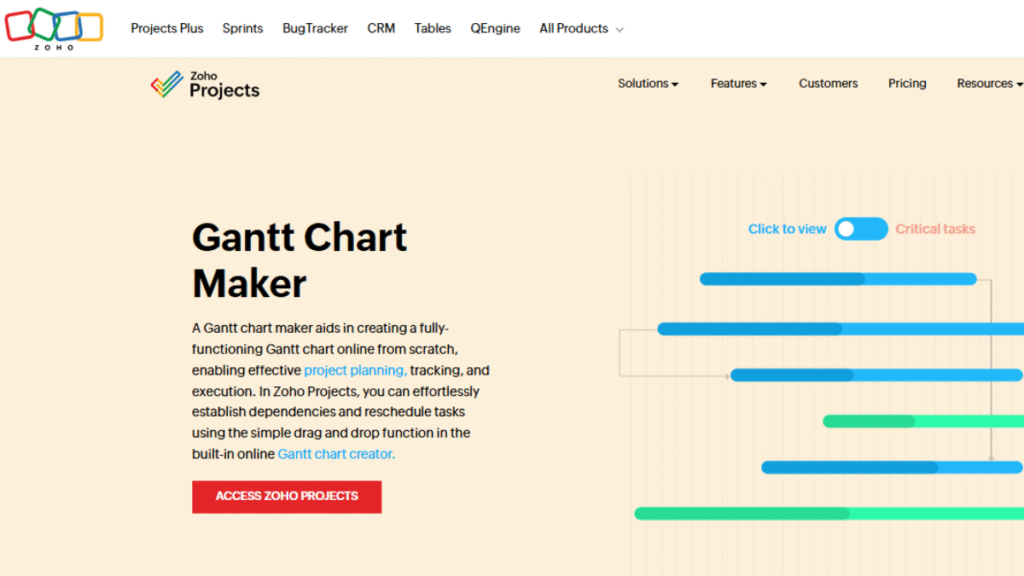
The Task Management Tool in Zoho allows you to create tasks, set deadlines, assign owners, and break larger projects into smaller subtasks. You can attach files, add notes, and track progress through visual indicators like percentage bars or status tags. This setup helps teams understand priorities at a glance and ensures everyone knows what needs to be completed and by when. With its clean layout, customizable views, and options such as Kanban boards or list formats, the tool makes staying organized simple even when handling multiple projects or fast-moving workflows.
2. Time Tracking Tool:
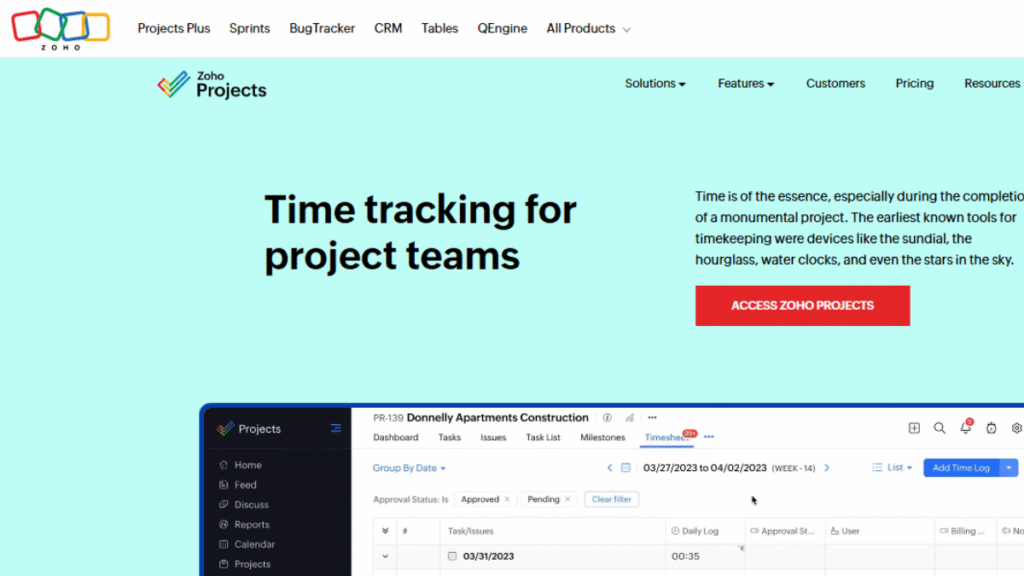
Zoho’s Time Tracking Tool records the exact time spent on each task, helping teams monitor productivity and plan schedules more accurately. Team members can log hours manually or track them using built-in timers for convenience. Managers can review detailed timesheets, analyze workloads, and estimate project costs with better precision. This tool increases transparency, supports accurate billing, and helps teams complete tasks efficiently without crossing deadlines.
3. Collaboration Tool:
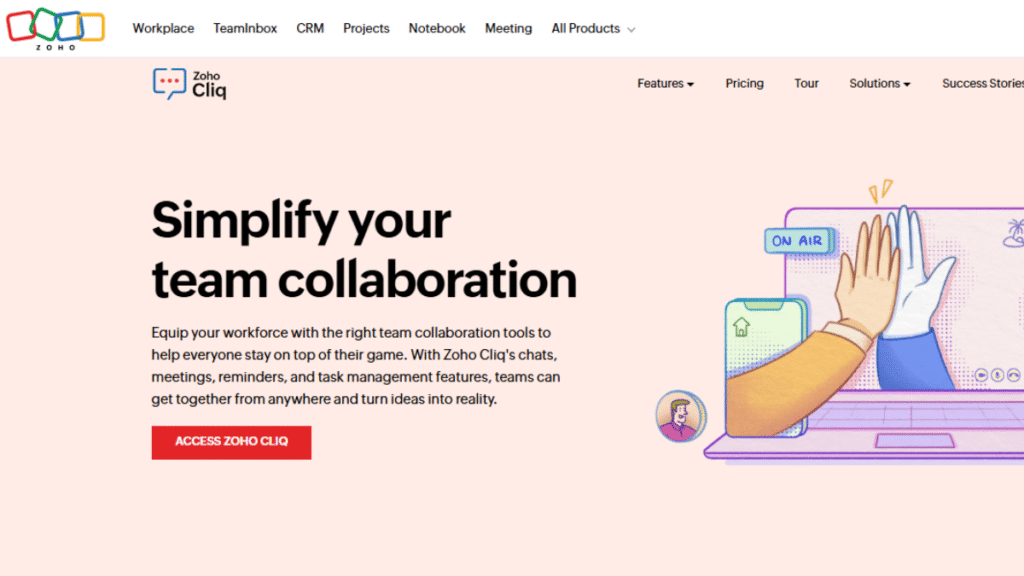
The Collaboration Tool connects teams directly within tasks and projects. Team members can leave comments, tag others, share files, and update task statuses in real time. By keeping all communication centralized, this tool reduces back-and-forth emails and ensures everyone stays on the same page. It turns project boards into active collaboration spaces where updates are instant and visible to all.
4. Automation Tool:
The Automation Tool handles repetitive tasks by automatically moving items, assigning owners, sending reminders, or updating statuses. It lets teams create custom workflows that match their project style, ensuring processes run smoothly without manual effort. With clearer task flow and reduced manual work, teams can track progress efficiently, stay transparent, and meet deadlines more consistently.
Together, these tools create a seamless workspace that keeps tasks, communication, and progress connected, helping teams stay organized, efficient, and focused on results.
Comparison Table
Before finalizing a project management tool, it’s helpful to see how Zoho compares with other popular solutions. Here’s a short overview:
| Tool Name | Best For | Key Strengths | Difficulty Level | Unique Feature |
|---|---|---|---|---|
| Zoho Project Management Software | Small to large teams | Comprehensive tools, dashboards | Medium | Automation & customizable workflow |
| Trello | Simple task tracking | Visual Kanban boards | Easy | Drag-and-drop simplicity |
| Asana | Team collaboration | Project templates & milestones | Medium | Timeline & workload views |
| Notion | Flexible workspace | Notes + task integration | Medium | Highly customizable layouts |
| Basecamp | Team communication + projects | Simple interface for teams | Easy | All-in-one team messaging |
Zoho project management software stands out for its combination of task management, collaboration, automation, and reporting. It suits teams that need both structure and flexibility. With visual dashboards and built-in automation, Zoho helps teams stay organized, save time, and focus on results.
Conclusion
Zoho project management software gives teams a reliable and well-organized system for managing projects of any scale. Its clean interface, built-in communication tools, and automated workflows make it easier to track progress, meet deadlines, and keep everyone aligned. By centralizing tasks, updates, and files, Zoho helps teams avoid confusion and stay focused on the work that matters most.
What makes Zoho especially valuable is its flexibility. Whether a team follows simple task lists or complex project workflows, Zoho can adapt and grow alongside the business. Features like task management, Gantt charts, time tracking, reporting, and automation work together to reduce manual effort and strengthen accountability. When teams take the time to structure their projects clearly in Zoho, they benefit from faster execution, smarter use of resources, and consistent improvements in productivity.
