
Managing projects without a clear system often feels like steering a ship through fog, which is why many teams turn to Taiga Project Management to regain control. Tasks overlap, priorities change, and important details slip through the cracks when there is no structured workflow. As a result, teams spend more time coordinating work than actually completing it.
This is where the tool becomes especially useful. It provides a clear, visual way to organize tasks, track progress, and manage priorities without overwhelming the team. By presenting work in an easy-to-understand format, it helps everyone see what needs attention and what is already moving forward. Designed with agile teams in mind, Taiga supports flexible workflows such as Scrum and Kanban. It adapts easily to changing requirements while keeping goals, deadlines, and responsibilities clear, making collaboration smoother and more focused.
Instead of juggling multiple tools, Taiga brings everything into one shared space. As a result, collaboration improves, transparency increases, and projects move forward with confidence and clarity.
What Is Taiga Project Management?
Taiga project management is an open-source tool built to help teams plan, track, and deliver work using agile methods. It brings structure to projects without making processes feel rigid or heavy. Instead of juggling scattered tools, teams can manage tasks, timelines, and discussions in one clear workspace.
At its core, Taiga is designed around transparency and collaboration. Every task, user story, or issue remains visible to the entire team. As a result, alignment improves and accountability becomes natural. Whether managing a software sprint or organizing ongoing work, Taiga keeps progress easy to follow and priorities clear.
Additionally, the simple interface makes Taiga approachable for both technical and non-technical users. Teams spend less time learning the system and more time getting work done. This improves efficiency from the very first day. Compared to many tools that are considered to be the Best Project Tracking Software, Taiga focuses on visibility and simplicity, helping teams track progress without unnecessary complexity.
Key Features of Taiga Project Management
Taiga project management offers a focused set of features designed specifically for agile teams. Rather than overwhelming users with unnecessary tools, it emphasizes clarity, structure, and flexibility. As a result, teams can plan better, track progress easily, and stay aligned throughout the project lifecycle.
One of its strongest aspects is the visual approach to work management. Tasks move smoothly from planning to completion, giving teams a clear picture of priorities and progress at all times. Additionally, built-in collaboration features reduce confusion and keep communication centralized.
Key features include:
- Visual Kanban and Scrum boards for clear task tracking
- Flexible backlog and sprint planning tools
- User stories with priorities and status updates
- Burn-down and performance charts for progress analysis
- Real-time collaboration with comments and notifications
Together, these features make Taiga a practical solution for agile teams without unnecessary complexity. It allows teams to focus on delivering value while keeping workflows clear and predictable. With visual planning, real-time collaboration, and flexible tracking, Taiga helps teams stay organized and move projects forward smoothly.
Themes in Taiga Project Management
Taiga project management is organized around key themes that help teams manage work more effectively. These themes support different agile workflows without forcing rigid processes. Each theme focuses on clarity, collaboration, and progress tracking. Tasks remain visible, priorities stay clear, and teams stay aligned. Additionally, these themes allow teams to adapt their workflow as projects evolve. This makes Taiga suitable for both simple and complex projects.
1. Scrum Projects
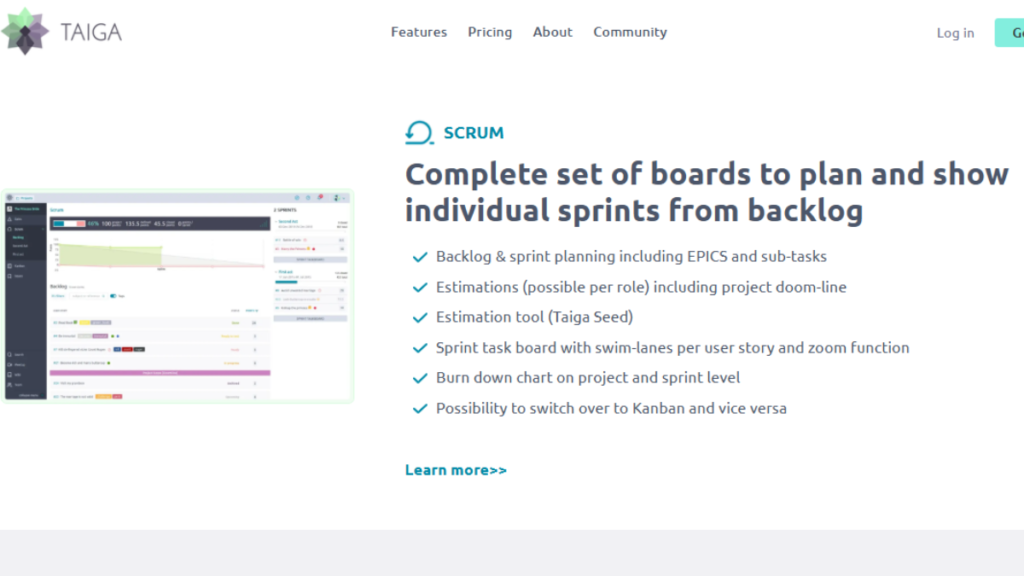
The Scrum Projects theme is designed for teams that work in short, structured sprints. It helps teams break large goals into manageable user stories and plan work in a clear, organized way. Sprint planning becomes easier because everything is visible from the start.
Additionally, this theme supports continuous feedback. Teams can track progress during the sprint and adjust when needed. Instead of guessing where things stand, everyone sees real progress. As a result, delivery becomes more predictable and team confidence improves with each sprint.
Best Use Case
Scrum Projects in Taiga work best for software development teams, product teams, and startups that follow iterative development and need regular feedback, planning, and delivery cycles.
Key Features
- Product backlog management
- Sprint planning and tracking
- Story point estimation
- Sprint progress reports
2. Kanban Projects
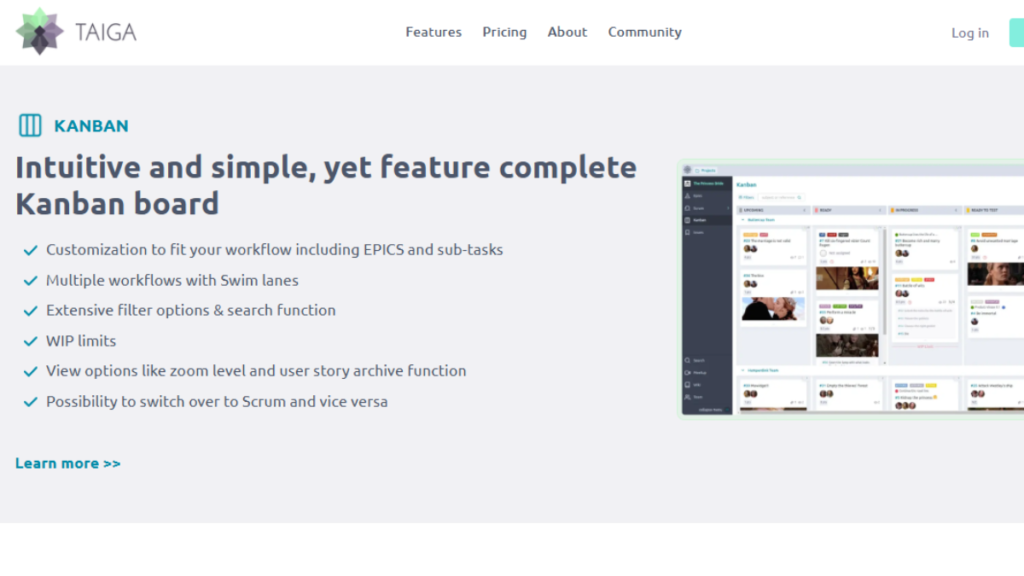
The Kanban Projects theme in Taiga is ideal for teams that manage ongoing or continuous work. It uses visual boards to show tasks as they move through different stages. This makes progress easy to understand at a glance. Additionally, teams can spot delays or bottlenecks quickly. By limiting work in progress, Kanban helps maintain a steady workflow. As a result, teams can deliver work more consistently without feeling overloaded.
Best Use Case
Kanban works best for content teams, customer support teams, marketing operations, and maintenance-focused development teams where tasks arrive continuously and priorities change often.
Key Features
- Visual Kanban boards
- Custom workflow stages
- Work-in-progress limits
- Task prioritization and labels
3. Issue Tracking
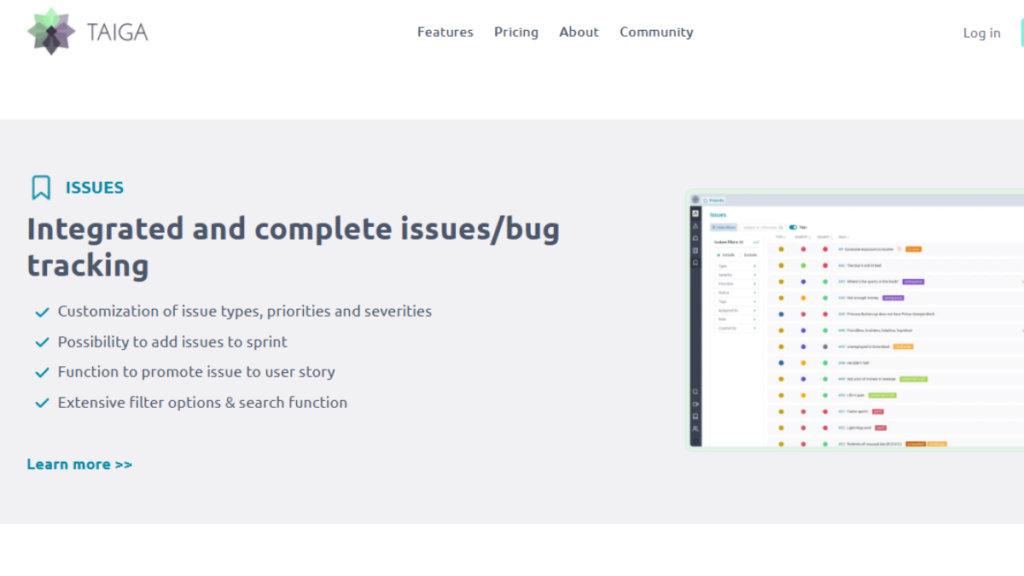
The Issue Tracking theme helps teams record, organize, and resolve tasks, bugs, and improvement requests in a structured way. Every issue is clearly defined, assigned, and tracked through its lifecycle. This prevents important problems from being overlooked and keeps work moving forward smoothly.
Additionally, issue statuses and priorities make it easier to focus on what matters most. Teams gain better control over workloads and response times. As a result, overall project quality improves and risks are addressed earlier.
Best Use Case
Issue Tracking in Taiga is best suited for software development teams, QA teams, and support teams that need a reliable way to manage bugs, technical debt, and feature requests.
Key Features
- Bug and issue logging
- Priority and severity labels
- Assignment and status tracking
- Custom issue types and workflows
4. Wiki & Documentation
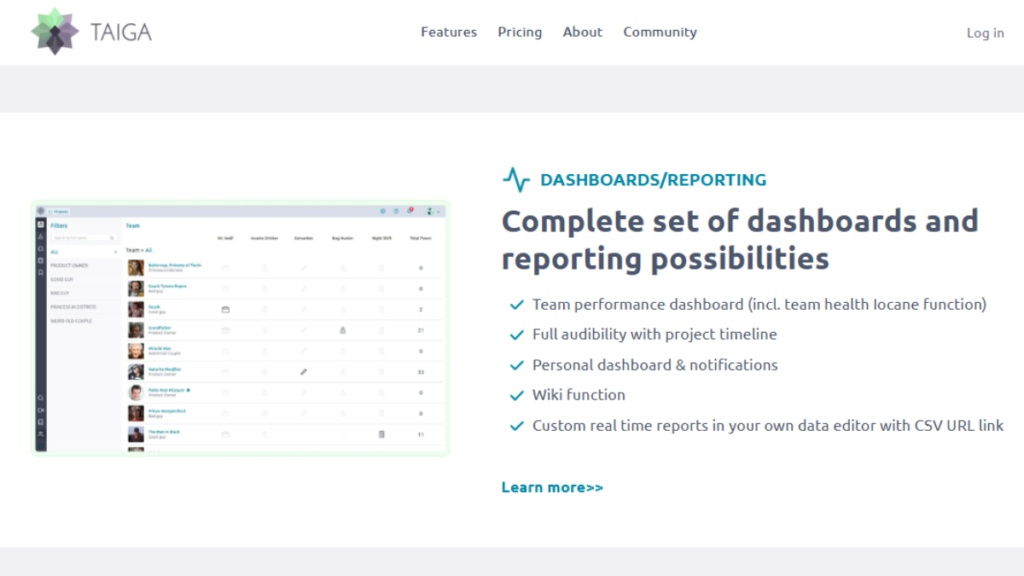
The Wiki & Documentation theme in Taiga project management allows teams to store and manage project knowledge in one central place. Instead of relying on scattered files or external tools, teams can document processes, guidelines, and project details directly within the workspace. This keeps important information easy to find and update.
Additionally, shared documentation improves collaboration and reduces confusion. New team members can get up to speed faster, while existing members always have access to the latest information. As a result, teams spend less time searching for answers and more time focusing on work.
Best Use Case
Wiki & Documentation works best for growing teams, remote teams, and projects that require clear guidelines, onboarding materials, or ongoing reference documentation.
Key Features
- Centralized project documentation
- Markdown support for easy formatting
- Version-controlled content updates
- Access permissions for team members
5. Team Collaboration
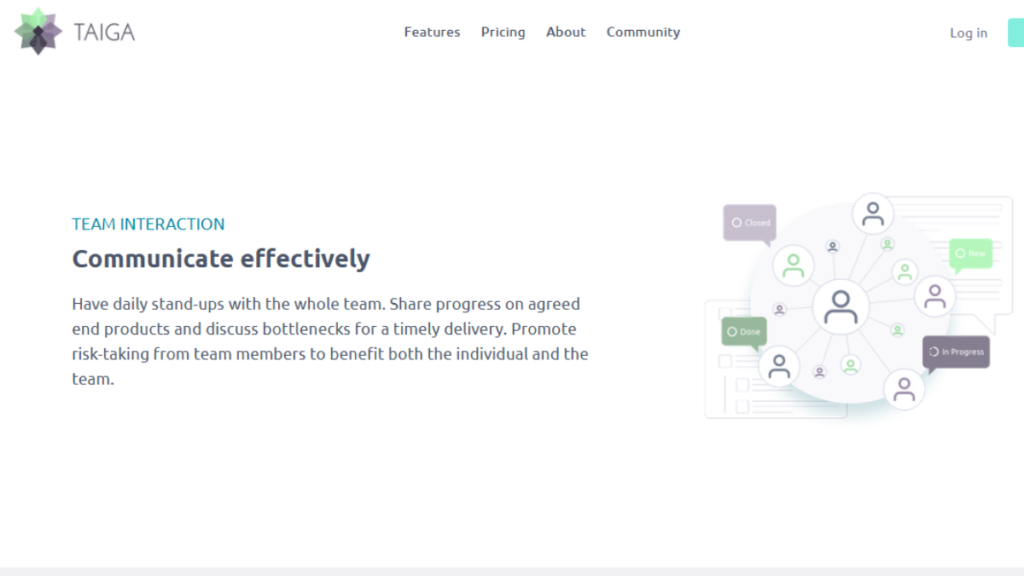
The Team Collaboration theme in Taiga keeps communication directly connected to tasks and project activities. Instead of scattered messages across different platforms, discussions happen where the work lives. This helps teams stay focused and reduces misunderstandings.
Additionally, real-time updates ensure everyone stays informed about changes and progress. Team members can respond quickly, share feedback, and resolve issues without delays. As a result, collaboration becomes smoother and projects move forward more efficiently. In Taiga, team collaboration is integrated directly into tasks, user stories, issues, and documentation rather than existing as a separate module.
Best Use Case
Team Collaboration is ideal for remote teams, cross-functional teams, and distributed organizations that rely on clear and consistent communication to stay aligned.
Key Features
- Task-based comments and discussions
- Mentions and notifications
- Activity timelines and updates
- Real-time collaboration support
Why Taiga is a Good Choice?
Taiga project management is a strong choice for teams that want flexibility without complexity. It adapts to different workflows instead of forcing teams to follow rigid processes. This makes it easier to adopt and use consistently.
Additionally, the open-source nature of Taiga gives teams more control and transparency. Teams can customize workflows, scale usage, and avoid heavy licensing costs. As a result, It becomes a practical solution for teams looking for long-term value and reliable agile support.
Reasons to Choose Taiga
- Flexible Scrum and Kanban workflows
- Easy onboarding for new users
- Transparent and open-source platform
- Suitable for small and growing teams
For teams seeking clarity, collaboration, and adaptability, Taiga delivers all three without unnecessary overhead. Many teams exploring the Best IT Project Management Software appreciate its flexible and transparent approach. It supports growth while keeping day-to-day work simple and focused.
Comparison Table
When choosing an agile tool, teams often compare usability, flexibility, and cost. Taiga project management stands out by offering strong agile features without unnecessary complexity. The table below highlights how Taiga compares with other popular tools.
| Feature | Taiga | Jira | Trello |
|---|---|---|---|
| Agile Focus | High | High | Medium |
| Ease of Use | High | Medium | Very High |
| Open Source | Yes | No | No |
| Scrum Support | Yes | Yes | Limited |
| Kanban Support | Yes | Yes | Yes |
| Custom Workflows | Yes | Yes | Limited |
This comparison shows that Taiga balances power and simplicity, making it suitable for teams that want agile control without a steep learning curve. Taiga delivers strong agile functionality while remaining accessible as a Free Project Management Software for teams of all sizes.
Conclusion
Taiga project management offers a clear and flexible way to manage agile projects without unnecessary complexity. It helps teams organize work, improve collaboration, and maintain visibility across tasks and workflows. By supporting both Scrum and Kanban, it adapts well to different working styles.
Another key advantage is its flexibility. Teams can shape workflows around their needs instead of adjusting to rigid systems. Combined with its open-source nature and simple interface, Taiga works well for both technical and non-technical teams.
In summary, This tool is a practical solution for teams that want structure, transparency, and adaptability in one platform. It supports consistent delivery while allowing teams to stay agile and focused.
