
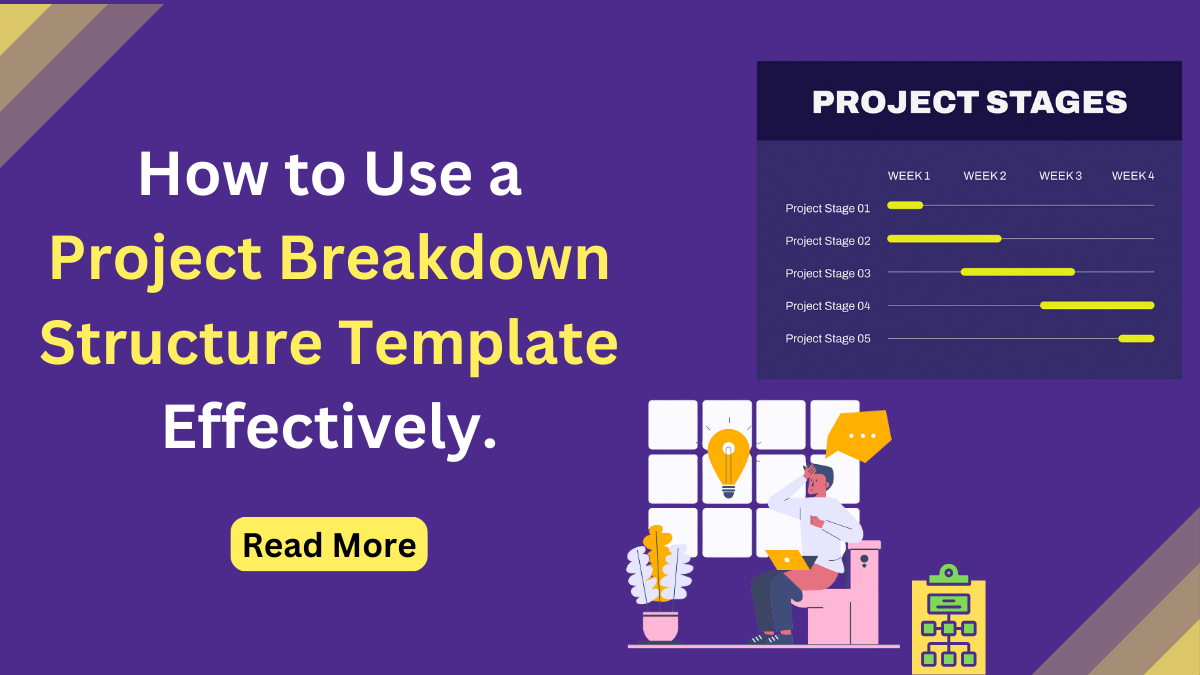
Managing a project without a clear plan often feels like digging through a messy kitchen junk drawer. You know what you need is in there somewhere, but finding it takes time and frustration. Tasks overlap, priorities become unclear, and deadlines start to slip. Without a project breakdown structure template, this lack of organization can quickly lead to confusion and missed expectations as projects grow in size or complexity.
This is where a project template becomes essential. It helps transform a complex project into a clearly organized framework by dividing the work into smaller, manageable components. Instead of handling everything at once, you gain a structured view of the project that highlights each phase, task, and deliverable.
A well-defined project breakdown structure template acts as a practical roadmap for both individuals and teams. It improves planning accuracy, simplifies task assignments, and makes progress easier to track. Whether you are working on a website build, a business initiative, or a digital workflow, using a structured breakdown from the start reduces risk, saves time, and increases the chances of successful project delivery.
What Is a Project Breakdown Structure?
A Project Breakdown Structure (PBS) is a structured way to divide a project into smaller, manageable components. It helps teams clearly understand what needs to be delivered and how the work is organized, making planning and execution more efficient.
There are two closely related concepts. A Product Breakdown Structure focuses on the final deliverables, while a Work Breakdown Structure (WBS) focuses on the tasks required to create them. A structured template often brings these together, providing a clear framework for both outputs and actions.
A strong template relies on three essentials: hierarchy, levels, and deliverables. The hierarchy organizes the project, levels add detail where needed, and deliverables define the outcome for every part of the project.
In digital projects, a Breakdown Structure in Project Management is just as important as a solid foundation. Much like using WordPress themes to start quickly or ensure usability across devices, a project breakdown structure template keeps workflows clear, organized, and scalable.
Why It Matters: The Importance of Structured Planning
A project breakdown structure template isn’t just a checklist, it’s a roadmap that turns confusion into clarity. By breaking projects into manageable tasks, it helps teams stay organized, allocate resources effectively, and keep deadlines on track.
- Visualize the finish line: Knowing what success looks like helps guide every step. When the end goal is clearly defined, teams can focus their efforts on achieving it rather than guessing what’s next.
- Identify hidden tasks: Breaking down work reveals tasks that might otherwise be overlooked. Even small steps, like testing a website form or updating SEO metadata, can be critical to project success.
- Allocate resources efficiently: Clear roles and deadlines ensure everyone knows who does what and when. This prevents overlapping work and ensures each team member’s skills are used effectively.
- Reduce risk: Planning ahead minimizes surprises and prevents bottlenecks. By visualizing dependencies and sequencing tasks properly, you can avoid delays and costly mistakes.
- Improve communication: A structured plan makes it easier to brief stakeholders, share progress, and collaborate across teams. Everyone knows their responsibilities and how their work fits into the bigger picture.
- Track progress effectively: With a clear breakdown, it’s easier to measure progress and adjust timelines or resources as needed. This leads to better accountability and project control.
A structured plan is always like having a reliable map. Just as developers use WordPress themes to quickly launch sites and ensure smooth user experience across devices, teams using a project breakdown structure template gain a clear path, avoid chaos, and deliver results on time.
How to Build Your Own Project Breakdown Structure Template
Creating a project breakdown structure template might seem daunting, but a step-by-step approach makes it simple. A well-structured template ensures every task is clear, responsibilities are defined, and progress can be tracked easily. It provides a roadmap for the project, helping teams stay focused and organized.
This structure also improves communication, helps allocate resources efficiently, and prevents bottlenecks. Whether you’re managing a website launch, marketing campaign, or business initiative, a project structure template turns a complex project into a clear, actionable plan. It’s a key part of any Methodology in Project Management, providing a structured approach to planning, executing, and monitoring tasks. Here’s how to create your own:
Step 1: Identify the Final Deliverable
Start by defining the main goal of your project. What is the ultimate outcome you want to achieve? For example, for a website project, the deliverable might be “a fully functional company website.” Clear goals keep your team aligned from the start.
Step 2: Break Big Chunks into Smaller Tasks
Divide the project into major phases or sections. Then, break each phase into smaller, manageable tasks. For a website:
- Planning → requirements, timeline, sitemap
- Design → wireframes, mockups, UI review
- Development → pages, features, plugins
Breaking work into smaller steps ensures nothing is missed and makes it easier to assign responsibilities.
Step 3: Assign Levels of Hierarchy
Organize tasks in a hierarchy. Top-level items represent phases, mid-level items represent key deliverables, and lower-level items represent individual tasks. This visual structure helps your team understand dependencies and priorities.
Step 4: Validate the Structure with Your Team
Review the breakdown with your team before execution. Make sure all tasks are accounted for, responsibilities are clear, and timelines are realistic. Collaboration at this stage prevents misunderstandings and reduces errors later.
Step 5: Track Progress and Adjust
Once the project is underway, use the template to monitor progress. Adjust tasks, deadlines, or resources as needed. A structured template makes it easy to spot bottlenecks and keep the project on track.
Tip: Digital tools can make this process smoother. Many project management apps allow you to create templates that can be reused for future projects, saving time and improving consistency.
Software Solutions: The Best Tools for the Job
Using a project breakdown structure template becomes much easier with the right software. The right tool can help you organize tasks, track progress, collaborate with your team, and visualize project phases. Here are some excellent options:
1. Trello
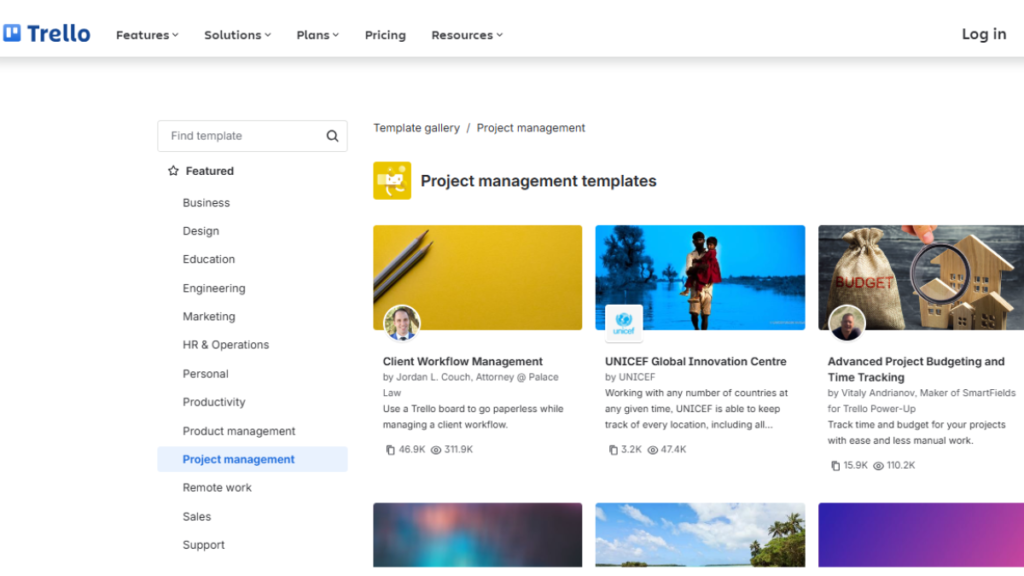
Trello is a visual, board-based tool that makes organizing tasks simple and intuitive. Each board can represent a project, and lists and cards allow you to break work into phases and tasks. Trello Project Management is perfect for smaller teams or projects that need a simple, drag-and-drop interface. With integrations like Slack and Google Drive, it also keeps your team connected and your files accessible.
2. Zoho Projects
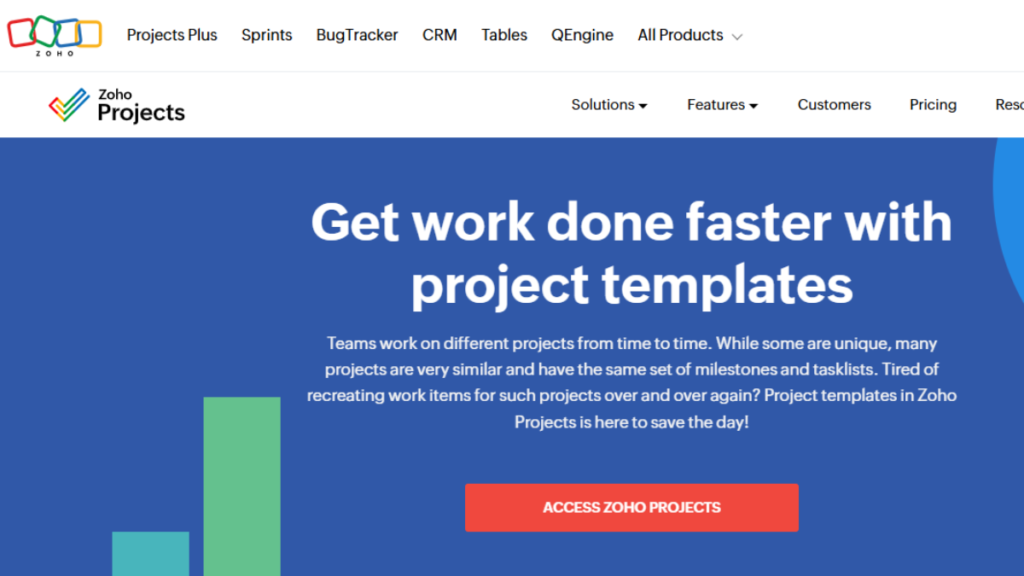
Zoho Projects offers a flexible platform with features like Gantt charts, task dependencies, time tracking, and document management. Small to mid-sized teams can benefit from Zoho Project Management Software, as it offers detailed planning without the complexity of enterprise-level software.. Automated workflows and reminders help reduce delays and keep tasks on schedule.
3. Jira

Jira is designed for Agile teams, particularly in software development. It offers issue tracking, sprint planning, backlog management, and customizable workflows. Jira Project Management Software is excellent for teams that need to manage iterative projects, track bugs, or monitor complex development cycles. Its reporting tools provide valuable insights into productivity and progress.
4. Wrike

Wrike is a versatile project management tool that offers task tracking, Gantt charts, dashboards, and collaboration features. Highly customizable, it’s ideal for teams handling complex projects that require clear hierarchies and detailed workflows. Wrike supports both Agile and traditional project management methods, helping teams stay organized, track progress, and meet deadlines efficiently.
5. OpenProject

OpenProject is an open-source solution that offers task tracking, timelines, milestones, and collaboration tools. Highly configurable, it’s perfect for teams that want control over workflows, data, and project structures. OpenProject supports both Agile and traditional project management methods.
Tip: Choosing the right software depends on your project size, workflow style, and team preferences. For simple projects, Trello or Freedcamp may be sufficient, while larger or development-focused projects may benefit from Jira or OpenProject. Using the right tool with a project breakdown structure template ensures smoother execution, better collaboration, and faster delivery.
Comparison Table
| Tool | Key Features | Best For | Pros | Cons |
| Trello | Boards, Lists, Cards, Drag-and-Drop, Integrations | Small teams, simple projects | Easy to use, visual interface, flexible | Limited reporting, less suited for complex projects |
| Zoho Projects | Gantt Charts, Task Dependencies, Time Tracking, Document Management | Small to mid-sized teams | Detailed planning, automated workflows, good integrations | Paid plan required for advanced features |
| Jira | Agile Boards, Sprint Planning, Issue Tracking, Custom Workflows | Software development teams | Powerful Agile tools, customizable, excellent reporting | Can be complex for beginners |
| Freedcamp | Milestones, Task Assignment, Calendars, Discussions | Budget-conscious teams, general projects | Free plan available, collaborative, template support | Limited advanced project tracking features |
| OpenProject | Task Tracking, Timelines, Milestones, Collaboration | Medium to large teams, flexible workflows | Open-source, highly configurable, supports Agile & traditional PM | Requires setup and maintenance |
A project breakdown structure template helps turn complex projects into clear, manageable tasks. Using the right tools makes planning, tracking, and collaboration easier. Start creating your template today to improve organization, efficiency, and team productivity.
Conclusion: Taking the First Step
A project breakdown structure template transforms complex projects into clear, manageable tasks, giving teams a roadmap for success. It improves planning, helps allocate resources efficiently, and ensures that every task and deliverable is accounted for. By organizing work upfront, you reduce confusion, prevent bottlenecks, and keep your team focused on achieving the project goals.
Using the right tools alongside your template makes managing projects even easier, allowing for real-time collaboration, progress tracking, and easy adjustments. Whether you’re launching a website, running a marketing campaign, or handling a business initiative, starting with a structured template sets the foundation for smoother workflows, better communication, and more successful outcomes. Take the first step today and turn your projects into organized, actionable plans.
