

Building a strong digital presence has become a non-negotiable requirement for businesses, freelancers, and creators. Today’s audiences expect fast, visually polished websites that communicate value instantly, and an online webpage creator makes that possible without requiring technical expertise. These tools empower users to design, edit, and publish websites directly through the browser, eliminating the need for coding or complicated software installations. As competition intensifies across every industry, choosing the right builder helps you stand out with unique layouts, mobile-ready pages, and streamlined performance. Many lesser-known builders offer specialized features, creative freedom, storytelling tools, multilingual support, agency-level workflows, and AI assistance, that outperform mainstream options in specific use cases. Whether you’re launching a portfolio, promoting a product, or establishing a personal brand, the right platform ensures your message reaches your audience effectively. This guide introduces 10 underrated builders that provide professional results without the limitations of common templates.
Online Webpage Creator Tools Worth Exploring
This section highlights unique, lesser-known platforms that offer powerful features and creative flexibility beyond mainstream webpage builders.
Carrd: A Clean and Simple online webpage creator Alternative
Key Features
| Category | Details |
| Design Approach | Minimal, clean, fast one-page layouts |
| Strength | Easy forms, animations, embeds |
| Ideal Users | Freelancers, creators, beginners |
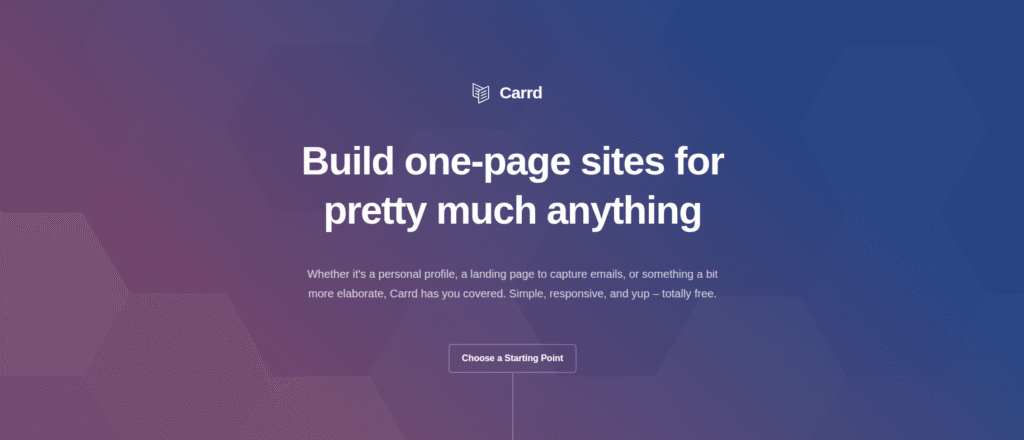
Carrd is a lightweight, minimalistic platform ideal for one-page websites, portfolios, personal profiles, landing pages, and product showcases. This online webpage creator offers an intuitive interface that lets you build modern layouts quickly. Its simplicity doesn’t limit creativity; Carrd includes animation effects, custom forms, embedded elements, and flexible styling options. Users appreciate the speed and clean workflow, which helps in launching a polished webpage within minutes. Carrd is especially popular among freelancers, creators, and those launching quick campaigns. The affordable pricing makes it friendly for beginners. Its responsive templates ensure your site looks sharp on all devices, while integrations support email marketing tools and payment gateways. Carrd proves that a clean builder can still deliver powerful results.
Who Is Carrd Best For?
- Creators who want fast one-page sites
- Beginners who need a simple workflow
- Freelancers launching quick campaigns
- Users needing responsive, no-fuss layouts
Tilda: A Visual Builder Built for Storytelling
Key Features
| Category | Details |
| Design Style | Editorial, storytelling layouts |
| Unique Tool | Zero Block for full customization |
| Ideal Users | Designers, creative brands |
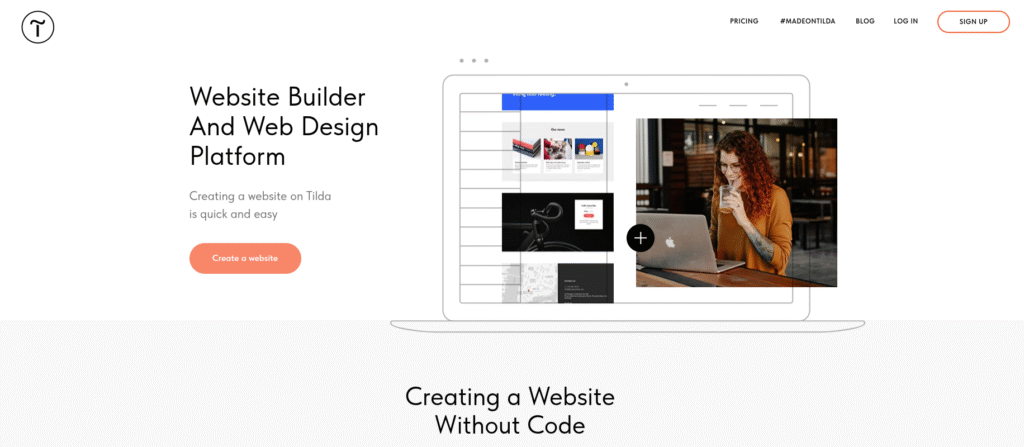
Tilda focuses heavily on visual design and storytelling, making it ideal for brand websites, creative portfolios, and editorial-style layouts. The platform features “Zero Block,” a fully customizable design environment where users can adjust elements freely. While not widely known, Tilda offers professional typography, animation tools, interactive blocks, and ecommerce options. Content creators love its ability to craft immersive, magazine-style pages with minimal effort. Tilda also provides structured templates for agencies, consultants, and project landing pages. Its built-in SEO tools support search visibility, and the interface encourages experimentation. If you want a site with artistic flair rather than a rigid grid, Tilda excels. This online webpage creator offers unmatched design personality. Its combination of flexibility and simplicity makes it a hidden gem for creative web design.
Who Is Tilda Best For?
- Designers who want visually expressive layouts
- Brands needing storytelling-style pages
- Agencies crafting editorial or magazine-style sites
- Users who value typography and motion effects
Duda: A Builder Designed for Agencies and Teams
Key Features
| Category | Details |
| Strength | Agency workflows, automation, collaboration |
| Tools | White-label dashboards, permissions |
| Ideal Users | Teams managing multiple client sites |
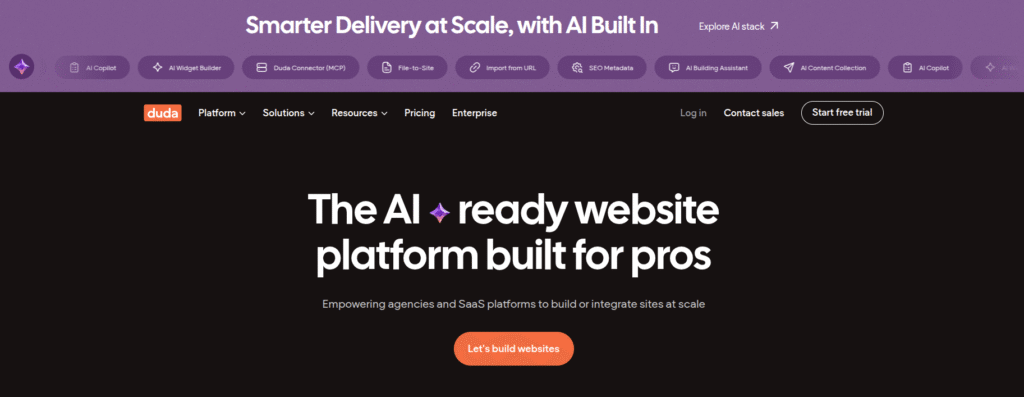
Duda is a lesser-known platform designed for digital agencies and teams who manage multiple client sites. It offers a powerful drag-and-drop interface that balances design freedom with structured elements. Users can create branded dashboards, automate workflows, and collaborate on websites in real time. Duda stands out for its strong site performance, lightning-fast loading speeds, and extensive widget library. Its professional templates support industries like hospitality, fitness, real estate, and consulting. The platform also includes client management tools, white-label options, and custom permissions. Although Duda isn’t mainstream, it delivers enterprise-level capabilities without the complexity of traditional development. For businesses handling multiple web projects, this builder provides unmatched efficiency and consistency as an online webpage creator.
Who Is Duda Best For?
- Agencies managing multiple clients
- Teams needing collaboration tools
- Businesses wanting white-label dashboards
- Users who prioritize site speed and structure
Mobirise: An Offline Builder With Total Control
Key Features
| Category | Details |
| Unique Advantage | Full offline editing + site export |
| Frameworks | Bootstrap + AMP templates |
| Ideal Users | Developers, hands-on creators |
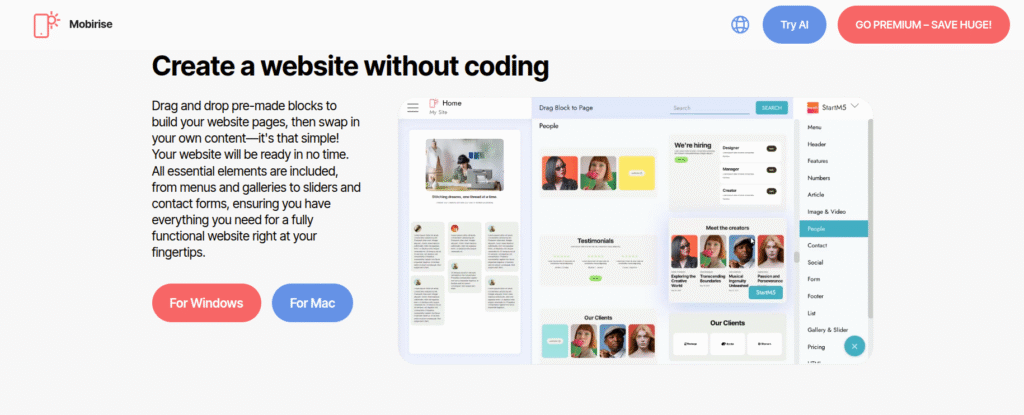
Mobirise differs from most webpage creators because it works as an offline application rather than a browser tool. This gives users full control over their files, hosting, and customizations. Mobirise offers block-based design with responsive components, making it ideal for developers, small businesses, and individuals who want flexibility without coding from scratch. You can export your site to any server, integrate additional plugins, and customize HTML blocks if desired. It also supports niche projects like landing pages, startup sites, and promotional campaigns. Mobirise includes AMP and Bootstrap-based templates that ensure modern performance. Since it’s not tied to a specific hosting platform, you maintain complete ownership of your website’s structure. Paired with an online webpage creator, Mobirise gives you full control and flexibility rarely seen in modern tools.
Who Is Mobirise Best For?
- Developers who want hosting freedom
- Users needing offline editing control
- Businesses wanting exportable, custom sites
- People who prefer AMP/Bootstrap-based templates
Strikingly: A Simple Builder That Focuses on Speed
Key Features
| Category | Details |
| Strength | Fast one-page websites |
| Tools | Ecommerce, memberships, analytics |
| Ideal Users | Beginners, personal brands |
Strikingly is an underrated platform perfect for users who want to launch a website quickly. Its simple dashboard and pre-built layout sections help beginners assemble pages effortlessly. The platform focuses heavily on single-page websites, but it also supports multi-page designs. Strikingly offers ecommerce features, membership systems, and blogging tools. Its templates prioritize clean, modern visuals that load fast on all devices. Many freelancers and entrepreneurs use Strikingly for personal branding sites, resumes, and event pages. It includes analytics, form builders, and social media integrations that enhance engagement. The overall experience is smooth, user-friendly, and optimized for fast delivery. This online webpage creator is perfect for anyone seeking speed and simplicity.
Who Is Strikingly Best For?
- Beginners creating fast one-page sites
- Freelancers building personal branding pages
- Users who need simple ecommerce or memberships
- People who value clean, mobile-ready layouts
Ucraft: A Design-Forward Builder With Strong Branding Tools
Key Features
| Category | Details |
| Strength | Strong branding elements + clean layouts |
| Unique Tool | Built-in logo maker |
| Ideal Users | Designers, small businesses |
Ucraft is a design-focused builder that empowers users to create clean, professional webpages with a strong brand identity. It provides customizable blocks, high-quality templates, and a canvas editor that offers enough freedom for creative layouts. Ucraft also allows custom domain connections for free, which is rare in its category. One standout feature is its logo maker, letting users build brand visuals directly within the platform. Ecommerce tools support small shops and merchandising brands. Ucraft’s interface balances simplicity with design control, making it ideal for businesses, artists, and freelancers. Its multilingual support makes it appealing for global users. While not widely known, this online webpage creator excels in brand consistency and design-forward creation.
Who Is Ucraft Best For?
- Small businesses wanting strong brand visuals
- Designers needing clean, structured templates
- Global users needing multilingual sites
- Creatives who want easy ecommerce tools
PageCloud: A Flexible Drag-and-Drop Builder With Real Precision
Key Features
| Category | Details |
| Strength | Pixel-level drag-and-drop precision |
| Collaboration | Real-time editing |
| Ideal Users | Creative teams & designers |
PageCloud gives users a unique drag-and-drop experience with pixel-level control. Unlike many rigid builders, PageCloud allows you to place elements freely while still maintaining responsive design. This appeals to designers who want creative flexibility without switching to full coding. Its templates provide a strong starting point, and its editor enables deep customization. PageCloud integrates with popular marketing tools, ecommerce solutions, and media libraries. The platform also supports collaborative editing, making it useful for teams. Although less known, PageCloud’s powerful editing environment stands out for users who value freedom. This online webpage creator is excellent for portfolios, marketing sites, and business pages needing custom aesthetics.
Who Is PageCloud Best For?
- Designers who want pixel-level control
- Users who prefer drag-and-drop without limits
- Teams needing real-time collaboration
- Businesses wanting visually custom websites
Dorik: A Modern Builder Built for Simplicity
Key Features
| Category | Details |
| Strength | Clean, minimalist layouts |
| Tools | Memberships, blogs, integrations |
| Ideal Users | Startups, consultants |
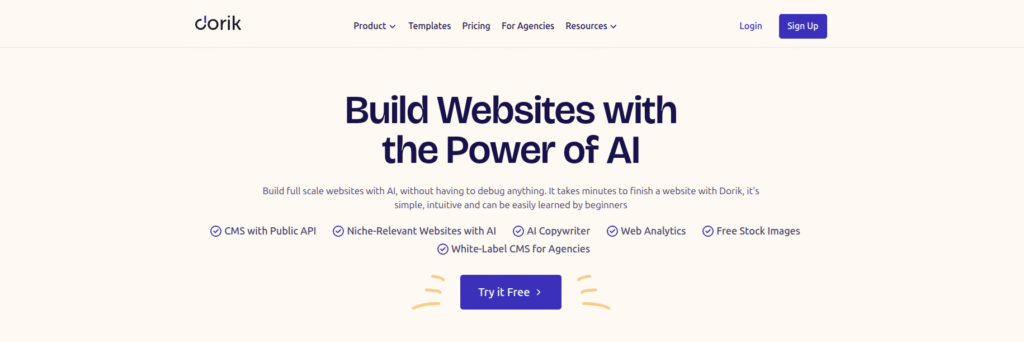
Dorik is a newer platform that has gained quiet popularity among creators seeking minimalist, professional websites. It offers clean templates, customizable sections, and an editor that feels fast and intuitive. Dorik supports membership sites, blogs, landing pages, and simple ecommerce setups. Many users appreciate the lightweight structure, which helps sites load fast and maintain excellent performance. Dorik also includes integrations for email marketing, forms, payments, and automation tools. Its focus on minimal design makes it perfect for startups, consultants, and creative professionals. Though not mainstream, this online webpage creator delivers impressive value and performance.
Who Is Dorik Best For?
- Startups needing minimal, modern layouts
- Creators who value simplicity and speed
- Users building membership sites or blogs
- Professionals wanting clean, high-performance pages
Webnode: A Global Website Builder With Multilingual Strength
Key Features
| Category | Details |
| Strength | Easy multilingual site creation |
| Tools | Ecommerce, forms, SEO |
| Ideal Users | International businesses |
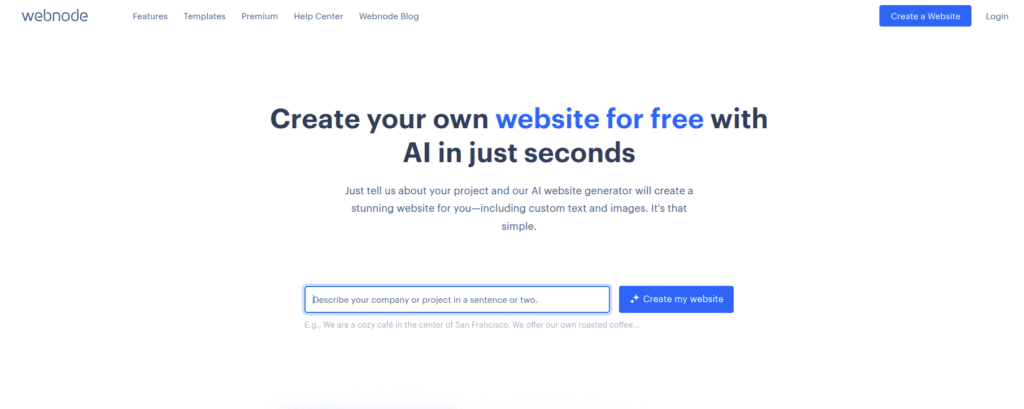
Webnode stands out for its multilingual capabilities, allowing users to create websites in multiple languages with ease. This makes it ideal for international businesses, freelancers, and service providers targeting global audiences. Its templates are clean, responsive, and well-structured for various industries. Webnode’s interface is simple enough for beginners yet offers flexibility for customization. The platform includes ecommerce tools, form builders, SEO settings, and analytics tracking. Users can build personal sites, portfolios, and business pages without complications. Although not widely known, Webnode remains one of the best choices for multilingual projects. When paired with an online webpage creator, Webnode becomes a powerful tool for global reach.
Who Is Webnode Best For?
- Businesses targeting international audiences
- Creators needing multilingual site support
- Users who want simple yet flexible designs
- People who need quick setup with global reach
SITE123: A Beginner-Friendly Platform With Guided Setup
Key Features
| Category | Details |
| Strength | Guided building process for beginners |
| Tools | Hosting, SEO, ecommerce |
| Best For | Small business + personal sites |
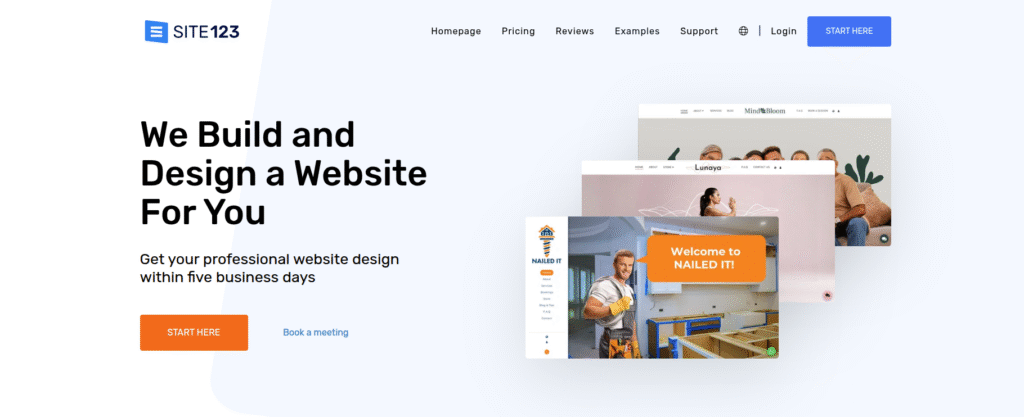
SITE123 offers a guided setup process, making it one of the most beginner-friendly builders available. The platform simplifies website creation by letting users choose structures and layouts upfront. Its editor provides essential customization options without overwhelming beginners. SITE123 also includes ecommerce features, blogging tools, and built-in SEO settings. Templates cover a wide range of industries, from restaurants to consulting services. This builder focuses on accessibility and efficiency, helping users get online fast. SITE123 includes hosting, security, and responsive design by default. While it won’t appeal to advanced developers, it’s perfect for individuals who want to publish a clear, functional website quickly. Combined with an online webpage creator, SITE123 becomes a powerful tool for effortless site building.
Who Is SITE123 Best For?
- Beginners wanting a guided builder
- Users needing fast setup with no complexity
- People creating small business sites
- Anyone wanting built-in hosting + security
Conclusion
Selecting the ideal platform depends on your project goals, design needs, and future growth plans. The lesser-known builders featured in this guide highlight how much versatility exists beyond mainstream options. Each platform offers unique strengths, some excel in storytelling, others in lightning-fast deployment, agency workflows, multilingual support, or creative freedom. Using an online webpage creator ensures you can build a modern, responsive website without relying on developers or complex coding. Exploring alternative tools also allows you to find a builder that aligns more closely with your brand identity rather than settling for generic templates. As the digital landscape evolves, these underrated builders continue introducing innovative features that make website creation easier and more engaging. Taking the time to evaluate your needs will help you invest in a tool that not only supports your current project but also adapts as your online presence expands.

Leave a Reply