
Managing multiple projects across teams often leads to misalignment, delayed timelines, and budget overruns, especially when organizations rely on emails, spreadsheets, and disconnected tools. Online program management software eliminates these gaps by centralizing planning, execution, and reporting, addressing the fact that 54% of organizations still lack real-time visibility into program performance, which can increase delivery costs by up to 25%.
By unifying multiple projects under a single framework, program management software improves strategic alignment and execution. Organizations using structured program-level tools are 2.5× more likely to deliver initiatives on time and achieve 30–35% better budget control than those using manual methods. Advanced capabilities like dependency tracking across projects, resource forecasting, and executive dashboards enable leaders to monitor results instead of just managing tasks.
In 2026, adoption is still rising, with more than 70% of mid-to-large organizations using program management platforms to handle complex initiatives. These organizations report 28% faster delivery, 33% stronger collaboration, and a 45% reduction in manual reporting, making these platforms essential for scalable and predictable growth.
What Is Online Program Management Software?
Online program management software is a digital platform that helps organizations plan, track, execute, and analyze programs made up of multiple related projects. Since it’s cloud-based, teams can collaborate from any location and maintain updated progress records in real time.
Best Project Management Applications focus on delivering single projects, whereas program management tools manage the overall strategy, ensuring alignment with organizational objectives, optimized resource allocation, and proactive risk control.
Core Functions:
- Strategic planning & program roadmapping
- Multi-project scheduling & dependency mapping
- Budget forecasting & resource allocation
- Performance tracking through KPIs & dashboards
- Risk, issue, and change-control management
- Unified collaboration across teams
This structure reduces disorder and provides leaders with full visibility across the entire program ecosystem.
Why Businesses Need These Software in 2026
Modern workplaces are hybrid, multi-departmental, and outcome-driven. Organizations are no longer managing isolated projects; they’re running interconnected initiatives that must align with long-term business objectives. This trend is driving businesses to adopt program management solutions that improve governance, boost visibility, and enable scalable expansion.
Key Reasons:
- Enables Remote & Hybrid Collaboration: With over 70% of teams now working remotely or hybrid, online access is essential. A shared digital workspace reduces communication gaps and improves accountability, increasing cross-team collaboration by over 30%.
- Eliminates Siloed Execution: When departments operate independently, priorities clash and delivery slows. Research shows that isolated team structures may reduce productivity by up to 21%. A centralized program management system keeps workflows aligned, standardizes processes, and ensures consistent communication across teams.
- Improves Resource Utilization & Cost Control: Poor resource planning is responsible for nearly 40% of project delays. By enabling skill-based assignments and balanced workload distribution, program management tools can reduce budget overruns by 20–30%.
- Provides Real-Time Leadership Visibility: Executives need instant clarity, not fragmented reports. Central dashboards, KPIs, and risk indicators give leadership real-time insights into program health, improving decision-making speed by up to 35%.
- Enables growth at scale: Organizations expanding operations or launching new initiatives require systems that can scale alongside them. Companies using structured program management frameworks report up to 28% faster execution during expansion initiatives.
Essential Features of Program Management Software
Since program management platforms and Project Management Apps differ in features, it’s essential to pick one that supports daily execution as well as strategic oversight. Prioritizing functionalities like task tracking, resource allocation, automation, and reporting ensures long-term success and keeps teams aligned with broader business goals.
- Program Roadmaps & Gantt Timelines: Visual timelines help teams track initiative progress, understand dependencies, and predict bottlenecks.
- Automated Reporting & Real-Time Dashboards: Custom report generation saves hours of manual work and makes leadership reporting effortless.
- Resource & Capacity Planning: Matching workload with skill sets eliminates burnout and staffing shortages.
- Budget, Expense & Financial Tracking: This prevents overspending and monitors financial performance compared to initial forecasts.
- Risk & Change Management Systems: Managing unknowns protects timelines, scope, and deliverables.
- Cross-Platform Integrations: Connections with CRM, ERP, communication tools, or development platforms streamline workflows.
- Role-Based Permissions: Secure access control protects confidential data and department boundaries.
These features help teams run day-to-day work while providing leaders with the visibility required for strategic decision-making.
Which Industries Uses These Software?
Their flexible design makes them suitable across multiple industries and use cases.
| Industry | Use Case | Key Figures |
|---|---|---|
| IT & Software | Agile program management and product releases | 86% of software teams use Agile methods |
| Education | Course development and academic planning | Integrated systems cut admin costs by ~25% |
| Construction | Multi-site projects and compliance tracking | Project software improves delivery speed by ~20% |
| Marketing & Creative | Campaign ecosystems and asset delivery | 86% of marketing teams use Agile practices |
| Manufacturing | Vendor coordination and quality programs | Workflow tools consume ~10% of operational budgets |
| Government & NGOs | Policy execution and compliance | 80% of government IT projects use Agile methods |
| Healthcare & Research | Clinical programs and R&D | 60% report improved visibility after adoption |
If an organization manages interconnected projects with mutual outcomes, program management software fits.
5 Best Online Program Management Software in 2026
Choosing the right program management platform boosts visibility, collaboration, and execution across complex initiatives. Here are the five top-rated tools from last year that excel in both project and program management.
1. ClickUp — Best All-in-One Work & Program Management Platform

Ideal for: All-size teams, cross-functional collaboration, and flexible program structures
Why It’s Great:
ClickUp Project Management Software is used by more than 10 million users and 800,000 teams worldwide, making it one of the most widely adopted project management platforms. It combines task management, program-level oversight, documentation, and automation into a single workspace. What makes ClickUp especially effective for program management is its ability to scale from granular task tracking to high-level portfolio and goal monitoring, making it well-suited for complex, multi-project environments. Organizations using ClickUp report up to 30% faster project execution and a 25% reduction in tool-switching time thanks to its all-in-one design and deep integrations.
Key features: Custom views (List, Board, Gantt, Timeline), Goals and Portfolios, automated workflows, native Docs and knowledge sharing, real-time reporting dashboards, and 1,000+ integrations to keep teams connected without context switching.
2. Monday.com — Best for Visual Program Planning & Team Communication
Ideal for: Marketing, creative, and operations teams
Why It’s Great:
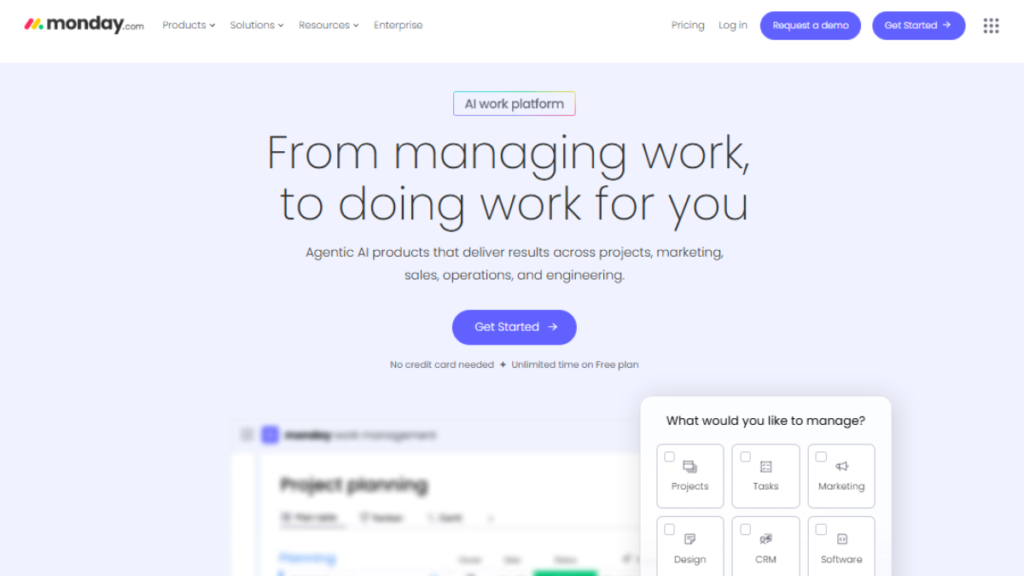
Monday Project Management Software is a widely used platform, trusted by 180,000+ customers worldwide. It brings project tracking, program visibility, workflow automation, and team collaboration into a single visual workspace. What makes Monday.com effective for program management is its highly customizable structure, allowing teams to design workflows, dashboards, and automations that reflect how different departments operate. Organizations using Monday.com report up to 30% improvement in operational efficiency and reduced time spent on manual updates and status meetings, making it ideal for managing both structured and evolving program environments.
Key features: Custom boards, timelines, and dashboards, automation recipes, workload management, reporting widgets, role-based permissions, and integrations with Slack, Microsoft Teams, and Zoom.
3. Wrike — Best for Enterprise Program & Portfolio Management
Ideal for: Large enterprises and marketing/operations programs
Why It’s Great:
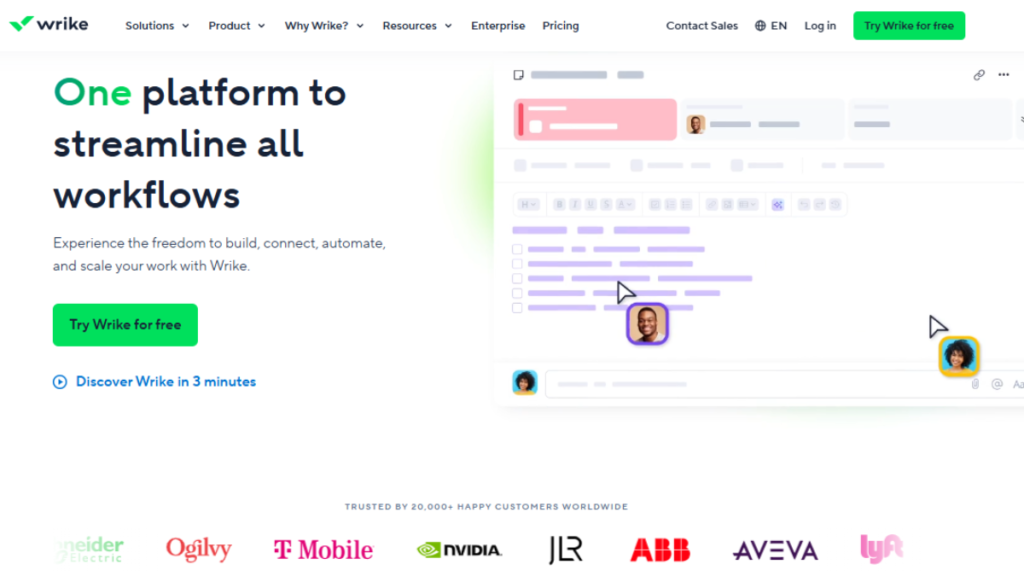
Wrike is a powerful online program management software platform built for organizations managing complex, multi-project ecosystems. It is used by 20,000+ organizations worldwide to handle cross-project dependencies, resource planning, and real-time reporting at scale. What makes Wrike especially effective for program management is its strong portfolio-level visibility and advanced analytics, enabling program managers to clearly understand how initiatives interconnect and where risks or bottlenecks may arise. Teams using Wrike report up to 20% improvement in on-time delivery due to its interactive dashboards and Gantt-based planning tools that provide instant insight into overall program health.
Key features: Interactive Gantt charts, dashboards, cross-project reporting, AI recommendations, and scalable user management.
4. Asana — Best for Team Collaboration & Task-Level Execution
Ideal for: Small to medium teams, agile and hybrid work environments
Why It’s Great:
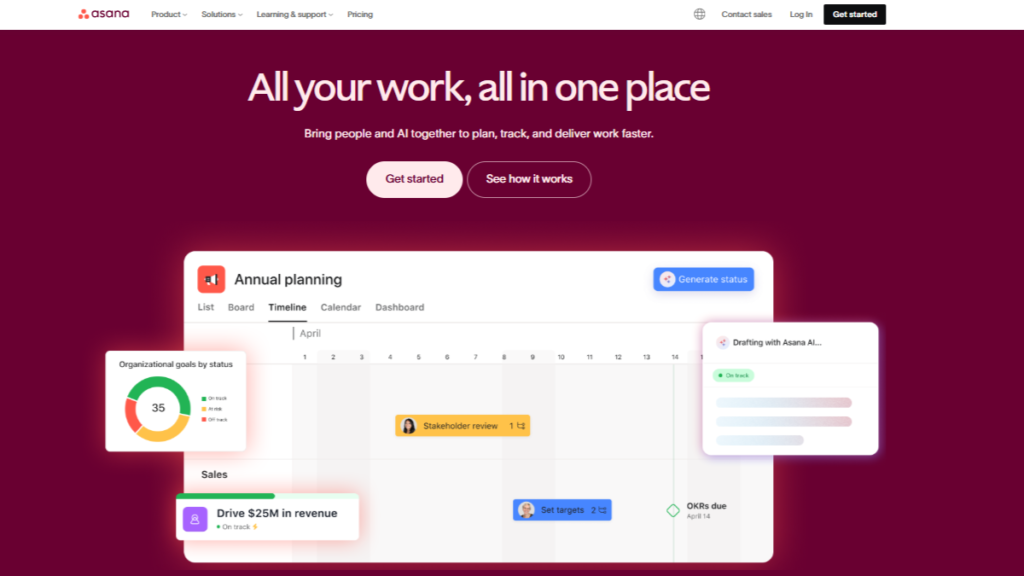
Asana Project Management Software is designed for organizations that need clear alignment between daily work and long-term objectives. Trusted by 140,000+ paying organizations worldwide, it enables teams to manage interconnected projects through goals, portfolios, and dependency tracking. Asana’s structured workflows help reduce ambiguity and handoff delays, and organizations using the platform report up to 45% faster project completion and improved accountability across cross-functional programs. Its emphasis on visibility makes it especially effective for leadership reporting and outcome tracking.
Key features: Task dependencies, timelines and workload view, goals and portfolios, automation rules, real-time reporting, and integrations with Slack, Microsoft Teams, and Google Workspace.
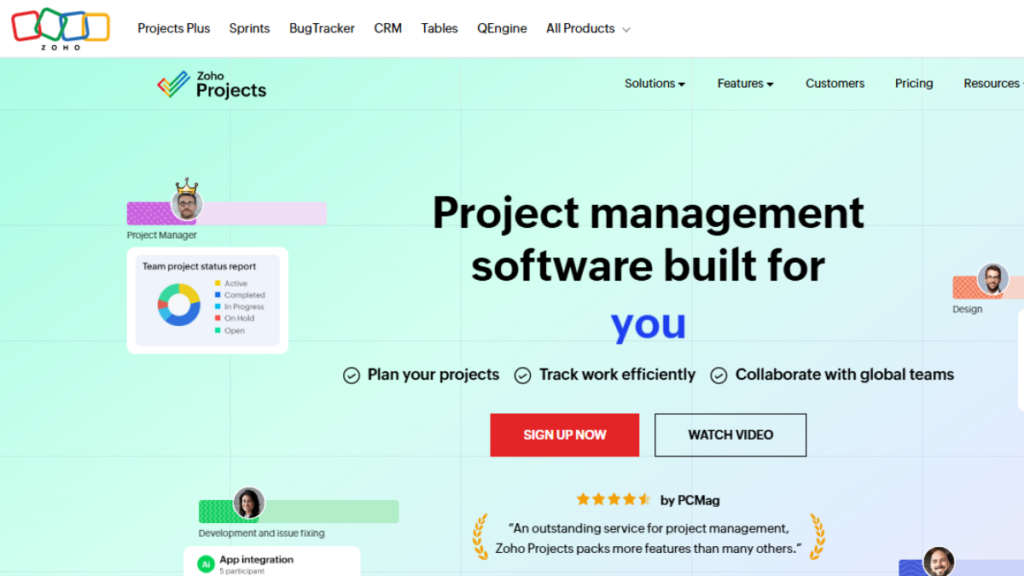
5. Zoho Projects — Best Budget-Friendly Online Program Management Tool
Ideal for: Small businesses and growing teams
Why It’s Great:
Zoho Project Management Software Zoho Project Management Software is a highly cost-effective online program management software solution, used by 100,000+ businesses globally to manage projects and early-stage programs without heavy investment. It brings together task automation, time tracking, Gantt charts, and detailed reporting in a single platform, making it ideal for teams transitioning from spreadsheets and manual processes. What adds significant value is its seamless integration with the broader Zoho ecosystem, including CRM, Desk, and Books, allowing organizations to manage execution, customer data, and financial tracking within one connected system.
Key features: Gantt charts, task automation, milestone tracking, time logs, and comprehensive integrations.
How to Choose the Right Tool for Your Business
When evaluating online program management software, it’s essential to assess both your current needs and future growth plans. The right platform should support your team structure, program complexity, and reporting expectations without creating unnecessary overhead.
Key factors to consider include:
- Team size: Small teams often need simplicity and affordability, while enterprises require advanced controls, permissions, and portfolio visibility.
- Program complexity: Consider the number of projects, dependencies, and cross-functional workflows your programs involve.
- Reporting requirements: Determine whether real-time dashboards, KPIs, and executive-level analytics are necessary for decision-making.
- Integrations: Ensure the software connects seamlessly with your existing tools, such as CRM, communication, and finance platforms.
- Budget and scalability: Evaluate free or entry-level plans versus enterprise pricing to ensure the platform can scale as your organization grows.
Each of the tools discussed above delivers distinct value depending on your priorities, whether that’s ease of adoption, enterprise-grade reporting, cost efficiency, or comprehensive program-level oversight, making it easier to select a solution aligned with your operational goals.
Best Practices for a Successful Implementation
Even the best can fail if not implemented correctly. Follow these key steps to ensure successful adoption and maximize its impact across your teams.
1. Start with a Pilot Program: Roll it out to one department before launching organization-wide.
2. Train Teams Before Enforcement: Adoption increases when users understand the benefits.
3. Set Standard Naming Conventions & Templates: Consistency eliminates confusion and misaligned documentation.
4. Connect It With Existing Tools: Integrations reduce friction and increase adoption.
5. Review Dashboards Weekly: Leaders should evaluate risks, roadblocks, and progress continuously.
Conclusion
Online program management software has evolved from a convenience to a necessity. In a business world where speed, alignment, accuracy, and productivity determine competitive advantage, organizations need systems that connect strategy to execution.
With the right platform, companies avoid fragmented workflows, improve collaboration, balance resources thoughtfully, and monitor performance based on measurable outcomes. Businesses that invest in program management tools in 2026 are choosing sustainability, clarity, and scalable growth.
FAQs
It helps organizations manage multiple related projects in one system, improving coordination, visibility, and execution.
Project tools handle individual tasks, while program tools focus on alignment, dependencies, and overall outcomes.
Teams of any size are managing cross-functional or long-term initiatives.
Dashboards, resource planning, automation, reporting, and integrations.
Yes, many platforms are scalable and affordable for growing teams.
