
Starting a WordPress site doesn’t always require a big budget, especially when you make smart use of free hosting solutions. With the right approach, you can still create a stable, responsive, and visually appealing website that performs well for visitors and later, upgrading to the fastest hosting for WordPress can further improve speed. Many beginners choose free web hosting for WordPress website projects because it provides an easy entry point without upfront costs, making it ideal for learning, experimenting, or launching simple blogs and portfolios.
However, free hosting comes with certain limitations, which is why following essential best practices becomes crucial. By selecting lightweight themes, limiting unnecessary plugins, compressing images, and maintaining consistent backups, you can significantly improve your site’s performance. These steps help you make the most of the available resources and ensure your website remains functional and user-friendly as it grows. Free hosting can be a practical stepping stone toward a more advanced and scalable setup later.
What Is Free Web Hosting?
Free web hosting refers to services that allow you to run a website without paying for server space. These platforms typically provide limited storage, bandwidth, and features, yet they’re perfect for experimenting, learning, or launching a basic site.
However, it’s important to understand the limitations:
- You may get less storage and bandwidth
- Some platforms display ads
- You might use a subdomain instead of a custom domain
- Support and performance may be limited compared to paid hosting
But free hosting is still a powerful starting point, especially when you are trying to create a free web hosting for WordPress website setup for the first time.
Why Consider Free Hosting for a WordPress Website?
You may want free hosting for multiple reasons. For example:
1. Learning Phase: If you’re new to WordPress, free hosting lets you practice without paying upfront. You can experiment with themes, plugins, and layouts.
2. Testing Ideas: Many business owners use a free platform to test their ideas before investing in paid plans.
3. Personal or Temporary Projects: A school project, personal blog, or temporary landing page doesn’t require a full paid hosting plan.
4. Budget Constraints: If you’re a student, freelancer, or beginner, saving money in the initial phase is important.
In all these cases, exploring free web hosting for WordPress website platforms makes perfect sense.
Top 5 Platforms for Free Web Hosting for WordPress Website
Below are the top options you can use to host your WordPress or WordPress-style site for free. Each platform offers different features and is suitable for different purposes.
1. GoDaddy (Free Trial) | Premium-Like Hosting
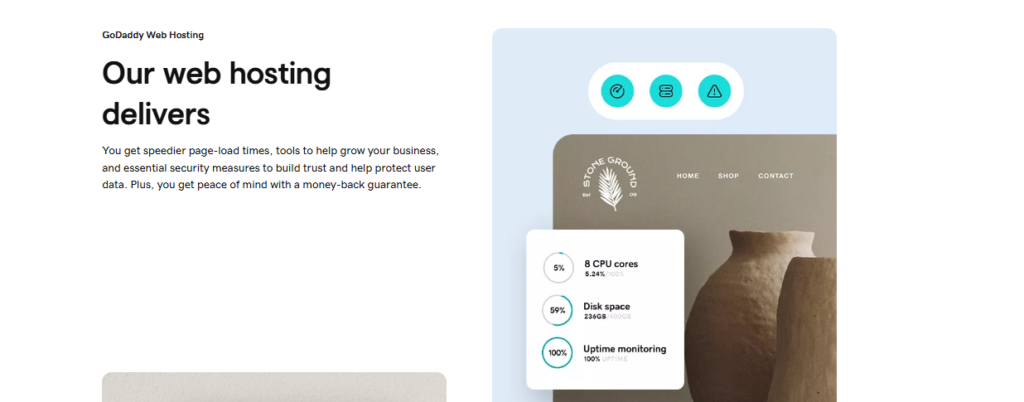
GoDaddy’s free trial offers users the opportunity to explore its website-building tools and hosting environment before committing to a paid plan. While not a forever-free service, the trial gives full access to GoDaddy’s intuitive builder, marketing features, and professional templates. Users can quickly create websites for business, blogging, portfolios, or services using guided prompts and customizable layouts. For those interested in WordPress, GoDaddy provides WordPress hosting options where the CMS is pre-installed, making setup simple and fast.
During the free trial, users can test site speed, uptime reliability, customer support, and ease of use, important factors when choosing long-term hosting. This makes the trial especially beneficial for entrepreneurs and beginners who want to evaluate performance without financial risk. Although the trial ends and requires upgrading, it’s a practical way to see whether GoDaddy’s ecosystem fits your long-term website goals.
Key Features of GoDaddy (Free Trial)
- WordPress pre-installed
- cPanel access (for some plans)
- Good uptime performance
- Easy domain setup
- Basic analytics and backups
Why Use GoDaddy’s Free Trial?
GoDaddy is one of the biggest names in the hosting world. Their free trial is a great way to explore WordPress hosting with premium-level features. You get real server access, fast loading speeds, and the chance to build a fully functional WordPress website.
If you are serious about creating a long-term site, GoDaddy’s free trial is a strategic way to test everything before paying.
2. Google Cloud ( Free Tier )
Google Cloud’s free tier offers an advanced hosting environment ideal for users who want full technical control and enterprise-level performance. With $300 in free credits and an always-free tier, users can deploy WordPress through Compute Engine or use preconfigured marketplace images for quicker setup. Google Cloud provides exceptional speed, security, and scalability, making it suitable for developers, tech-savvy users, or businesses wanting to learn cloud hosting. During the free tier period, users can experiment with server configurations, manage databases, install custom plugins, and optimize performance. Its global infrastructure ensures fast loading speeds across regions, and built-in tools like monitoring, APIs, and automated backups provide a professional-level environment.
While the learning curve is higher than traditional builders, those who want hands-on experience with cloud technologies benefit greatly. Google Cloud’s free tier is a powerful way to test robust hosting without upfront costs.
Key Features of Google Cloud (Free Tier)
- Always-free usage limits
- Ability to install WordPress manually
- Unmatched performance and reliability
- Scalable infrastructure
- Enterprise-grade security
Why Use Google Cloud for WordPress?
This is the closest you can get to premium hosting without paying. You can install a full WordPress website, configure servers, and enjoy blazing-fast speeds. It’s perfect for developers, tech-savvy users, or anyone who wants to learn cloud hosting.
If your goal is serious high-performance or you’re looking to get one of the fastest hosting for WordPress, Google Cloud is one of the best options available.
3. InfinityFree
InfinityFree is one of the few platforms offering truly free hosting with support for WordPress installation, making it ideal for students, hobbyists, and beginners who want a cost-free environment to build a real website. It includes unlimited bandwidth, free SSL certificates, and PHP/MySQL support without forcing ads on your site. The control panel allows users to install scripts, create databases, and customize settings similar to paid hosting platforms. Although storage is limited and performance may not match premium hosts, InfinityFree remains a strong option for learning WordPress, experimenting with themes and plugins, or running small projects. It’s especially useful for testing website ideas before upgrading to a paid host.
The platform’s generous free features, combining no-cost hosting with genuine flexibility, make it one of the most practical choices for users looking to build a functional website without spending money.
Key Features of InfinityFree
- Unlimited bandwidth
- Free SSL certificate
- Supports WordPress installation
- 5GB storage
- Free subdomain options
Why Choose InfinityFree?
If you want real free web hosting for WordPress website, InfinityFree is one of the strongest choices. You can install plugins, themes, and build a complete WordPress site, all without paying for hosting.
While the performance is not comparable to premium hosting, it is excellent for beginners, students, and small test projects.
4. AwardSpace
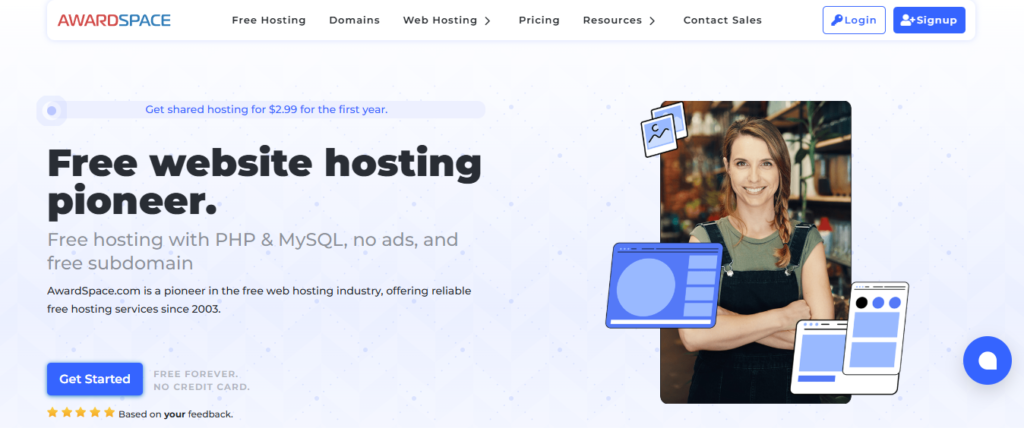
AwardSpace offers a genuinely free hosting plan that supports full WordPress installation, making it a practical option for beginners and small projects. With 1 GB of SSD storage, 5 GB monthly bandwidth, and a free subdomain, AwardSpace provides enough resources to run basic blogs, portfolios, and learning sites. Its one-click WordPress installer makes setup fast and simple, while PHP and MySQL support allow full customization using themes, plugins, and page builders. AwardSpace is also completely ad-free, ensuring your site looks clean and professional even on the free plan.
The platform includes a user-friendly control panel, helpful documentation, and decent uptime for a free host. While it’s not suitable for high-traffic websites, it works perfectly for testing ideas, learning WordPress, or hosting lightweight projects. For users who want reliable, no-cost WordPress hosting, AwardSpace remains one of the most accessible and beginner-friendly platforms available.
Key Features of AwardSpace Free Hosting Plan
- 1 GB free SSD storage
- 5 GB monthly bandwidth
- One-click WordPress auto-installer
- Free subdomain included
- Ad-free hosting environment
Why Use AwardSpace for WordPress?
AwardSpace is an excellent choice for beginners seeking free, ad-free WordPress hosting with all the necessary core features. Its one-click installer makes setup simple, while PHP and MySQL support allow full customization with themes and plugins. It’s a reliable choice for small blogs, portfolios, and testing WordPress without any upfront cost.
5. ByetHost (Free Hosting Service)
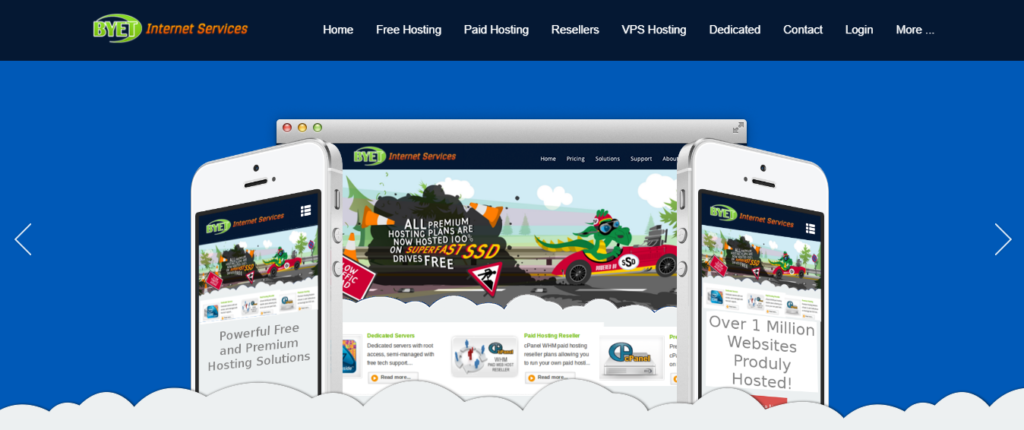
ByetHost is a reliable free hosting provider offering a full-featured environment for running a WordPress website without any cost. It includes PHP, MySQL, and a powerful control panel, giving you access to tools usually found in paid hosting plans. With 1 GB of free storage and unmetered bandwidth, ByetHost is suitable for small blogs, student projects, or basic testing environments. You can install WordPress manually or use the one-click installer available through the Softaculous app installer in the control panel.
ByetHost is ad-free and offers decent performance for a free platform. It also provides a free subdomain, making it easier to launch your WordPress site quickly. While it won’t match premium hosting speeds, it’s a practical choice for beginners or anyone needing a stable, no-cost hosting setup for learning or experimenting.
Key Features of ByetHost
- 1 GB free storage
- Unmetered bandwidth
- Free subdomain included
- One-click WordPress installer
- PHP, MySQL & FTP access
Why Use ByetHost for WordPress?
ByetHost offers one of the most complete free hosting environments for WordPress users. With script installers, FTP access, and no forced ads, it gives you a clean setup for learning and building small websites. It’s especially helpful for beginners or students who want real hosting features without paying anything.
Benefits of Using Free Hosting for WordPress
Here are some major benefits of choosing free web hosting for WordPress website setup:
1. No Cost: You can build and experiment without financial pressure. Later, when you’re ready to scale your store, upgrading to the best web hosting service for ecommerce or premium hosting ensures better performance and security.
2. Learning Opportunity: Free hosting allows you to understand the basics of:
- Themes
- Plugins
- Server management
- Website optimization
3. Safe Testing Environment: Before launching a business website, testing on free hosting helps you avoid costly mistakes.
Best Practices for Using Free Hosting
Even with free hosting, you can optimize your WordPress site by following these tips:
1. Limit Plugins: Too many plugins slow down performance.
2. Use Image Compression: Use tools like TinyPNG or Smush.
3. Regular Backups: Use backup plugins like UpdraftPlus for safety.
4. Upgrade When Needed: When traffic grows, shift to paid hosting.
Recommended Free Hosting Option: GoDaddy Free Trial
If you want a smooth, professional experience while starting your journey, GoDaddy’s free trial stands out. It offers pre-installed WordPress, intuitive site-building tools, and real server access, giving beginners a chance to build a fully functional website with minimal setup. Unlike fully free platforms, GoDaddy lets you test your site’s performance, speed, and uptime in a real-world environment, all without paying upfront.
Conclusion
Using free hosting effectively requires a balanced strategy that focuses on performance, security, and long-term planning. Many beginners rely on free web hosting for WordPress website setups to start their online journey, but maintaining a smooth experience involves adopting the right optimization habits. By applying key practices such as managing plugins carefully, choosing efficient themes, compressing images, and scheduling backups, your website can stay fast and reliable, even with limited server resources.
While free hosting helps you get started, it’s important to continuously monitor your site’s growth and upgrade when the time is right. As your traffic increases and your goals expand, shifting to a paid hosting plan ensures better uptime, speed, and professional support. Until then, implementing these best practices will help you maximize performance and keep your WordPress site running smoothly, giving you a strong foundation for future success.
