


Creating a professional email address is one of the most important steps in building trust, branding, and credibility for your business. Whether you run a startup, agency, online store, or a service-based business, having yourname@yourbusiness.com instantly makes you look reliable and established. The good news is that you don’t always need to pay for an email service, many tools allow you to set up the best free business emails without any upfront cost.
In this comprehensive guide, you’ll learn four easy and effective ways to create your own free business email account. You’ll also understand how each method works, what tools you’ll need, the benefits, and what to avoid. These tips are perfect for entrepreneurs who want a professional email setup without expensive monthly subscriptions.
Throughout this blog, we’ll explore the best free business emails options from hosting providers, productivity platforms, domain registrars, and website builders. By the end, you’ll know exactly which method suits your business and how to set everything up in just a few minutes.
Why Having a Business Email Matters
Before diving into the four methods, it’s important to understand why business email is a must. Whether you’re marketing your brand or communicating with customers, your email address signals professionalism. For example, john@yourbrand.com looks far more credible than yourbrand123@gmail.com. Customers trust brands that invest in professional communication channels.
The good news is that you don’t need a premium service to get started. The best free business emails offer excellent features like inbox storage, mobile access, spam protection, and essential security tools. While premium plans offer more advanced features, most small businesses can operate smoothly using free options.
Free Business Email Providers – Comparison Table
| ProviderType | Examples | What You Get | Best For | Limitations |
| Hosting Providers | Hostinger, Bluehost | Free domain email with hosting | Website owners | Requires hosting plan |
| Zoho Mail (Free) | Zoho Mail | 1 mailbox, 5GB storage | Users with a domain | Single-user only |
| Domain Registrars | Namecheap, IONOS | Free trial or forwarding | Beginners without hosting | Often temporary |
| Website Builders | Wix, WordPress.com | Free/trial email with website | DIY website creators | Limited-time free access |
4 Ways to Get the Best Free Business Emails for Your Brand
Below are the four easiest and most reliable methods to create free professional emails for your business.
Method 1: Get Free Business Email from Your Hosting Provider
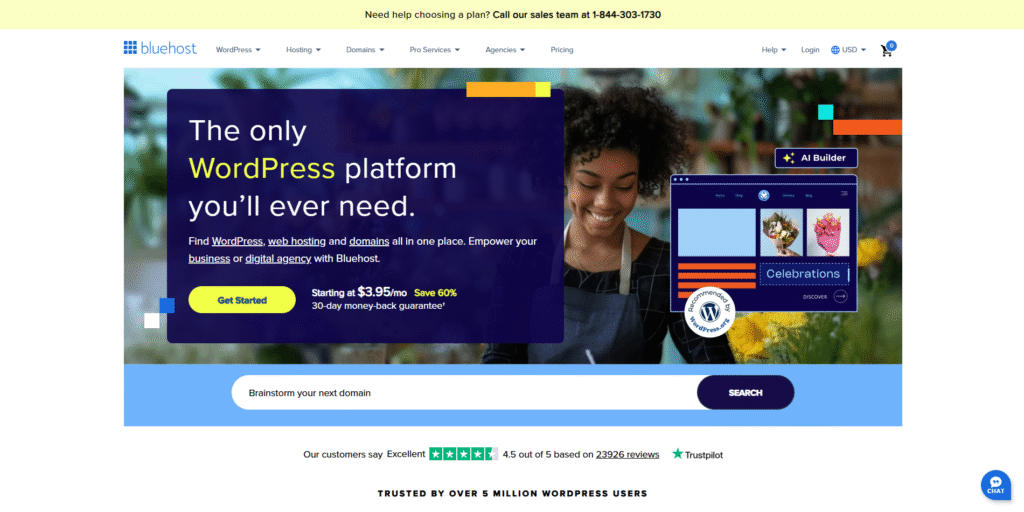
One of the simplest ways to create a free business email address is through your website hosting provider. Most hosting companies offer complimentary email accounts when you buy a domain or hosting plan. Even low-cost hosting packages often include this feature.
How It Works
When you purchase hosting from providers like Hostinger, Bluehost, A2 Hosting, or SiteGround, you usually get access to the hosting control panel (cPanel or hPanel). Inside it, there’s a built-in option to create professional email addresses using your domain.
For example:
- yourname@yourdomain.com
- support@yourdomain.com
- contact@yourdomain.com
You can create multiple emails, depending on the hosting plan.
Why This Is One of the Best Free Business Emails Options
- Easy to set up
- No extra payment for the email
- Access through webmail or email apps
- Ability to create multiple team email addresses
- Spam filters and basic security included
What You Need
- A domain name
- A hosting plan that supports email (many start at very low annual prices)
Best For
Freelancers, small businesses, and bloggers who want complete control over their domain and brand identity. This is one of the most reliable ways to get started with the best free business emails, especially if you already have hosting or plan to build a website.
Method 2: Use Zoho Mail’s Forever Free Plan

Zoho Mail is one of the most popular tools for creating business emails without any cost. Their “Forever Free” plan allows you to create a professional email address using your domain with powerful inbox features. Zoho Mail is known for its clean interface, ad-free environment, and strong security features. It’s a great alternative to Gmail and Outlook, especially for beginners.
What You Get with the Free Plan
- 5GB storage per user
- One free business email address
- Mobile app access
- IMAP/POP support
- Spam protection
- Professional dashboard
Why It’s Among the Best Free Business Emails Services
This method allows you to create a business email without needing a hosting plan. If you already own a domain, you can connect it to Zoho Mail instantly. Zoho guides you through DNS setup, which takes only a few minutes.
Their platform also integrates with other Zoho suites like CRM, Projects, and Docs, making it perfect for businesses that want more than just email.
Best For
Startups, agencies, freelancers, and consultants who already have a domain but don’t want to pay for hosting-based email services. Using Zoho Mail is one of the smartest ways to access the best free business emails with an advanced and user-friendly inbox.
Method 3: Use Free Email from Your Domain Registrar
Many domain registrars offer free business email trials or limited plans that allow you to create a professional email address. While not everyone knows this, it’s one of the most underrated methods to get the best free business emails without paying for hosting.
Registrars like Namecheap, IONOS, and GoDaddy provide free or low-cost email solutions when you purchase a domain through them. Some even offer one free mailbox for a year.
How It Works
Once you buy a domain from these registrars, you can access their dashboard to enable your business email service. Some may offer:
- Free email forwarding
- A limited-time free mailbox
- A permanent free basic email account
Benefits
- No hosting account needed
- Very easy setup
- Good for businesses that don’t have a website yet
- Secure inbox and mobile access included
Limitations
Some registrars offer the email service temporarily (like 3–12 months), but that’s usually enough for early-stage businesses. After that, you can switch to another provider like Zoho or migrate to Google Workspace if needed.
If you want the best free business emails that work smoothly without technical steps, using domain registrar email is a simple and flexible option.
Method 4: Use Free Business Email from Website Builders
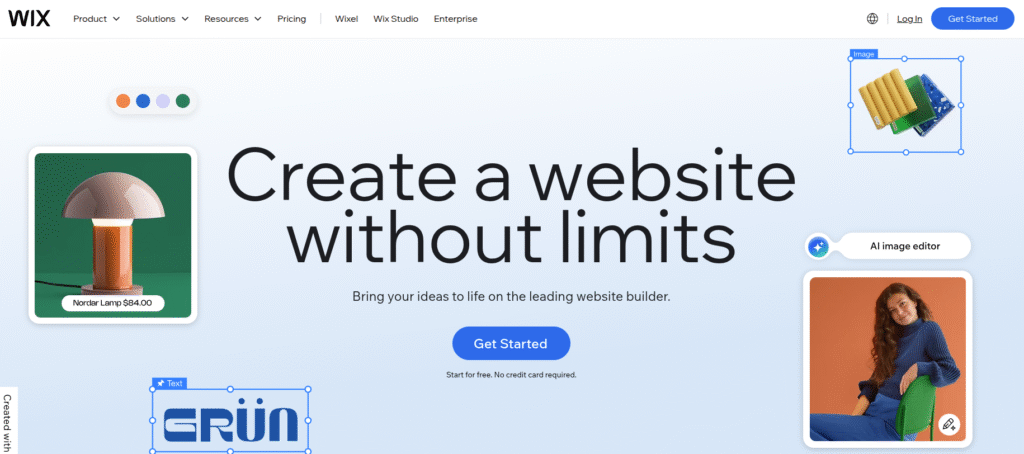
Website builders like Wix, WordPress.com, Weebly, and Squarespace are widely used to create small business websites quickly. What many users don’t know is that some of these platforms offer free or trial-based business email accounts.
While not all builders offer permanent free emails, they usually provide:
- Free email for 3–6 months
- Free forwarding
- Built-in domain-based email setup
Why This Method Works Well
If you plan to create a business site using a website builder, you can take advantage of their bundled email features. Many site builders integrate with email providers like Google Workspace and Microsoft 365, making the setup smooth and beginner-friendly.
Best For
- Entrepreneurs creating a quick website
- Service providers who want website + email together
- Small businesses that prefer visual website building tools
Even though some plans are limited, you can still enjoy the best free business emails features during the initial business stage and later upgrade or shift to a permanent free provider like Zoho.
Which Method Should You Choose?
All four methods are great depending on your plans and resources. Here’s a quick summary:
| Method | Best For | Cost |
| Hosting Provider Email | People with website hosting | Free with hosting |
| Zoho Mail | Anyone with a domain | 100% free |
| Domain Registrar Email | Beginners without hosting | Often free or trial |
| Website Builders | Anyone building a quick site | Free for limited time |
If you’re looking for long-term use, Zoho Mail and hosting provider email are the strongest options among the best free business emails services. If you need something quick and simple, domain registrar or website builder emails are perfect.
Tips to Improve Your Business Email Setup
Once you select one of the methods above, follow these tips to make your business email truly impactful:
1. Keep Your Email Format Clean
Use formats like:
- yourname@yourdomain.com
- info@yourdomain.com
- support@yourdomain.com
2. Enable Security Features
- Two-factor authentication
- Spam filters
- Domain verification
3. Add Your Email to All Brand Assets
- Website contact page
- Social profiles
- Google Business Profile
- Invoices and proposals
4. Use an Email Signature
Include:
- Name
- Company name
- Phone
- Website
- Social links
This makes your communication professional and trustworthy.
Conclusion
Choosing the right method to create your business email doesn’t have to be complicated or costly. With the options covered in this guide, you can easily set up the best free business emails using hosting providers, Zoho Mail, domain registrars, or website builders, each offering dependable features for different business needs. A professional email address strengthens your brand image, builds trust, and ensures smoother communication with clients and partners.
By picking the method that suits your goals and following the setup tips, you can create a clean, secure, and credible email identity without paying anything upfront. Using the best free business emails empowers you to present your business confidently and operate with professionalism from day one. Take the first step today and build a strong foundation for your brand’s communication.

Leave a Reply