

Most people choose mainstream builders without ever discovering the unique alternatives that offer better simplicity, speed, and creative freedom. When you look beyond popular names, you uncover a wide range of hidden tools designed for creators who want efficiency and originality rather than generic templates. These lesser-known platforms often include specialized features that major services overlook—features built to streamline workflows, enhance performance, or unlock true design flexibility. A rare website building platform can give you a cleaner interface, faster loading times, and a more intuitive creative process from the moment you start building.
By exploring these underrated options, you step into a world of modern editors, niche-focused functions, and beautifully crafted templates that help you design with purpose. Some prioritize minimalism, others highlight visual storytelling, and a few focus on speed or automation. If you want a website with character, better performance, and a memorable look, choosing a rare platform becomes one of the smartest decisions for your digital presence.
Before You Choose Your Builder
Here are the uncommon platforms worth considering if you want a website with personality, speed, and more room for creative control.
Siter.io: A Figma-Like Canvas for Designers
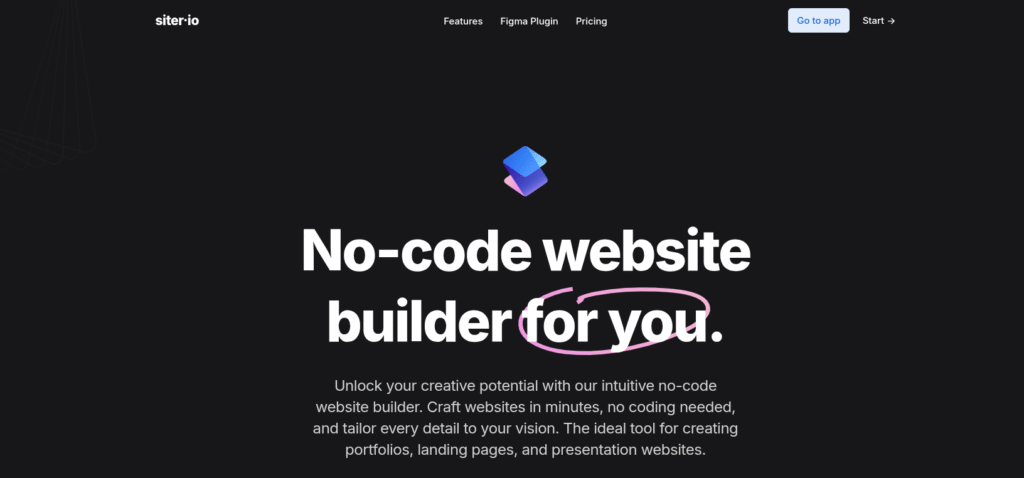
Siter.io gives designers a familiar environment by replicating the feel of Figma, allowing precise positioning, layering, and styling of elements. This approach provides unparalleled creative freedom without needing to code. It’s perfect for designers who want full control over layouts, grids, and spacing. The platform supports animations, custom interactions, and branded components. Unlike rigid template-based builders, Siter.io behaves as a blank canvas, allowing users to design detailed interfaces. Once published, sites remain fast, responsive, and visually consistent. Agencies and creatives enjoy this tool because it supports both prototyping and live deployment. This rare website building platform enables advanced design without sacrificing usability or performance.
Pros
- Offers full creative control with a Figma-like design experience, giving designers flexibility to build highly customized layouts.
- Supports advanced animations, micro-interactions, and reusable components that streamline long-term design updates.
- Ideal for creative agencies and designers who require pixel-perfect precision and a familiar interface.
- Produces fast, responsive websites even with detailed visuals and layered elements.
- Allows prototype-level design freedom while still enabling direct publishing.
Cons
- May feel challenging for beginners or users without design experience.
- Less suitable for content-heavy or CMS-driven websites.
- Smaller template library compared to major builders.
- Requires more design effort, increasing build time for non-designers.
Typedream: Notion-Style Simplicity with Style
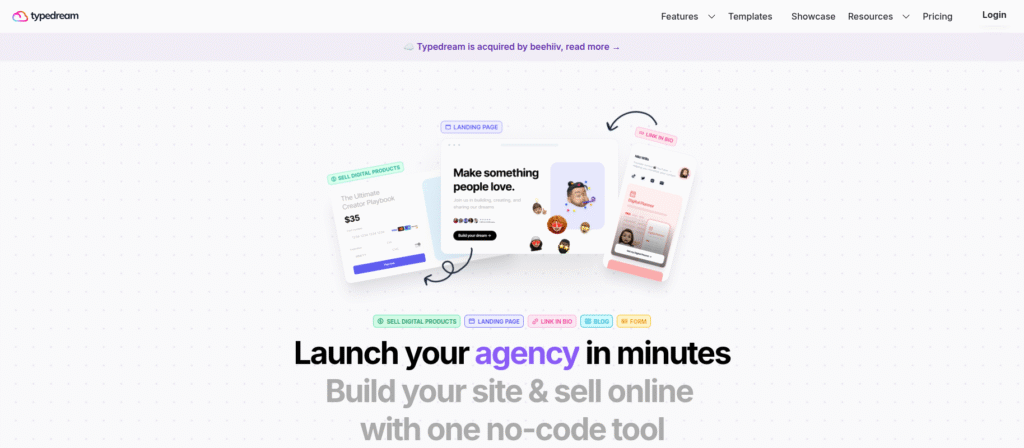
Typedream offers a clean, minimal interface that feels similar to Notion, making it approachable for beginners and non-designers. Users can build appealing personal sites, portfolios, blogs, or small business pages quickly. The platform supports embeds, forms, links, databases, and interactive elements, allowing users to build content-rich layouts with ease. Templates are modern and colorful, giving sites a polished yet friendly appearance. Integration with external tools enhances functionality without complicating the workflow. Typedream is ideal for creators, educators, and professionals who want a stylish website without diving into complex editors. As a lightweight website building platform, it emphasizes clarity, aesthetics, and ease of use for anyone seeking a smooth design process.
Pros
- Notion-style interface makes website creation extremely easy.
- Modern, polished templates suitable for personal sites and portfolios.
- Supports embeds, forms, databases, and interactive elements.
- Ideal for educators, creators, and total beginners.
- Clean, distraction-free workspace perfect for content-focused sites.
Cons
- Limited advanced design flexibility.
- Not suitable for complex, large multi-page builds.
- Fewer integrations compared to bigger platforms.https://dailywebtips.com/?p=2336&preview=true&_thumbnail_id=2455
- Styling limitations restrict highly branded designs.
Carrd: A Minimalist Builder with Big Results
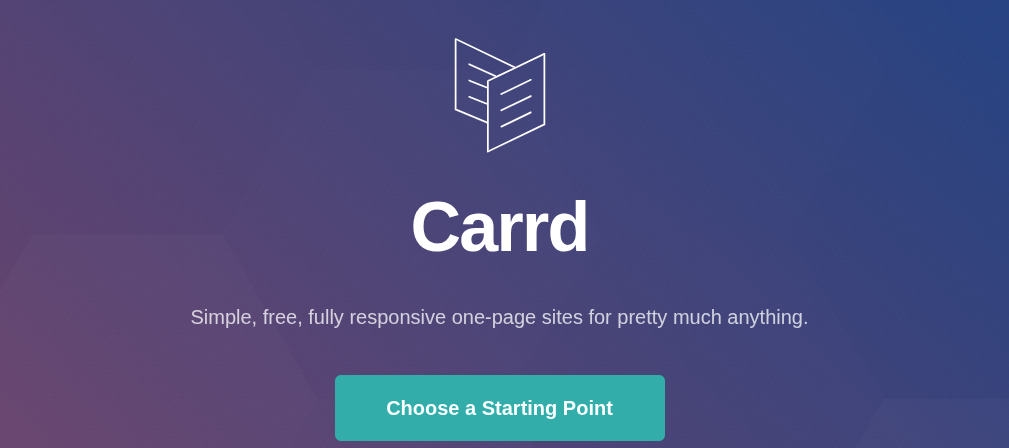
Carrd stands out as a lightweight builder perfect for one-page websites, portfolios, landing pages, and personal branding pages. Its simplicity is its strength, allowing users to create clean, responsive designs within minutes. The editor is intuitive, and templates offer modern aesthetics suitable for freelancers and creators. Despite its minimalist nature, Carrd supports forms, animations, and integrations with marketing tools. It loads extremely fast, making it ideal for audiences who value quick performance. Most users appreciate its affordability and straightforward setup. Although it doesn’t compete with larger builders in complexity, it satisfies anyone who wants a smooth and distraction-free experience. Many professionals rely on this website building platform for quick launches and focused digital presence without technical challenges.
Pros
- Extremely fast, lightweight, and great for one-page sites.
- Minimal learning curve—perfect for beginners.
- Affordable pricing with strong value.
- Supports forms, animations, and marketing integrations.
- Loads instantly, improving user experience and conversions.
Cons
- Not suitable for large or multi-page websites.
- Basic design options compared to advanced design-first builders.
- Limited eCommerce and CMS functionality.
- Complex branding may require workarounds.
Tilda: Designer-Grade Precision and Storytelling
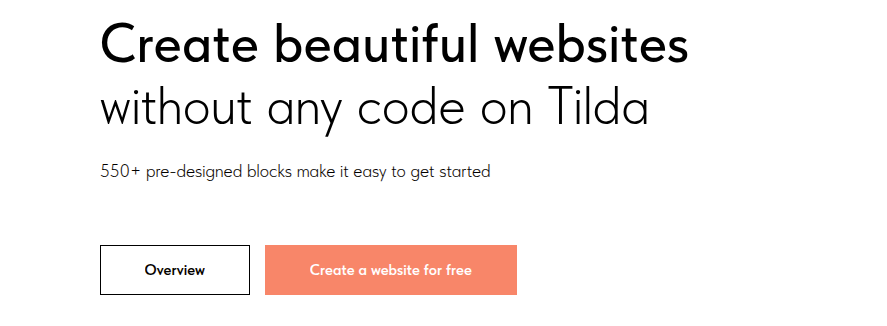
Tilda earned a respected place among designers because of its Zero Block editor, which enables pixel-perfect customization without coding. Its templates feature strong typography, elegant layouts, and a storytelling style ideal for agencies, creative brands, and personal portfolios. The editor encourages creativity, allowing users to stack visual elements with precision. Tilda also comes with built-in CRM tools, email forms, and an integrated library of blocks that speed up creation. The platform excels at long-form content and visual storytelling, making it ideal for presentations, brand stories, and portfolio showcases. Many designers choose this platform for its modern aesthetic and freedom to design beyond typical template boundaries. It offers a polished and flexible environment that elevates any project.
Pros
- Zero Block editor enables pixel-level customization.
- Exceptional typography and storytelling-focused templates.
- Built-in CRM, forms, and block libraries speed up creation.
- Perfect for long-form, visual storytelling, and creative brands.
- High design freedom without requiring code.
Cons
- Requires some learning to unlock full creative potential.
- Not ideal for large eCommerce stores.
- Exporting and hosting options may feel restrictive.
- Heavy visuals may require performance tweaks.
Dorik: Clean, Fast, and Conversion-Focused
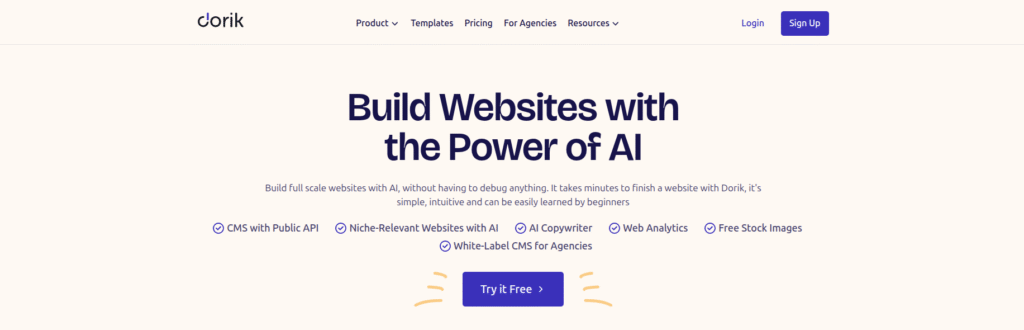
Dorik focuses on simplicity, speed, and minimalism, offering a modern design system that appeals to freelancers, agencies, and SaaS brands. Its templates are clean, modern, and conversion-driven, making it easy to build landing pages, marketing sites, and blogs. The CMS is user-friendly, supporting structured content such as articles, portfolios, and product descriptions. Dorik also includes built-in integrations, form builders, and visual editing tools that require no coding. With white-label features, it becomes especially useful for agencies that want to deliver branded client work. The platform prioritizes lightweight performance and fast hosting, ensuring smooth user experiences. Many professionals choose this website building platform for its simplicity and professional-grade output without overwhelming complexity.
Pros
- Clean, minimal, conversion-optimized templates.
- Built-in CMS ideal for blogs, directories, and portfolios.
- Simple editing suitable for beginners and pros.
- Fast hosting and lightweight page output.
- White-label features beneficial for agencies.
- Pre-built blocks reduce build time while improving consistency.
Cons
- Limited advanced animations and interactions.
- Fewer third-party integrations.
- CMS still evolving with fewer advanced features.
- May feel too minimal for highly custom designs.
PageXL: Ultra-Fast Landing Pages with Minimal Fuss
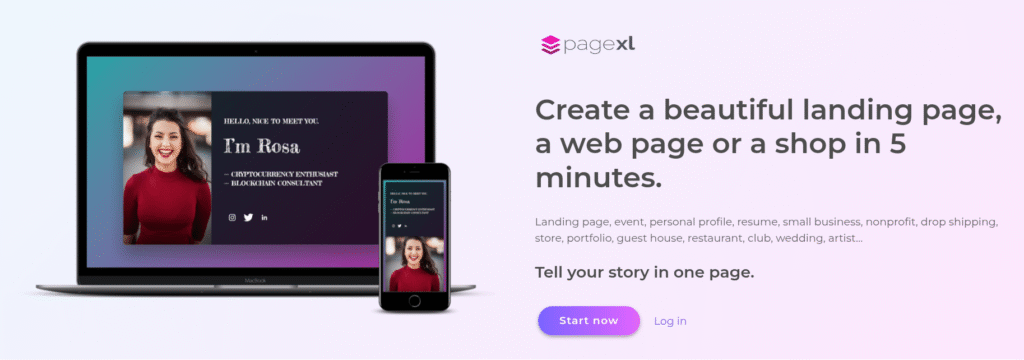
PageXL provides a streamlined experience for creating ultra-fast landing pages and micro-sites. Its minimal editor focuses on essential elements—text, images, forms, and CTAs—allowing users to launch websites quickly. Because of its simplicity, it’s ideal for campaigns, product announcements, events, personal bios, and temporary project sites. The hosting is optimized for speed, enabling instant loading on all devices. PageXL proves that not all projects require heavy builders or complex systems. Instead, it offers a practical solution for users who want efficiency and focus. Many professionals appreciate how this platform removes distractions and encourages clarity in communication, making it a useful website building platform for targeted campaigns.
Pros
- Ultra-fast loading landing pages optimized for performance.
- Minimal editor enables distraction-free, rapid builds.
- Perfect for events, campaigns, announcements, and bios.
- Hosting ensures instant loading across devices.
- Helps creators focus on message clarity and simplicity.
Cons
- Not suitable for multi-page or large websites.
- Limited features compared to full-scale builders.
- Basic design customization options.
- Minimal business tools and integrations.
Unicorn Platform: Tailored for Startups and SaaS
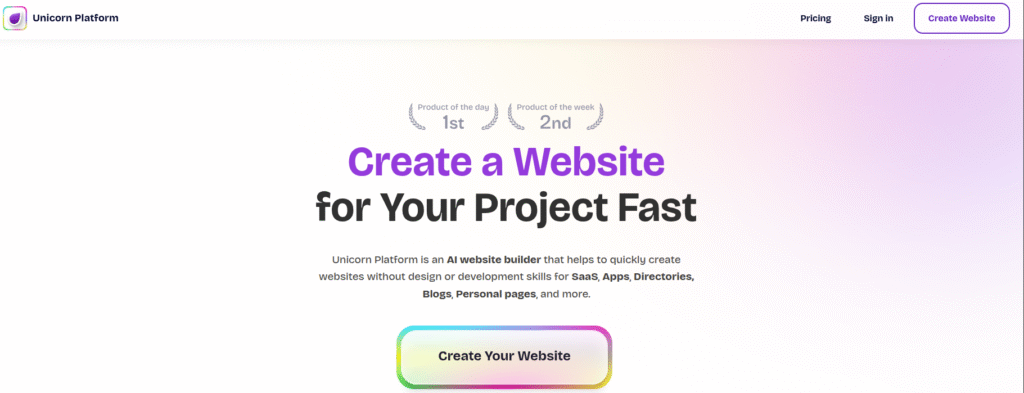
Unicorn Platform focuses specifically on startups, SaaS companies, and digital products, providing modern templates built for conversions. Its designs feature clean layouts, bold typography, and sections made for explaining product features, benefits, and pricing. The builder includes built-in forms, testimonials, FAQs, CTAs, and analytics integrations. It simplifies launching tech websites by offering optimized blocks for app overviews, product screenshots, and subscription funnels. Startups appreciate its speed and clarity because it helps them communicate value effectively. Unicorn Platform remains unique for its focus on tech-style presentation. This website building platform helps new businesses launch quickly with a polished, professional, and conversion-driven online presence.
Pros
- Designed specifically for SaaS and startup landing pages.
- Templates optimized for conversions and product presentation.
- Includes built-in forms, CTAs, testimonials, pricing blocks, and analytics.
- Helps launch polished tech-style websites quickly.
- Ideal for showcasing apps, screenshots, and subscription funnels.
Cons
- Not ideal for non-tech businesses.
- Limited design freedom outside the startup aesthetic.
- Works best for single-product or SaaS-focused sites.
- Fewer customization options for unique layouts.
Bookmark: AI-Guided Site Creation for Busy Teams
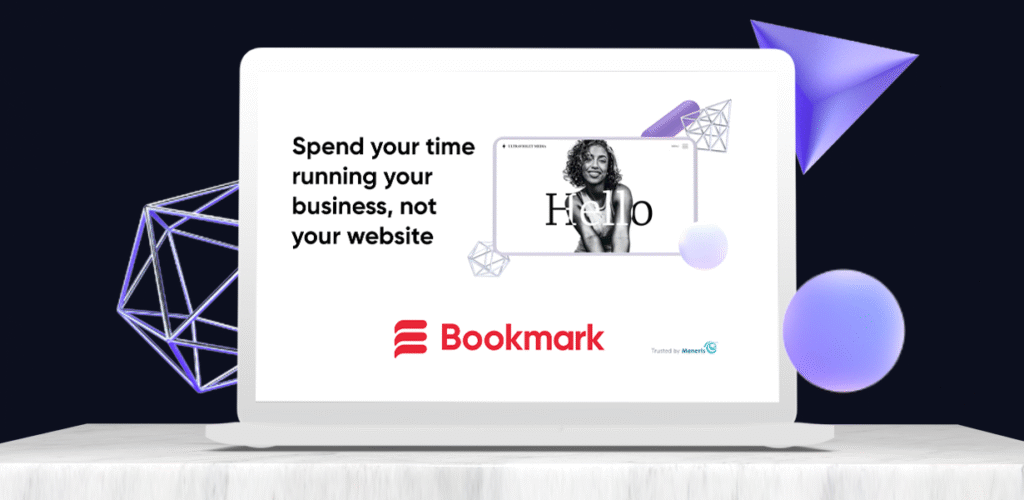
Bookmark uses an AI-driven engine called AIDA to help users build websites automatically based on a few inputs. This approach eliminates the need to manually drag elements or browse templates. The AI chooses layouts, colors, fonts, and structure, creating a near-complete site within minutes. Users can then refine sections using the visual editor. Bookmark integrates eCommerce features, marketing tools, and SEO assistance. It’s ideal for beginners, small businesses, and busy professionals who want fast results. Its automation gives it an edge over traditional manual builders. Many appreciate this website building platform for making site creation effortless while still offering customization options.
Pros
- AI-powered engine builds full website structures in minutes.
- Great for beginners and busy professionals seeking fast results.
- Includes SEO tools, eCommerce, and marketing integrations.
- Balances automation with manual customization options.
- Eliminates template overwhelm by generating clean layouts automatically.
Cons
- AI designs often require manual tweaks for branding accuracy.
- Less creative freedom compared to canvas-style builders.
- Interface feels structured due to AI-driven layout logic.
- Advanced customizations may require workarounds.
Conclusion
Choosing a less common website building platform helps you craft a site that looks different, performs better, and aligns perfectly with your creative direction. These rare tools often deliver capabilities that mainstream builders overlook, such as AI-assisted creation, freeform design canvases, advanced animations, and lightning-fast publishing experiences. They give creators, startups, and businesses the ability to shape their online presence without the limitations of rigid templates or overcrowded interfaces.
From Tilda’s story-driven layouts to Dorik’s clean minimalism, Typedream’s Notion-inspired workflow, and Siter.io’s pixel-level canvas editing, each platform brings its own advantage that enhances the building process. These options help you experiment, design with intention, and produce websites that feel modern and distinctive. Trying a lesser-known website building platform can open opportunities to refine your brand identity, improve performance, and unlock design potential that mainstream builders don’t always provide. When you choose a hidden gem, you gain more control over your vision and create a website that truly stands out.
If you found this guide helpful and want to dive deeper into the best tools available today, feel free to navigate to our Top Ten Website Builders blog, where we break down the leading platforms and help you choose the perfect one for your needs.

Leave a Reply