
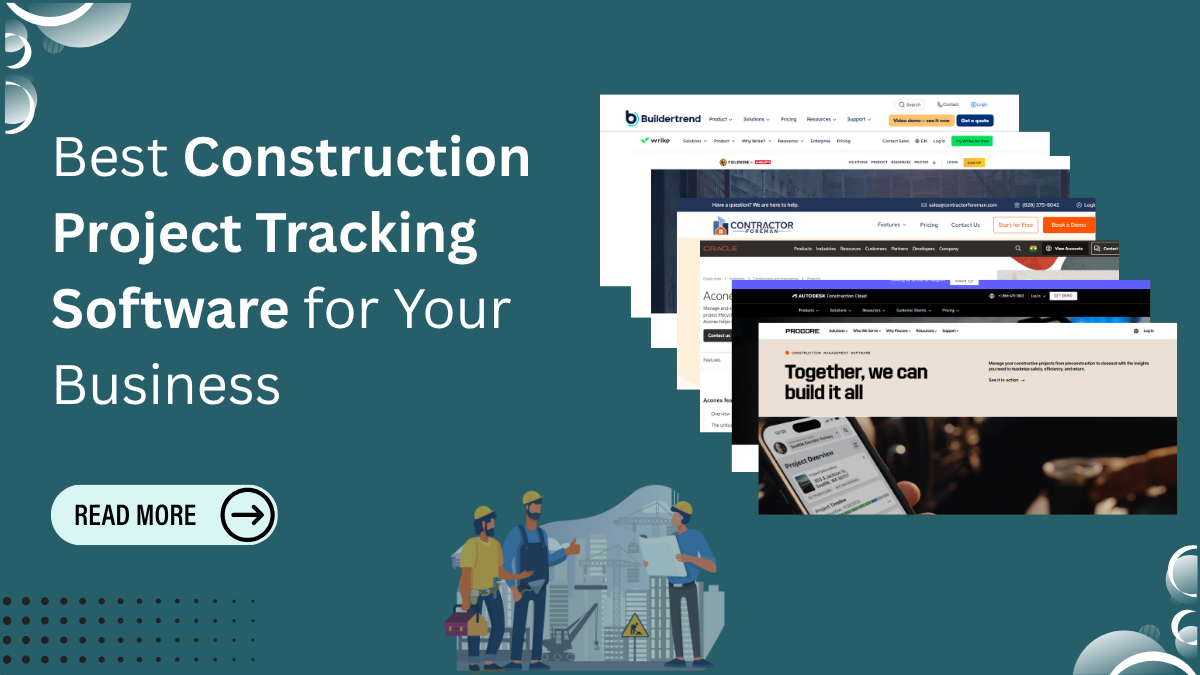
Managing a construction project with spreadsheets, email chains, and handwritten notes is like steering a ship with a blurry compass you’re moving, but every step feels uncertain. As a result, many construction teams still rely on these outdated methods, and this ultimately causes schedules to slip, budgets to drift off track, and communication to break down when it’s needed most. This is exactly why construction project tracking software has become essential.
This is exactly where building project tracking software steps in. It works as a digital command center for your entire operation, bringing schedules, budgets, documents, field updates, and team communication into one organised place. Instead of chasing information, you gain real-time clarity that helps you stay ahead of problems before they grow.
In this guide, you’ll learn why digital tracking is now non-negotiable, how to choose the right platform for your business, and which top software options can bring structure and predictability to every project.
The Crucial Importance of Construction Project Tracking Software
Construction today moves fast, involves multiple teams, and depends on accurate information. Relying on manual tracking is simply not enough anymore. It slows teams down and turns small issues into major delays. Modern digital tools fix this by giving you clarity, speed, and control.
Key Benefits of Using Digital Tracking Tools
- Real-Time Visibility and Data Accuracy
You always know what’s happening on-site, which helps you make quick, confident decisions. - Budget Control and Cost Tracking
Every cost, materials, labor, change orders stays transparent, so overruns don’t catch you by surprise. - Schedule Management and Milestones
Digital timelines keep everyone aligned and reduce the chances of missed deadlines. - Team Collaboration and Communication
Field teams, office staff, and subcontractors stay synced through one central system.
Additionally, many construction firms now strengthen their digital presence with updated websites built using free WordPress themes or responsive WordPress themes, which shows clients they take technology and professionalism seriously just like adopting modern construction project tracking software.
The Top Software Options for 2025
These are the leading platforms trusted by construction teams today. Each offers a different strength depending on your project size, workflow, and budget.
1. Procore – (A Best Construction Project Tracking Software)
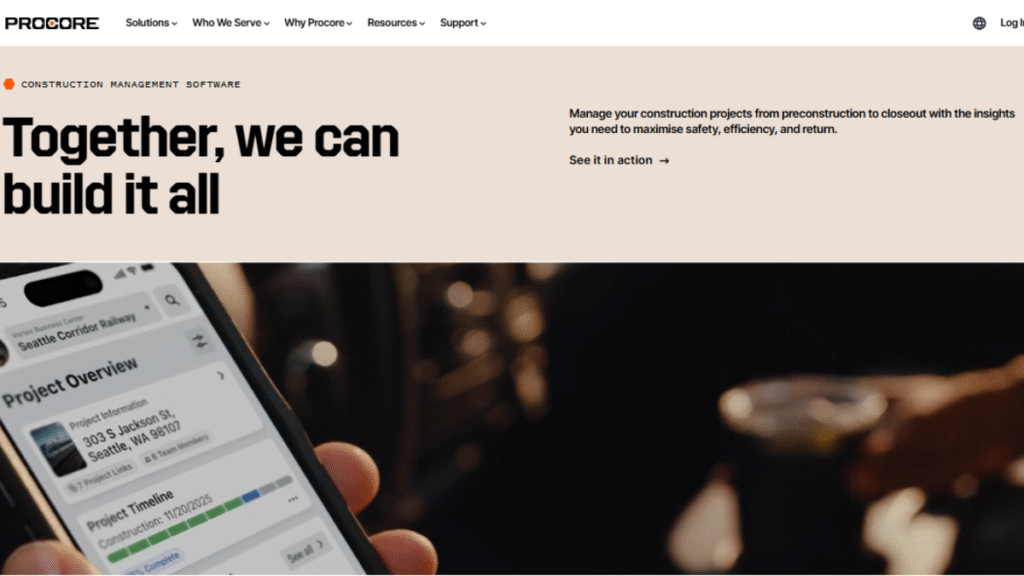
Procore is one of the most comprehensive construction management platforms available. It connects field teams and office staff through real-time dashboards, organized documents, and flexible workflows. Its strength lies in bringing every part of the project drawings, RFIs, budgets, schedules, and daily logs into one central system. Procore is ideal for medium to large firms that manage multiple projects simultaneously and need a reliable, enterprise-level solution with consistent updates and integrations.
💡Pro Tip: Use Procore’s automated workflows and integrations (like Sage or QuickBooks) to reduce manual data entry. This dramatically cuts down errors across budgeting and documentation.
2. Buildertrend
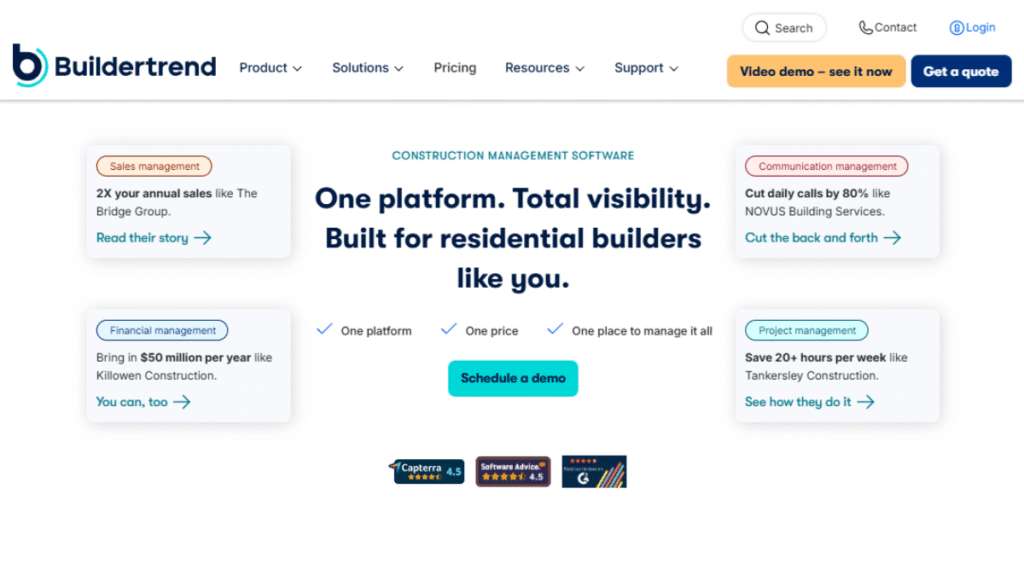
Buildertrend caters to residential and light commercial builders who want a smooth, intuitive system that keeps client communication effortless. It combines project scheduling, financial management, communication tools, and daily logs in a single interface. Homeowners can view progress updates, invoices, and messages through a built-in portal, which improves transparency and reduces project friction. Buildertrend is easy for teams to adopt and helps contractors keep projects organized without overwhelming them with enterprise-level complexity.
💡Pro Tip: Enable the client portal for every project; it reduces back-and-forth communication by keeping homeowners updated automatically through messages, invoices, and progress photos.
3. Fieldwire
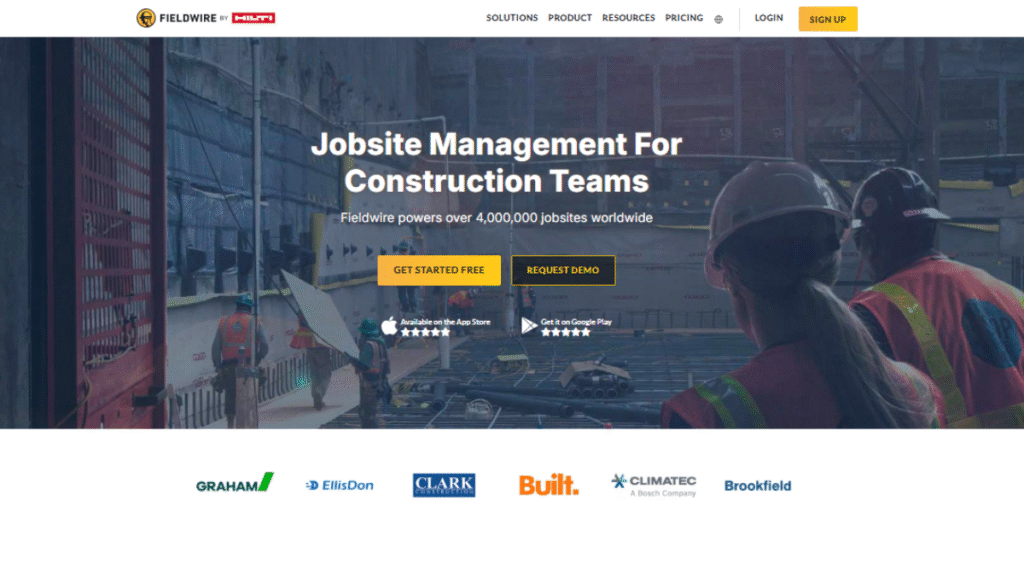
Fieldwire focuses on field coordination and task management. Crews can access plans, punch lists, tasks, and updates directly on mobile devices with minimal training required. It’s built for fast-paced field environments where clarity and speed matter most. Supervisors can track progress through structured reports and analytics, ensuring no tasks slip through the cracks. Fieldwire is an excellent fit for subcontractors, specialty trades, and general contractors who want a simple but powerful field-first tool, especially if they’re pairing it with construction project tracking software for complete visibility.
💡Pro Tip: Create structured task categories and priority levels this helps field crews instantly understand what needs attention first, making your daily operations far smoother.
4. Wrike
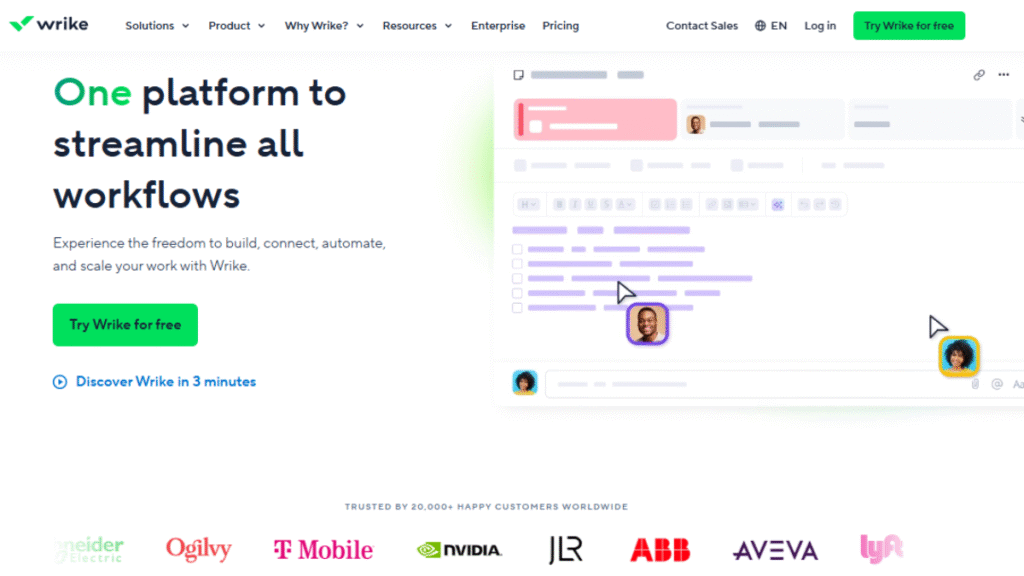
Wrike is a highly flexible project management platform that construction teams often use for internal work, documentation workflows, and multi-department coordination. While not built exclusively for construction, its customizable dashboards, automation features, and Gantt charts make it adaptable to complex project structures. Firms that manage parallel operational tasks, marketing, procurement, HR, and admin projects find Wrike especially useful because it centralizes communication and reduces administrative back-and-forth.
💡Pro Tip: Use Wrike’s custom automation rules to auto-assign tasks, change statuses, and trigger alerts so your admin team spends less time organising and more time executing.
5. Contractor Foreman
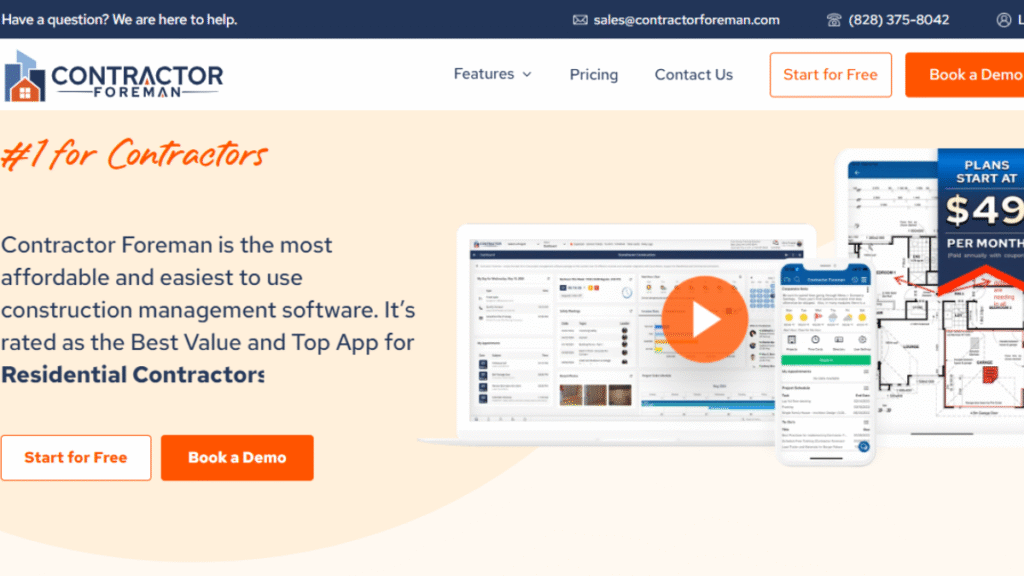
Contractor Foreman offers an all-in-one solution tailored for small and mid-sized contractors looking for strong functionality without the high price tag. It includes estimating, scheduling, safety documentation, equipment tracking, and accounting integration. The platform is simple enough for field crews to adopt quickly yet comprehensive enough to manage end-to-end project operations. For budget-conscious firms that still want robust features, Contractor Foreman strikes a practical balance between affordability and capability.
💡Pro Tip: Take advantage of its prebuilt templates for estimates, safety forms, and reports they speed up setup and help standardise workflows across multiple projects.
6. Aconex (Oracle)
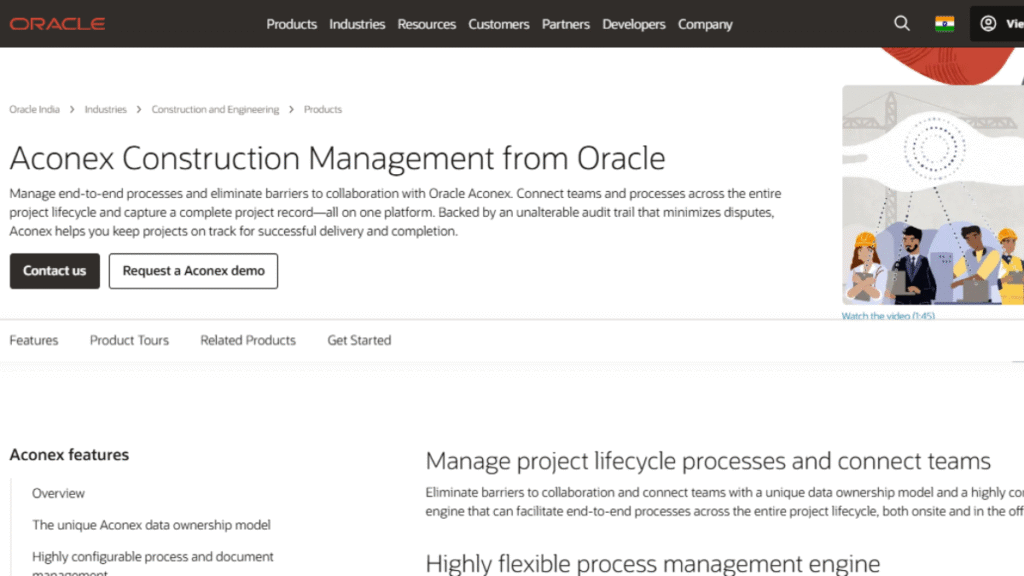
Aconex is built for large-scale, high-risk projects that require rigorous documentation, secure communication, and full audit trails. Infrastructure companies and global contractors rely on Aconex to manage thousands of documents, workflows, approvals, and change histories. Its structured communication model reduces disputes and keeps teams compliant with regulatory requirements. Aconex is best suited for complex, multi-stakeholder environments where transparency and accountability are essential at every stage.
💡Pro Tip: Set strict naming conventions and approval workflows early on; Aconex becomes far more powerful when documents are consistently structured and easy to navigate.
7. Autodesk Build (Plangrid)
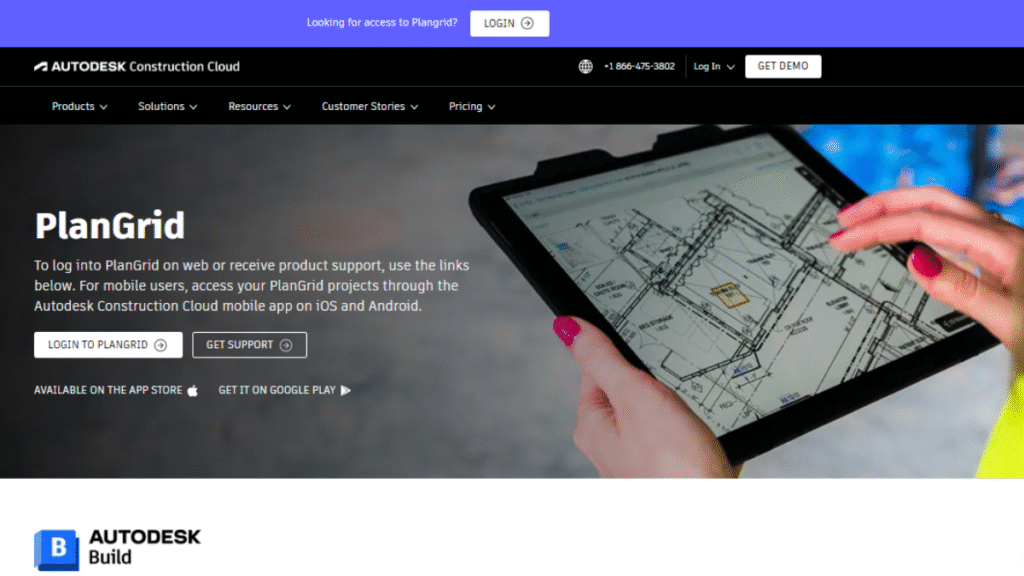
Autodesk Build evolving from Plangrid offers strong tools for drawing management, field collaboration, and 3D model access. Teams can mark up plans, track issues, and view visual progress updates directly on tablets or phones. Because it’s part of the Autodesk ecosystem, it integrates seamlessly with design tools and BIM models. This makes it especially valuable for firms that depend heavily on accurate plans and real-time updates between designers and field crews.
💡Pro Tip: Encourage field teams to use mobile markup tools directly on plans. This creates a real-time feedback loop that prevents mistakes and keeps drawings updated for everyone.
Common Mistakes to Avoid When Choosing Project Tracking Tools
Many construction teams choose software with good intentions but end up regretting the decision because they overlook a few critical factors. One of the most common mistakes is selecting a platform solely because it appears affordable. Tools with extremely limited capabilities often force teams back into manual work, which defeats the purpose of digital adoption. Another problem is ignoring feedback from field crews. The reality is that if your on-site team finds the system difficult to use, adoption will fall apart quickly.
Here are a few mistakes construction companies frequently make:
- Choosing tools without strong mobile support
- Skipping integration checks with existing accounting or BIM software
- Not testing the platform with real project data
- Focusing on impressive demos rather than everyday usability
Testing a tool thoroughly before committing is the simplest way to avoid long-term frustration.
Comparison Table: Top Construction Project Tracking Software (2025)
| Software | Best For | Key Features | Pricing (Approx.) | Ease of Use |
| Procore | Large firms & complex projects | Document control, workflows, financials, RFIs, field management | $$$ | Moderate |
| Buildertrend | Residential & light commercial builders | Client portal, scheduling, budgets, change orders | $$ | Easy |
| Fieldwire | Field teams & subcontractors | Task management, punch lists, plan viewing | $ | Very Easy |
| Wrike | Firms needing flexible workflows | Custom dashboards, automation, resource planning | $$ | Easy |
| Contractor Foreman | Small & mid-size contractors | Estimating, time cards, safety, accounting integration | $ | Easy |
| Aconex (Oracle) | Mega infrastructure & enterprise projects | Document control, audit trails, federated model | $$$$ | Moderate |
| Autodesk Build (PlanGrid) | Blueprint-heavy teams | Plan management, 3D models, field collaboration | $$$ | Easy |
Conclusion: Your Next Step Toward Total Project Control
Choosing the right construction project tracking software is less about ticking off a list of “impressive features” and more about finding a system that genuinely cuts through the daily chaos your team deals with. Anyone working in construction knows how quickly a project can spiral when information is scattered or outdated. The truth is, once you move from disconnected spreadsheets, handwritten notes, and endless phone calls to a centralized digital platform, the entire rhythm of your project changes. You shift from constantly putting out fires to managing a predictable, steady, and controlled workflow.
Think of it like replacing a leaky bucket with a high-performance, sealed system that finally holds everything together. Communication stops slipping through the cracks. Budget tracking becomes clearer and more actionable. Schedules no longer feel like guesswork. And on-site coordination becomes a lot less stressful because everyone for once is looking at the same real-time updates. It doesn’t just simplify the job; it transforms the way your entire team operates.
Your action plan:
Try free trials, test dashboards with your team, and compare how each tool handles your real project data. That’s the fastest path to discovering the perfect fit.
