

Managing projects today is no longer just about timelines and tasks, it’s about teamwork, communication, and shared ownership. As teams become more remote and cross-functional, staying aligned can be challenging. Emails get lost, updates are missed, and collaboration suffers. This is where collaborative tools for project management play a critical role.
These tools bring teams together by providing a shared space where tasks, conversations, files, and progress updates live in one place. Whether you’re working with a small team or managing large-scale projects, collaborative project management tools make it easier to work efficiently, reduce confusion, and achieve goals faster.
What Are Collaborative Tools for Project Management?
Collaborative tools for project management are software solutions that help teams plan, organize, track, and complete projects together efficiently. Unlike traditional project tools that focus only on individual tasks, these platforms prioritize communication, teamwork, and real-time collaboration. They allow team members to assign responsibilities, share files, provide feedback, and monitor progress in one centralized workspace, ensuring everyone stays aligned and projects move forward smoothly.
These tools allow team members to:
- Assign and track tasks to ensure responsibilities and deadlines are clear.
- Share files and documents in a central location for easy access.
- Communicate in real time through built-in chat and comments.
- Monitor progress through dashboards for quick insight into project health.
- Collaborate from anywhere with cloud-based access for remote and hybrid teams.
By centralizing tasks, files, and communication, collaborative tools reduce errors, streamline workflows, and keep teams aligned to achieve project goals efficiently.
Why Collaboration Is Essential in Project Management
Strong collaboration drives successful Project Scheduling in Project Management and overall project execution. When teams communicate clearly and work together seamlessly, they can plan timelines, coordinate tasks, and complete projects faster. By sharing updates, providing feedback, and adjusting schedules in real time, team members stay aligned on goals and priorities. This approach not only reduces misunderstandings and delays but also fosters accountability, ensures resources are used efficiently, and helps teams achieve consistent project success.
Here’s why collaboration matters:
- Clear communication reduces misunderstandings and ensures everyone knows what needs to be done.
- Shared visibility keeps all team members aligned on progress, priorities, and deadlines.
- Faster decision-making allows teams to respond quickly to changes and avoid bottlenecks.
- Better accountability ensures tasks are completed on time and responsibilities are clear.
By using collaborative tools for project management, teams can eliminate silos, maintain transparency, and foster a culture of teamwork, making it easier to achieve project goals efficiently and consistently.
Key Benefits of Collaborative Tools for Project Management
Free Online Project Management Tools and other collaborative tools help teams work more efficiently by improving communication, increasing transparency, and keeping all project information in one place. These tools reduce delays, enhance accountability, and support real-time collaboration across teams. By streamlining workflows and minimizing manual coordination, they enable faster project delivery, smoother project scheduling, and better overall outcomes.
1. Improved Team Communication
Collaborative tools for project management offer built-in chat, comments, and mentions that allow teams to discuss tasks directly within the platform. This keeps conversations tied to specific tasks or projects, reducing the need to switch between emails and messaging apps. As a result, communication becomes clearer, faster, and more organized.
2. Centralized Project Information
Teams store all project-related information, including tasks, files, timelines, and updates, in one centralized location. This makes it easy for team members to find what they need without wasting time searching through multiple tools. Centralized data also improves transparency and keeps everyone aligned throughout the project lifecycle.
3. Better Task Ownership
Clear task assignments, deadlines, and priority levels help team members understand their responsibilities from the start. When everyone knows what they are accountable for, work moves forward smoothly, reducing confusion, missed deadlines, and last-minute delays.
4. Increased Productivity
Automation features such as reminders, status updates, and recurring tasks minimize manual follow-ups and repetitive work. These time-saving tools allow teams to focus on completing tasks efficiently while maintaining consistent progress across projects.
5. Support for Remote and Hybrid Teams
Cloud-based access enables team members to collaborate from anywhere, whether they work remotely, in-office, or in a hybrid setup. Real-time updates and shared workspaces ensure everyone stays connected, making collaborative tools ideal for modern, distributed teams.
Best Collaborative Tools for Project Management
Here are some widely used tools known for strong collaboration features that help teams plan, communicate, and deliver projects more efficiently. These collaborative tools for project management offer different strengths, from visual task tracking to advanced automation and shared documentation, making them suitable for various team sizes and workflows.
1. Trello
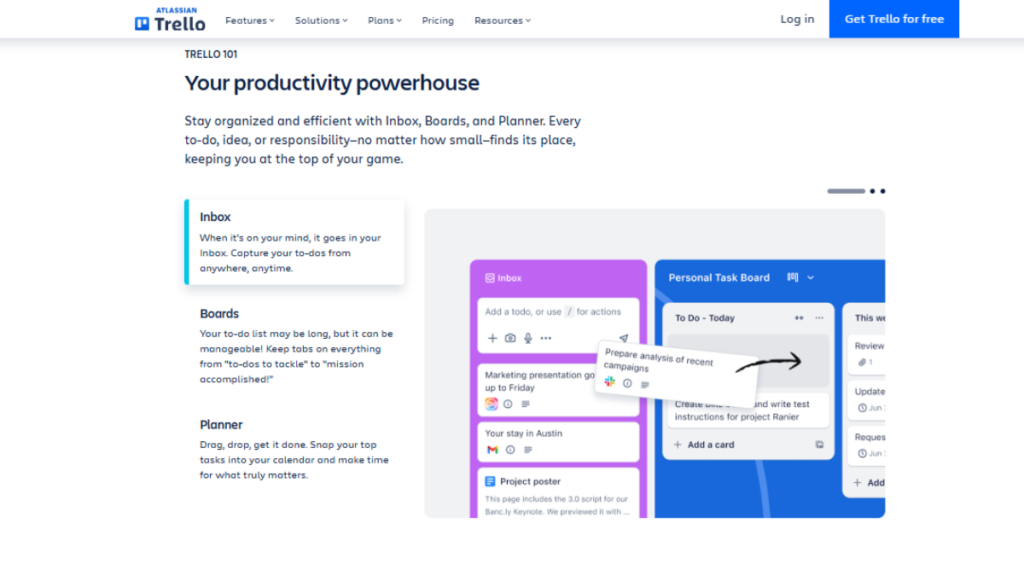
Trello Project Management is a simple, visual project management tool that uses boards, lists, and cards to organize tasks. It’s best suited for small teams, startups, and personal projects that need straightforward collaboration. Team members can comment on cards, attach files, set deadlines, and track progress easily without a steep learning curve.
2. Asana
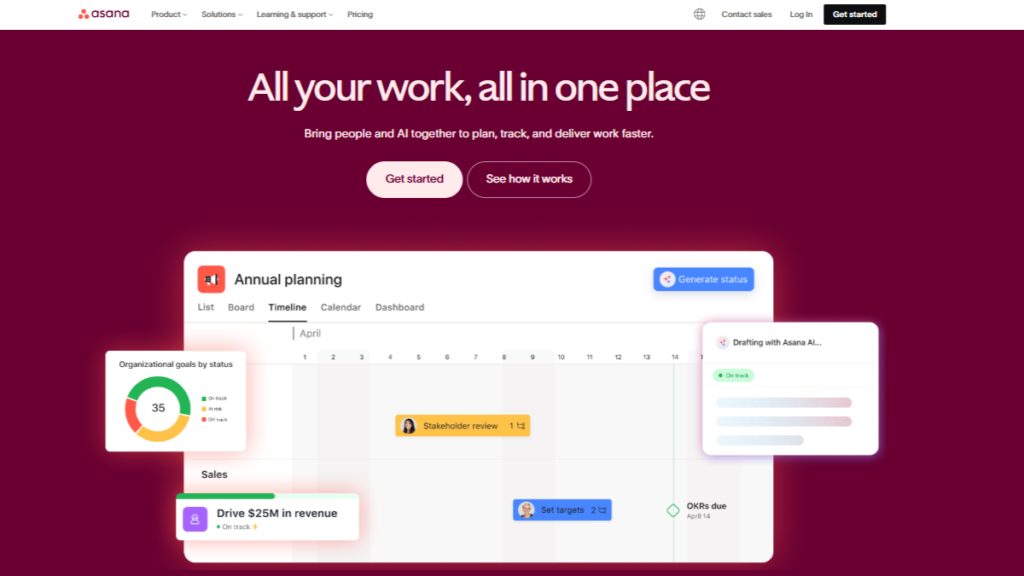
Asana Project Management Software is designed for teams that manage multiple tasks and dependencies across projects. It supports collaboration through task comments, status updates, timelines, and shared goals. Asana works well for teams that need structured planning while keeping communication transparent and organized.
3. ClickUp
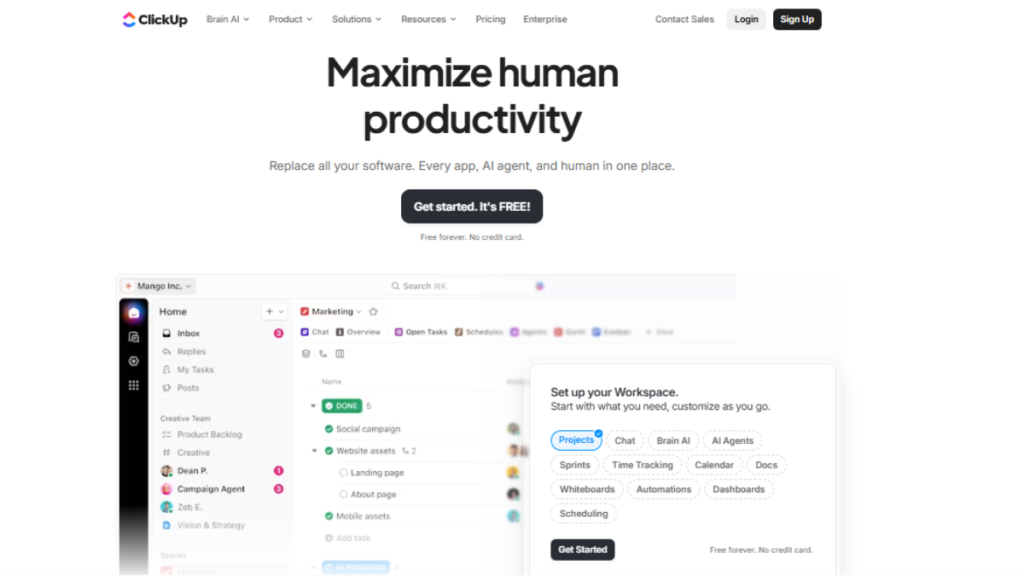
ClickUp Project Management Software is a powerful all-in-one platform that combines task management, collaboration, automation, and reporting. Teams can customize workflows, switch between multiple views, and automate repetitive tasks. Its flexibility makes it ideal for growing teams and complex projects that require detailed tracking and collaboration.
4. Monday.com
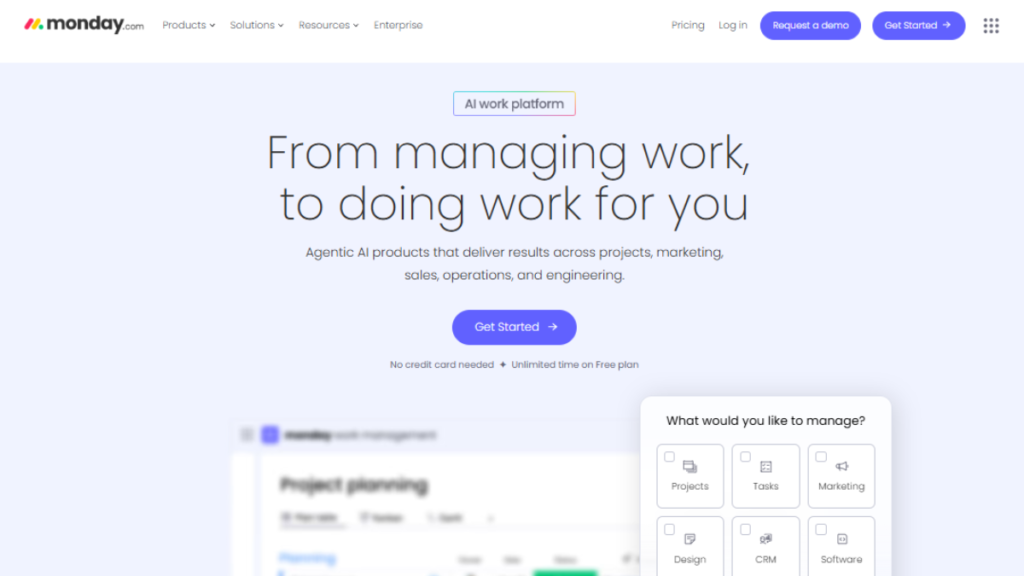
Monday Project Management Software offers a visually appealing interface with highly customizable workflows. It enables teams to collaborate in real time, track progress using visual boards, and automate routine processes. The platform is beginner-friendly yet scalable, making it suitable for teams of all sizes.
5. Notion
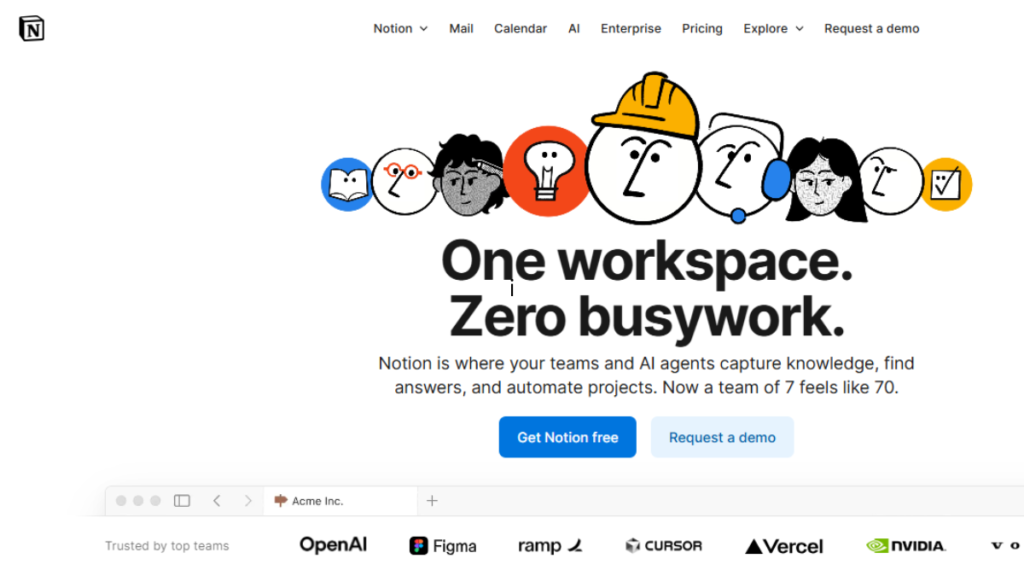
Notion combines project management with documentation and team collaboration in one workspace. It’s especially useful for teams that need shared knowledge bases alongside task tracking. With customizable pages and databases, Notion supports flexible collaboration beyond traditional project management.
Comparison Table: Collaborative Tools for Project Management
| Tool | Best For | Key Collaboration Features | Ease of Use | Ideal Team Size |
|---|---|---|---|---|
| Trello | Simple projects & small teams | Boards, cards, comments, file sharing | Very Easy | Small teams |
| Asana | Structured project planning | Task dependencies, timelines, team updates | Easy | Small to mid-size teams |
| ClickUp | All-in-one project management | Automation, real-time collaboration, dashboards | Moderate | Mid to large teams |
| monday.com | Visual workflows & customization | Visual boards, automation, integrations | Easy | All team sizes |
| Notion | Knowledge-driven collaboration | Shared docs, databases, task tracking | Moderate | Small to mid-size teams |
How Collaborative Tools Improve Project Workflow
Teams using Agile Project Management Tools can manage tasks, share updates, and communicate in real time. These collaborative tools reduce delays, support iterative planning, and keep projects on track from start to finish.
They help teams:
- Plan projects more effectively – Teams can break down complex projects into manageable tasks, set priorities, and create clear timelines.
- Track milestones and deadlines – Built-in dashboards and reminders ensure key deadlines are met and progress is always visible.
- Share feedback instantly – Team members can comment, tag, and provide updates directly within tasks, reducing delays caused by emails or separate communication channels.
- Identify issues early – Real-time tracking allows teams to spot bottlenecks or risks before they become major problems.
- Maintain alignment with goals – Everyone stays focused on the project objectives, ensuring that day-to-day work contributes to overall success.
By integrating these capabilities, collaborative tools for project management lead to smoother execution, fewer last-minute surprises, and a more productive, connected team.
Best Practices for Using Collaborative Tools Effectively
To get the most value from collaborative tools for project management, it’s important to follow some key best practices that encourage adoption and maximize efficiency.
- Set clear roles and responsibilities – Clearly define who owns each task and project milestone. This ensures accountability and reduces confusion over who is responsible for what.
- Use comments instead of emails – Keep all task-related discussions within the tool itself. This prevents important information from getting lost in email threads and keeps conversations connected to specific work items.
- Keep project updates consistent – Regularly update task status, progress, and deadlines so everyone has real-time visibility into how the project is moving forward.
- Standardize workflows and templates – Use consistent project templates and processes across teams to save time, reduce errors, and make onboarding new team members easier.
- Encourage team adoption through training – Provide clear guidance, tutorials, and hands-on training to ensure everyone knows how to use the tool effectively. Highlight how it benefits their daily work to increase engagement.
When these practices are followed, collaborative tools for project management become a natural part of daily work, improving communication, efficiency, and overall project success across the team.
Conclusion
Collaborative tools for project management are no longer optional, they are essential for modern teams. They enhance communication, increase transparency, and centralize workflows, allowing teams to work efficiently, reduce errors, and deliver projects on time. By keeping tasks, files, and updates in one place, these tools help teams stay aligned and achieve better results.
Whether you’re managing a small team, a remote workforce, or complex, multi-department projects, the right collaborative tool can transform the way your team operates. It not only streamlines daily tasks but also drives long-term success by keeping everyone aligned with project goals and organizational objectives.
