
You know, running a WordPress site feels like having your own little corner of the internet until something goes wrong. One day, everything’s fine; the next, your site’s down, your data’s at risk, and you’re scrambling to fix it. That’s where the best WordPress security plugin comes in. Think of it like a bodyguard for your website, always watching, always ready to stop trouble before it starts.
In 2026, hackers are smarter than ever, but so are the tools we have to fight them. Whether you’re just starting or you’ve been blogging for years, you don’t want to leave your site unprotected. Let’s talk about the top security plugins that’ll keep your WordPress site safe, fast, and worry-free so you can focus on what really matters: sharing your ideas with the world.
Why Every WordPress Site Needs a Security Plugin?
WordPress powers over 40% of all websites, making it a prime target for hackers. From brute force attacks to malware and DDoS threats, there’s always something out there waiting to cause trouble. The best WordPress security plugin gives you peace of mind by blocking attacks, scanning for malware, and protecting your data. Plus, these plugins often come with easy-to-use dashboards and features that don’t slow your site down. Whether you’re a beginner or a pro, security should be your top priority.
Without a security plugin, your WordPress site is like an open door for hackers looking to steal data, inject malware, or even take your site offline. These threats can damage your reputation, cost you money, and put your visitors at risk. A good security plugin not only stops attacks but also helps you recover quickly if something goes wrong. Plus, many plugins offer regular scans and alerts, so you’ll always know if there’s a problem.
Best WordPress Security Plugin
The best WordPress security plugin is your website’s first line of defense against hackers, malware, and online threats.
1. Wordfence Security – Best Overall Choice

Wordfence is hands down the best WordPress security plugin for most users. It’s trusted by millions of sites and has blocked billions of attacks since it launched. Wordfence doesn’t just block bad IPs; it actually reads the code that tries to run on your site, catching sneaky attacks that others miss. The plugin offers real-time threat intelligence, two-factor authentication, and a powerful firewall. Plus, its dashboard is super user-friendly, so even if you’re new to WordPress, you won’t get lost.
Key Features:
- Real-time threat defense feed
- Two-factor authentication
- Live traffic monitoring
- Regularly updated malware signature database
- A firewall that blocks attacks before they reach your site
2. Sucuri Security – Best Cloud Protection
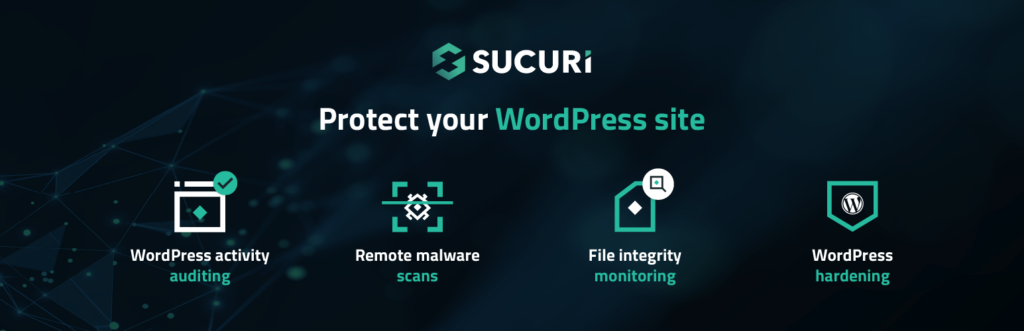
Sucuri is a cloud-based security solution, which means it protects your site from outside your server. This is a big deal because it can handle huge attacks without slowing your site down. Sucuri’s team cleans hundreds of hacked sites every day, so they know exactly how to fix problems fast. The plugin includes a cloud firewall, malware removal, website monitoring, and even SSL certificate monitoring. If your site ever gets hacked, Sucuri will remove the malware and secure it moving forward.
Key Features:
- Cloud-based firewall that filters all traffic
- Professional malware removal by security experts
- Website monitoring for blacklist status
- Content delivery network for faster loading
- DDoS protection against large attacks
- SSL certificate monitoring
3. Solid Security (Formerly iThemes Security) – Best for Hardening
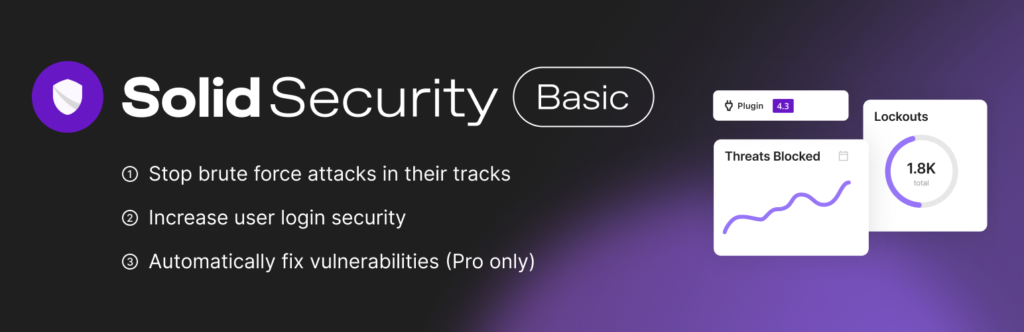
Solid Security, formerly known as iThemes Security, is all about hardening your site against attacks. It’s packed with features like brute force protection, file change and 404 detection, database backups, and hiding your login and admin pages. The plugin also supports biometric login with passkey technology, making it extra secure. There’s a free version for basic protection and a Pro version with advanced features for $99 per year. Solid Security is perfect if you want strong, no-nonsense security without the fluff.
Key Features:
- Brute force protection
- File change and 404 detection
- Database backups
- Hiding login and admin pages
- Strong password protection
- Biometric login with passkey technology
4. All In One WP Security & Firewall – Best for Beginners

All In One WP Security & Firewall is a free plugin that’s perfect for beginners or anyone on a budget. It’s easy to set up and offers a wide range of features, including login protection, firewall rules, and database security. The plugin uses a grading system to show you how secure your site is and suggests improvements. You can also block IP addresses, monitor file changes, and get email notifications for security events. All In One WP Security & Firewall is a solid choice if you want effective security without spending a dime.
Key Features:
- Login lockdown to prevent brute force attacks
- File integrity monitoring
- Detailed reports on your site’s security status
- Visual grading system for easy setup
- Blacklist functionality for IPs and user agents
- Email notifications for security events
5. MalCare Security – Best for Automatic Scans
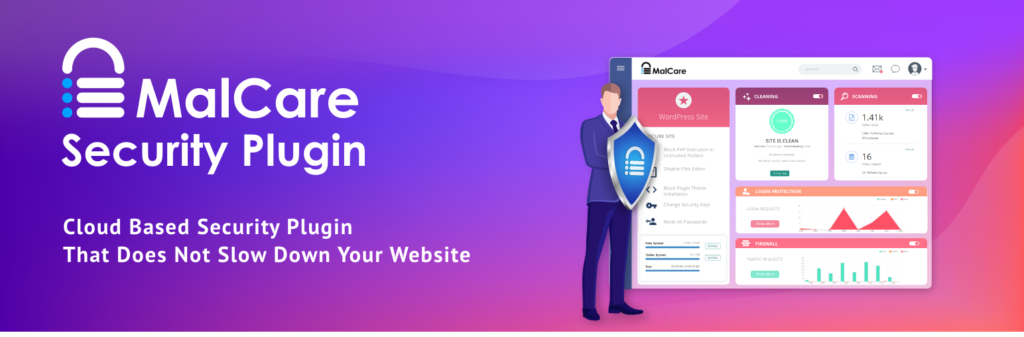
MalCare is all about automation. It scans your site for malware and security holes automatically, so you don’t have to worry about manual checks. The plugin offers one-click malware removal, making it a lifesaver if your site ever gets hacked. MalCare is ideal for busy site owners who want “set and forget” security. It’s not the cheapest option, but the peace of mind it offers is worth it. Plus, it integrates seamlessly with most WordPress themes and plugins. This plugin is one of the best WordPress security plugins.
Key Features:
- Automatic malware scanning
- One-click malware removal
- Real-time threat detection
- Easy integration with WordPress themes and plugins
- Regular security updates
What to Look for in a WordPress Security Plugin?
When choosing the best WordPress security plugin, keep these things in mind:
- Ease of Use: A plugin with a clean, intuitive dashboard means you won’t need to be a tech expert to keep your site safe. The setup should be straightforward, with clear instructions and visual feedback, so even beginners can manage security without stress.
- Real-Time Protection: Hackers don’t wait, so your plugin shouldn’t either. Real-time threat monitoring detects and blocks attacks as they happen, stopping malware, brute force attempts, and suspicious activity before they cause damage.
- Regular Updates: Cyber threats evolve constantly. A plugin that’s frequently updated ensures you’re protected against the latest vulnerabilities, exploits, and malware strains. Outdated security tools can leave your site exposed.
- Backup Options: Accidents happen. If your site gets hacked or crashes, having automatic database backups lets you restore everything quickly. Some plugins offer cloud backups or one-click restore, which can be a lifesaver.
- Support and Reputation: A plugin with strong user reviews, responsive customer support, and a solid track record means you’re not alone if problems arise. Active forums, documentation, and quick help are signs of a trustworthy security solution.
Conclusion
In 2026, protecting your WordPress site isn’t optional; it’s essential. With so many threats out there, from hackers to malware, the best WordPress security plugin is your first line of defense. Whether you choose Wordfence, Sucuri, Solid Security, All In One WP Security & Firewall, or MalCare, each of these plugins brings something unique to the table. The right security setup means fewer headaches, faster recovery, and more peace of mind—especially when you pair your tools with trusted resources like the envato elements plugin for high-quality website assets and improved workflow efficiency.
Don’t wait until something goes wrong; get your site protected today. A little effort now can save you from a lot of trouble later. Keep your WordPress site safe, keep your visitors happy, and keep doing what you love without worrying about security nightmares.
