
Ever felt like your projects are running in circles, deadlines slipping through your fingers, and your team juggling tasks blindly? That’s where the best project management applications for workflow success come in. These tools act like a roadmap and compass combined, guiding every task, deadline, and resource toward a clear goal. Without them, even the most talented teams can get lost in a maze of tasks and missed priorities. By adopting the right project management application, you gain clarity, control, and a structured system that keeps everyone aligned and productive.
These applications act like a compass, guiding teams through the complexities of project work. They provide visibility into every stage of a project, making it easy to identify bottlenecks, allocate resources efficiently, and adjust priorities in real time. Whether you’re managing a small creative team, coordinating a multi-department project, or overseeing a remote workforce, these tools help keep everyone on the same page. With features like task tracking, collaboration boards, Gantt charts, and automated reminders, these applications transform project chaos into smooth, predictable workflows.
In this guide, we’ll explore some of the best project management applications that streamline workflow, improve collaboration, and boost productivity. By the end, you’ll know which tools fit your team’s needs and why adopting one is essential for workflow success.
What Are Project Management Applications?
Project management applications are digital tools designed to help teams plan, organize, and execute projects efficiently. Think of them as the conductor of an orchestra, they make sure every task, team member, and deadline works in harmony. These applications provide a central platform where tasks can be assigned, progress tracked, and priorities set, reducing confusion and improving productivity.
Key Features:
- Task Management: Assign tasks, set deadlines, and track progress.
- Resource Allocation: Manage team members and project resources efficiently.
- Collaboration: Centralized communication for smooth teamwork.
- Reporting and Analytics: Gain insights into project performance.
- Workflow Automation: Automate repetitive tasks to save time.
By giving teams a clear overview of their projects, project management applications prevent missed deadlines, overlapping work, and miscommunication. They ensure that even complex projects with multiple moving parts can run smoothly, keeping everyone aligned toward shared goals.
Key Benefits of Using Best Project Management Applications
Using the best project management applications for workflow success offers more than just task tracking, they transform the way teams operate. These tools provide clarity, structure, and efficiency, turning chaotic projects into well-orchestrated operations. Imagine a team where everyone knows what to do, when to do it, and how their work contributes to the bigger picture. That’s exactly what these applications deliver.
Key benefits include:
- Improved Organization: Keep tasks, deadlines, and resources neatly organized in one place.
- Enhanced Collaboration: Teams communicate seamlessly, reducing errors and misunderstandings.
- Time Management: Prioritize tasks, track progress, and meet deadlines consistently.
- Better Accountability: Clear task assignments ensure everyone knows their responsibilities.
- Insightful Reporting: Gain actionable insights with progress reports and analytics.
- Workflow Efficiency: Automate repetitive tasks to save time and reduce manual effort.
By leveraging these benefits, teams can focus on high-value work rather than getting lost in task confusion. The right project management application ensures smoother operations, faster completion of tasks, and a more productive work environment.
Top Applications You Should Consider:
Choosing the right project management application can make the difference between chaotic workflows and smooth, productive operations. Here are some of the best project management applications that can help teams stay organized, track progress, and achieve workflow success. Each tool is described in a human-friendly way, focusing on what makes it practical and effective.
1. Kanboard
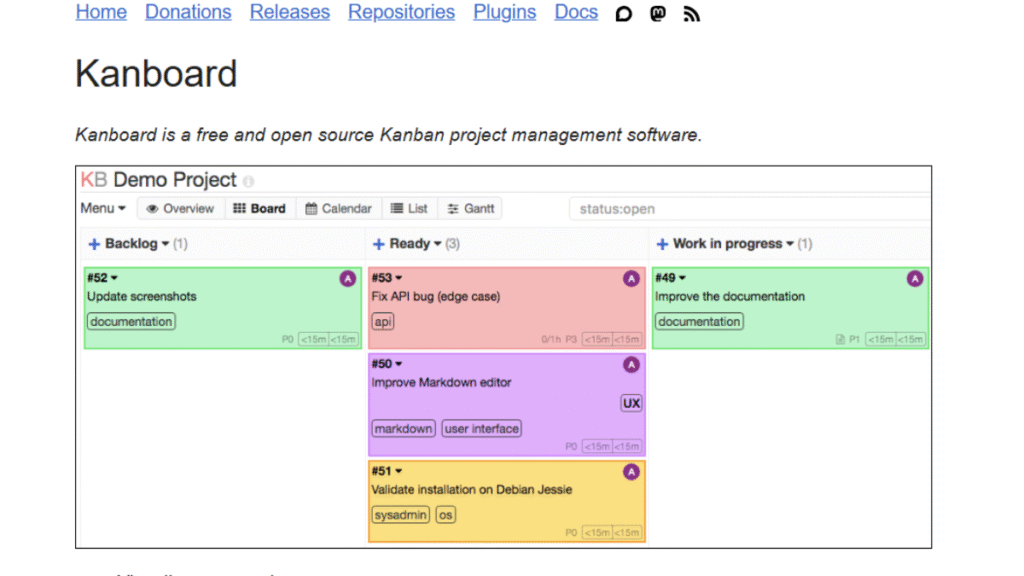
Kanboard is an open-source project management tool designed for teams who value simplicity. Its drag-and-drop visual boards make task management intuitive, while features like subtasks, analytics, and automatic actions keep everything organized. Kanboard works well for small to medium teams that want to visualize workflows without unnecessary complexity. It’s lightweight, easy to install, and supports plugins to extend functionality.
Teams appreciate Kanboard for the control it offers over workflow automation, especially when managing recurring tasks. Its ability to trigger actions like updating task status or sending reminders helps maintain steady progress without constant monitoring. This makes Kanboard a dependable choice for teams that want a calm, organized workspace where tasks move forward with clarity and minimal manual effort.
2. ProjeQtOr
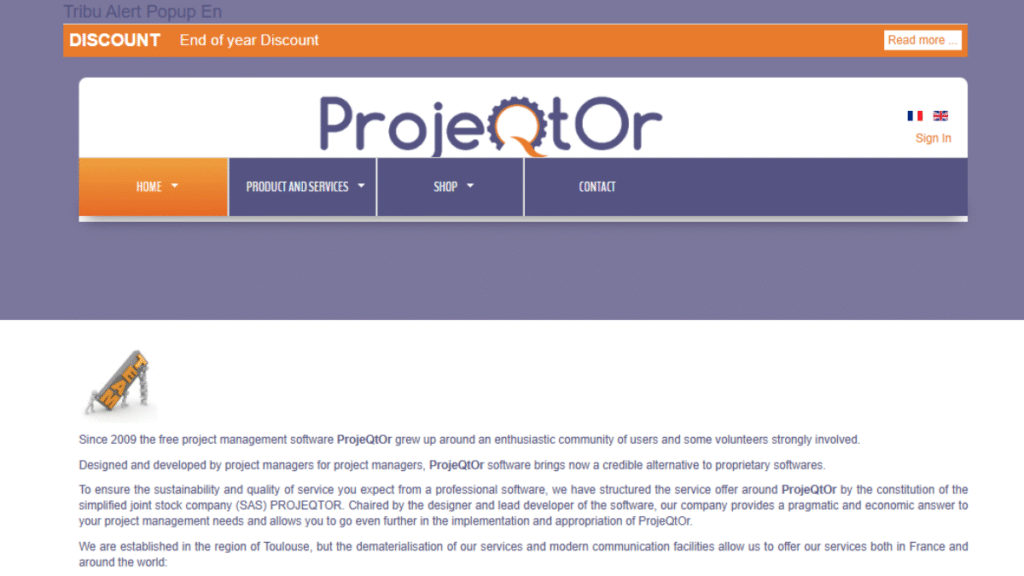
ProjeQtOr combines project planning with quality management, making it ideal for structured workflows. It includes Gantt charts, task dependencies, risk management, and resource tracking. Teams can plan, monitor, and control projects efficiently while maintaining high-quality standards. ProjeQtOr is suitable for businesses that need both timeline management and quality oversight in one tool.
What makes ProjeQtOr especially valuable is its focus on process reliability. The tool centralizes project data, allowing teams to track risks, monitor progress, and maintain documentation without switching between systems. Its built-in quality checks help prevent errors early, ensuring every stage of the project aligns with standards. This structured approach makes ProjeQtOr a strong fit for organizations that rely on accuracy and consistent deliverables.
3. ProjectLibre
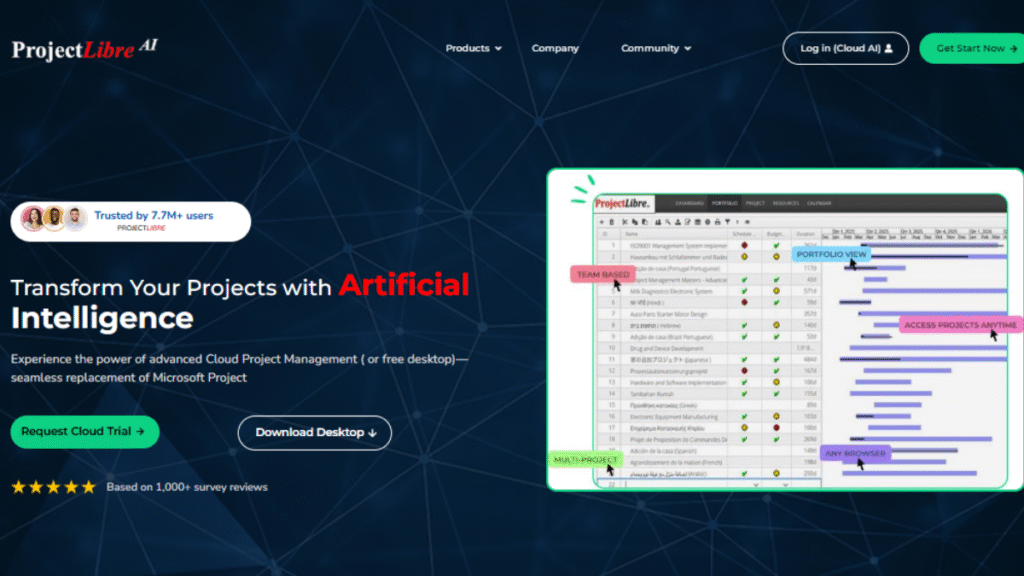
ProjectLibre is a free, open-source alternative to Microsoft Project, featuring Gantt charts, resource allocation, and progress tracking. It helps small and medium businesses visualize project timelines, allocate workloads, and ensure deadlines are met. ProjectLibre is simple enough for new users while still offering robust project tracking tools, making structured planning accessible without heavy costs.
Many teams rely on ProjectLibre because it mirrors the familiarity of traditional project planning tools while staying lightweight and cost-free. Its clear timeline views help managers understand workload distribution at a glance, reducing scheduling conflicts and bottlenecks. Since it supports both single-project and multi-project environments, ProjectLibre works well for teams that want reliable planning capabilities without depending on paid enterprise software.
4. Odoo
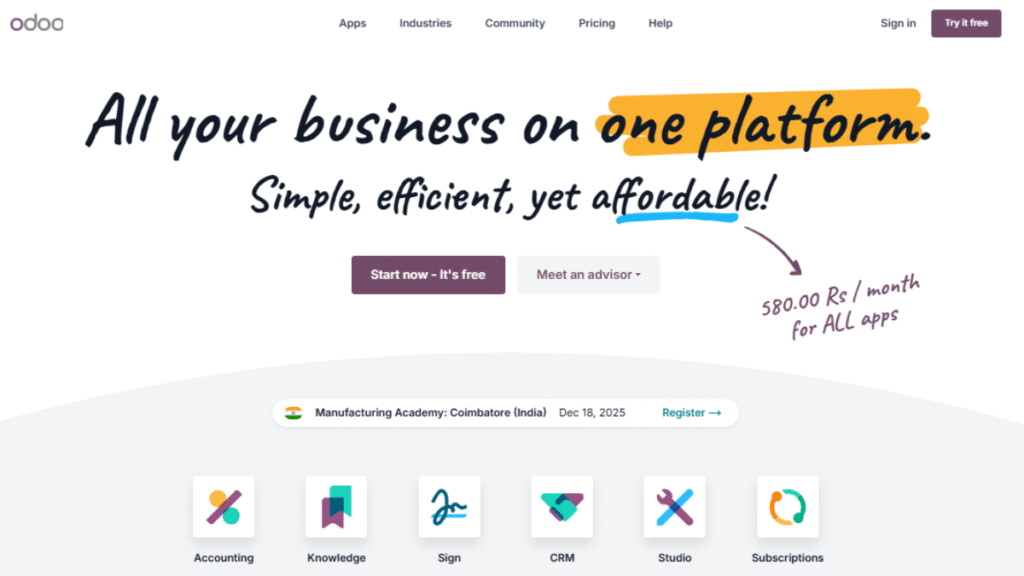
Odoo is a versatile all-in-one business suite with integrated project management features. It connects tasks, timesheets, and reporting with other business operations, enabling teams to manage workflows centrally. Odoo is perfect for teams seeking cross-department collaboration and seamless integration with other business tools like CRM and inventory.
What sets Odoo apart is its ability to unify project tasks with broader business processes, giving teams a clear picture of how projects impact daily operations. Its modular design lets businesses add features as they grow, ensuring the platform stays aligned with evolving needs. With real-time collaboration, automated tracking, and detailed analytics, Odoo becomes a reliable choice for organizations that want their project management to function as part of a fully connected business ecosystem.
5. Taiga
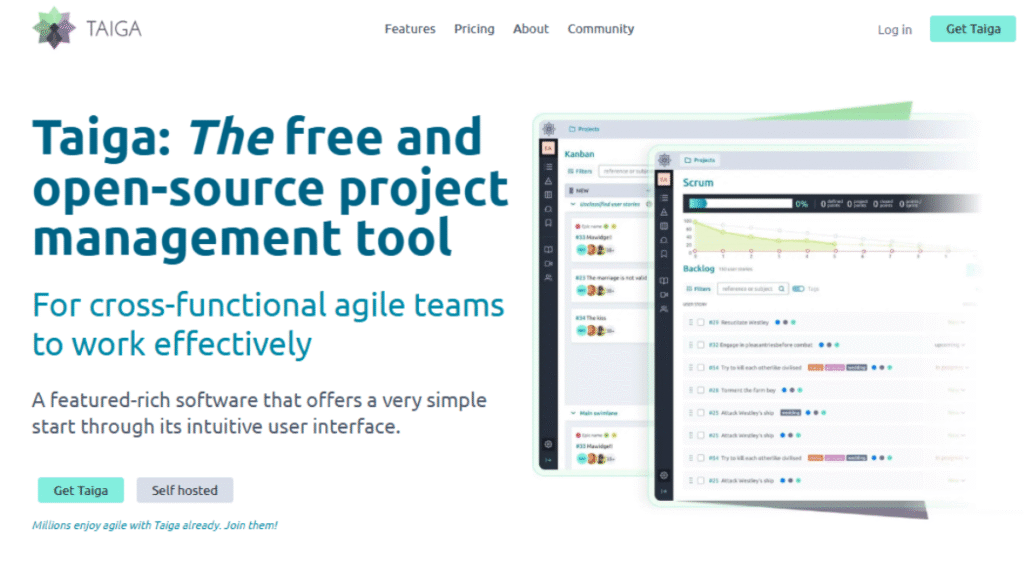
Taiga is an agile-focused project management tool tailored for software development and creative projects. It supports Scrum, Kanban, backlogs, and sprint planning, allowing teams to stay flexible while delivering on time. Taiga promotes iterative progress and helps teams adapt to changing project requirements effectively.
Teams value Taiga for its clean interface and smooth workflow transitions, which make agile practices easier to manage day-to-day. Its user stories, issue tracking, and customizable boards help teams break work into manageable parts and track progress with clarity. Taiga also encourages collaboration through real-time updates and shared dashboards, making it ideal for groups that rely on quick feedback cycles and continuous improvement.
6. Notion
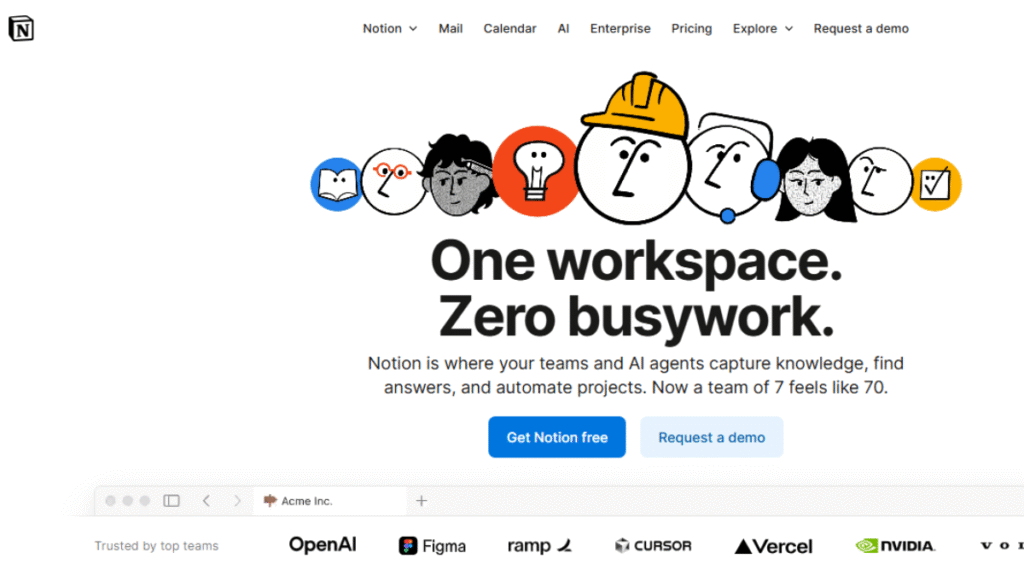
Notion is a highly flexible workspace combining notes, tasks, and databases. It allows teams to create customized project boards, track tasks, and store documentation in a single platform. Notion works well for both personal and team projects, giving teams the freedom to design workflows that match their style.
Its strength lies in the freedom it gives teams to shape their own workspace without rigid structures. Notion’s templates, linked databases, and real-time collaboration tools make it easy to centralize ideas, plans, and resources in one place. Whether teams need a simple task board or a full project wiki, Notion adapts effortlessly, making it a practical choice for organizations that value creativity, flexibility, and organized knowledge sharing.
Importance of Choosing the Right Application
Selecting the suitable application is more than just picking a popular tool, it can make or break your team’s workflow success. The right software ensures that every task is tracked, deadlines are met, and team members stay aligned with project goals. Without a proper tool, projects can quickly become chaotic, leading to missed deadlines, duplicated work, and frustrated team members.
Key reasons why choosing the right tool matters:
- Streamlined Workflow: Ensures tasks move smoothly from start to finish.
- Time Efficiency: Reduces wasted time searching for updates or clarifying tasks.
- Enhanced Team Collaboration: Keeps everyone on the same page, even for remote teams.
- Improved Decision-Making: Real-time insights help managers make informed adjustments.
- Scalability: Supports growing teams and increasingly complex projects.
A carefully chosen best project management application acts as a central hub, keeping all tasks, communications, and updates in one place. It not only improves productivity but also fosters accountability, transparency, and confidence across the team. By investing time in selecting the right software, businesses can prevent costly delays and maintain consistent project success.
Comparison Table of Best Project Management Applications
| Application | Key Features | Best For | Pricing |
|---|---|---|---|
| Kanboard | Drag-and-drop boards, subtasks, analytics, automation | Minimalist workflow teams | Free |
| ProjeQtOr | Gantt charts, task dependencies, risk & quality management | Structured, quality-focused projects | Free / Open Source |
| ProjectLibre | Gantt charts, resource allocation, progress tracking | Small to medium businesses, cost-effective | Free |
| LibrePlan | Collaborative scheduling, multi-project support, real-time updates | Teams managing multiple projects | Free / Open Source |
| Odoo | Integrated suite, tasks, timesheets, reporting | Businesses needing centralized operations | Paid / Free trial |
| Taiga | Scrum, Kanban, backlogs, sprint planning | Agile software and creative teams | Free / Paid tiers |
| Notion | Customizable workspace, tasks, notes, databases | Flexible project organization & creative teams | Free / Paid tiers |
An Application depends on your team’s needs and workflow. Kanboard suits small teams with simple visual boards. ProjeQtOr works well for structured, quality-focused projects. ProjectLibre and LibrePlan are great for cost-effective and multi-project management. Odoo, Taiga, and Notion offer integrated, agile, and flexible solutions for larger or specialized teams. Each tool improves productivity, collaboration, and project success in its own way.
Conclusion
Investing in the best project management applications for workflow success is crucial for any team aiming to boost efficiency, reduce chaos, and maintain consistent project delivery. The right tool ensures clear task assignments, real-time tracking, and improved collaboration, turning complex projects into streamlined operations. Teams can easily prioritize tasks, allocate resources wisely, and monitor progress at every stage.
Whether you choose Kanboard for simplicity, Odoo for integration, or Taiga for agile workflows, adopting a project management application gives your team structure, control, and confidence. These tools not only help meet deadlines but also foster accountability, transparency, and better communication. The right software helps your team move projects forward smoothly, optimize resources, and focus on delivering results, ensuring long-term productivity and consistent success.
