


Hey there! If you love editing photos in Lightroom, you’ve probably felt the need to do more than what the app offers by default. That’s where the Best Plugins for Lightroom come in. These little tools can make your editing faster, easier, and way more fun. Whether you shoot portraits, landscapes, or products, there’s a plugin out there to help you get that perfect look.
From AI-powered effects to batch editing and creative filters, the right plugin can totally change your workflow. I’ve tried out tons of plugins over the years, and I can tell you that using the Lightroom editing plugins is a game-changer. You’ll save time, boost creativity, and make your photos stand out. Let’s dive into the top Lightroom Classic plugins that every Lightroom user should know about.
How to Choose the Best Plugins for Lightroom?
When picking the best Lightroom AI plugins, it’s important to consider your editing style and workflow. Not every plugin will suit every photographer, so here are a few tips to help you choose:
- Match Your Photography Style: Select plugins that align with your main photography genre, such as portrait, landscape, or product photography.
- Seamless Integration: Opt for plugins that integrate smoothly with Lightroom to maintain your workflow.
- Batch Processing Features: Look for plugins with batch editing capabilities if you often work with multiple images.
- AI vs. Manual Control: Decide if you prefer AI-powered tools or want more manual editing options.
- User Reviews and Demos: Check reviews and watch demo videos to see how the plugin performs in real situations.
- Regular Updates: Ensure the plugin is frequently updated to stay compatible with the latest Lightroom versions.
Best Plugins for Lightroom
Discover the top plugins for Lightroom to unlock powerful editing features, speed up your workflow, and take your photos to the next level.
Luminar Neo
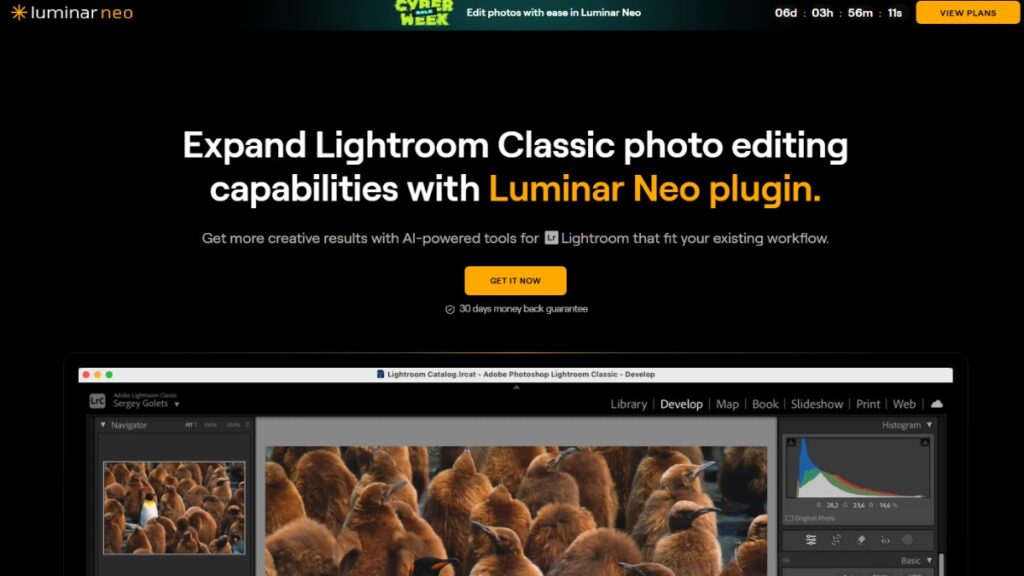
Luminar Neo is hands-down one of the best plugins for Lightroom. It brings AI-powered editing straight into your Lightroom workflow Plugins, letting you apply sky replacements, portrait retouching, and mood-based enhancements with just a few clicks. The plugin is incredibly intuitive and works well for landscape, portrait, and wedding photographers who want to speed up their editing process. Its standout features include Sky AI, Twilight Enhancer AI, and Water Enhancer AI, which let you transform dull skies or add dramatic lighting effects. If you’re interested in exploring more AI capabilities for your creative projects, check out how to Create an Image with AI for even more possibilities. Luminar Neo also offers composition suggestions using AI, so you can crop images for maximum impact. With seamless integration and a sleek interface, this plugin is a game-changer for anyone who wants to elevate their photos without spending hours on manual edits.
Luminar Neo Key Features:
- AI-powered sky replacement and lighting effects
- Portrait retouching tools
- Mood-based enhancements
- Composition and crop suggestions
- Fast, intuitive workflow
DxO PhotoLab
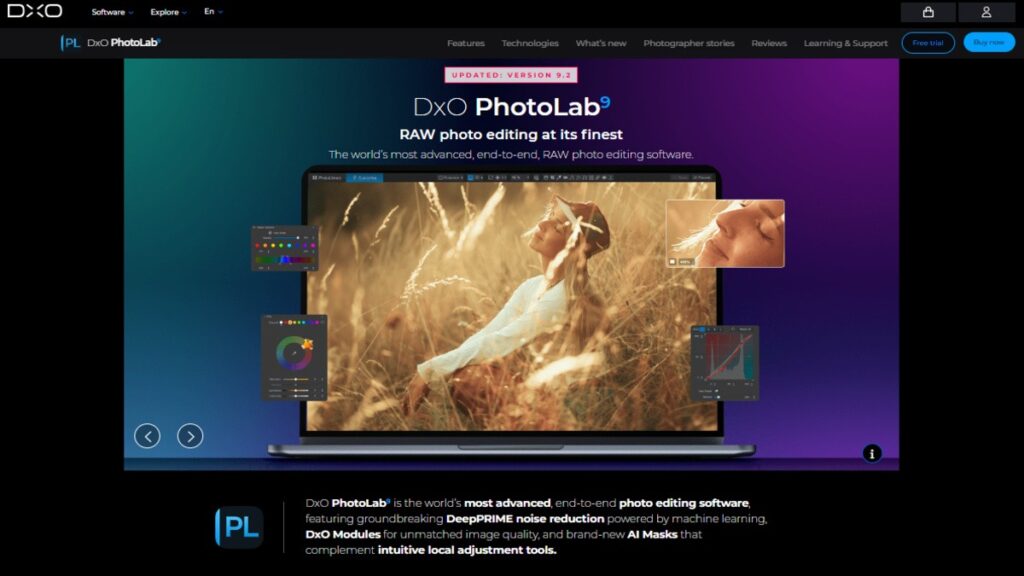
DxO PhotoLab is a favorite among professional photographers and one of the best plugins for Lightroom for advanced image processing. It offers intelligent features like one-click adjustments, masks, brushes, and exceptional noise reduction. The plugin excels at color correction and delivers stunning results, especially for RAW files. DxO PhotoLab also includes a time-lapse creator, Sky Swap AI, and portrait enhancement tools. Its cataloging features and cloud-based editing capabilities make it a top choice for those who want more control over their workflow. Whether you’re editing portraits, landscapes, or action shots, DxO PhotoLab ensures your images look their absolute best with minimal effort.
DxO PhotoLab Key Features:
- One-click adjustments and masks
- Outstanding noise reduction
- Advanced color correction
- Sky Swap AI
- Time-lapse creator and portrait enhancements
- Cloud-based editing
Topaz Photo AI
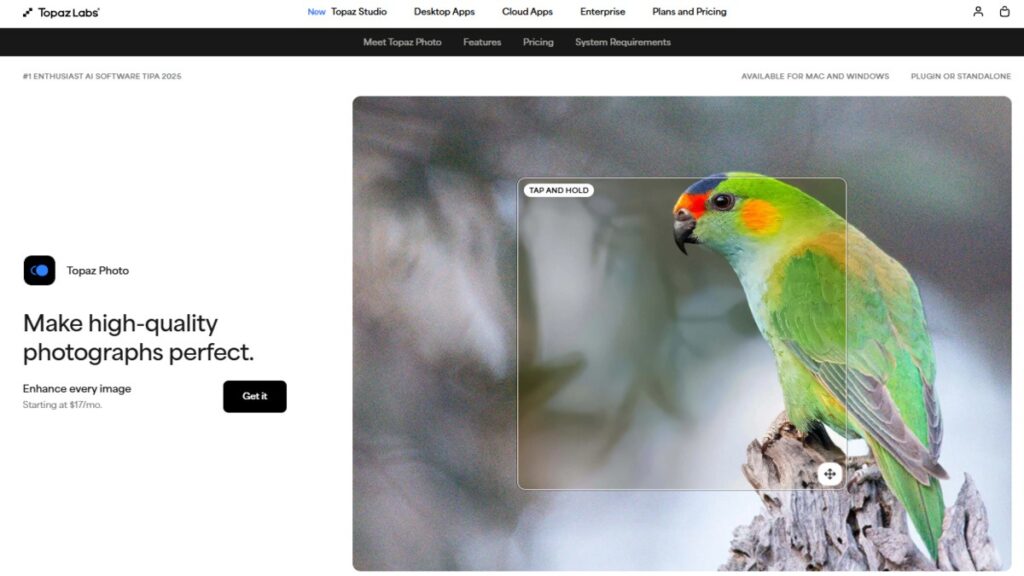
Topaz Photo AI is a must-have for photographers who want to combine noise reduction, sharpening, and upscaling in a single workflow. This plugin is designed to work seamlessly with Lightroom, letting you process images quickly and efficiently. Topaz Photo AI uses AI technology to enhance details, remove noise, and upscale photos without losing quality. It’s especially useful for photographers who shoot in low light or need to enlarge images for print. The plugin’s intuitive interface and powerful algorithms make it easy to achieve professional results with just a few clicks. If you want crisp, clean images every time, Topaz Photo AI is one of the best plugins for Lightroom you can use.
Topaz Photo AI Key Features:
- AI-powered noise reduction and sharpening
- Upscaling without quality loss
- Fast batch processing
- Seamless Lightroom integration
- Professional-grade results
ON1 Effects
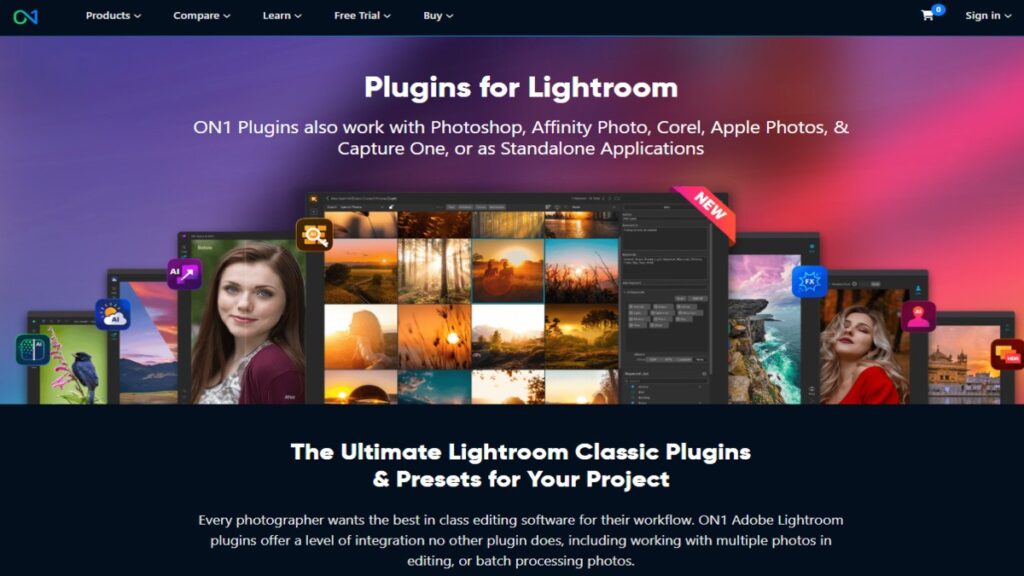
ON1 Effects is a powerful plugin that brings pro-grade effects and filters to your Lightroom workflow. It offers five main tools: NoNoise AI, Effects, Resize, Portrait AI, and HDR. Each of these tools is designed to help photographers enhance their images with ease. NoNoise AI removes noise while preserving details, Effects lets you apply creative filters, Resize optimizes images for web or print, Portrait AI improves skin tones, and HDR creates stunning dynamic range. ON1 Effects is compatible with Lightroom, Photoshop, and other popular editing programs, making it a versatile choice for any photographer. With ON1 Effects, you can achieve professional results quickly and efficiently.
ON1 Effects Key Features:
- NoNoise AI for noise reduction
- Creative effects and filters
- Resize for web and print
- Portrait AI for skin enhancement
- HDR for dynamic range
- Multi-platform compatibility
Perfectly Clear

Perfectly Clear is a plugin that specializes in automatic image correction. It offers a wide range of intelligent tools and presets that help photographers speed up their retouching process. Perfectly Clear is available as a standalone app, a plugin for Lightroom, and an external editor for various photo programs. Its automatic correction tools adjust exposure, color, and contrast with just a few clicks, making it perfect for batch editing. The plugin is especially useful for photographers who need to process large volumes of images quickly. With Perfectly Clear, you can achieve consistent, professional results without spending hours on manual adjustments. It’s one of the best plugins for Lightroom for photographers who value efficiency and quality.
Perfectly Clear Key Features:
- Automatic image correction
- Wide range of presets
- Fast batch editing
- Exposure, color, and contrast adjustments
- Multi-platform compatibility
Neurapix

Neurapix is an AI-powered editing plugin that integrates directly with Lightroom Classic. It applies AI-generated adjustments as standard Lightroom presets, ensuring seamless integration and manual fine-tuning. Neurapix is known for its speed and efficiency, processing up to 1,000 images at once and cutting editing time significantly. The plugin is ideal for photographers who want to maintain consistency across their images while still having the option to make manual adjustments. Neurapix’s AI-driven workflow helps photographers achieve professional results quickly, making it one of the best plugins for Lightroom for those who want to streamline their editing process.
Neurapix Key Features:
- AI-generated adjustments as Lightroom presets
- Seamless integration with Lightroom Classic
- Fast batch processing
- Manual fine-tuning options
- Consistent, professional results
Tips for Getting the Most Out of Your Lightroom Plugins
Choosing the right plugins can make your Lightroom editing faster and more creative. Here’s a quick guide to help you pick the best plugins for Lightroom based on your needs.
- Experiment with Presets: Try out different presets and effects to discover new styles and techniques for your photos.
- Customize Settings: Most plugins let you tweak settings to match your personal editing style, so don’t be afraid to play around.
- Combine Plugins: Use multiple plugins together to achieve unique results such as applying a filter from one plugin and a retouch from another.
- Stay Organized: Keep your plugin library tidy by organizing presets and regularly removing unused ones. Also, if you’re working with stock images, explore our guide on Free Stock Image Websites for high-quality resources.
- Learn Keyboard Shortcuts: Speed up your workflow by learning keyboard shortcuts for your favorite plugins.
- Follow Plugin Updates: Stay informed about new features and improvements by following plugin developer blogs and newsletters.
By following these tips, you can maximize the potential of the best plugins for Lightroom and keep your editing process fresh and efficient.
Conclusion
In conclusion, using the Best Plugins for Lightroom can completely transform your photo editing experience. These powerful tools bring AI enhancements, creative filters, batch processing, and advanced effects right into your workflow, making editing faster and more enjoyable. Whether you’re into portraits, landscapes, or product photography, the right plugin helps you achieve professional results with less effort.
By choosing plugins that match your style and needs, you’ll save time, boost creativity, and make your images stand out. The best plugins for Lightroom are a must-have for any photographer looking to take their editing to the next level. Explore the top options, try out different features, and discover how easy it is to create stunning photos with the help of these amazing tools.
Frequently Asked Questions
DailyWebTips Recommendation:

Leave a Reply