

Imagine you’ve just snapped a photomaybe it’s a selfie, a family moment, or a product shot for your online store. But something’s missing. The lighting’s a bit off, the background is distracting, or you just want to make it pop. That’s where online AI photo editors come in. In 2025, you don’t need to be a pro or spend hours learning complicated software. The best free AI photo editors let you fix, enhance, and transform your images in seconds.
Whether you want to remove backgrounds, add creative effects, or just make your photos look more vibrant, these tools have got your back. They’re super easy to use, work online, and are perfect for beginners and pros alike. In this article, we’ll explore the top five free AI photo editors that can help you turn any ordinary photo into something truly special, no hassle, no cost, just great results.
How AI Photo Editors Are Making Editing Fun?
AI photo editors are not just about efficiency; they’re making the editing process more enjoyable and creative. Here’s how:
- Instant Effects and Filters: With just a few clicks, you can apply fun, artistic effects and filters to your photos, turning ordinary images into eye-catching visuals.
- Smart Suggestions: AI analyzes your photo and suggests the best edits, filters, or enhancements, helping you discover new creative possibilities you might not have thought of.
- Easy Sharing and Collaboration: Many editors let you share your edits directly to social media or collaborate with friends and colleagues in real time, making group projects and creative brainstorming a breeze.
- Gamified Editing Experience: Some platforms now include gamified elements, like challenges and badges, encouraging users to experiment with new tools and styles.
AI photo editors are turning editing into a fun, interactive experience, helping everyone unlock their creativity and enjoy the process of making their photos look amazing.
Free AI Photo Editors: A Quick Comparison
| Best Free AI Photo Editor | AI Background Removal | AI Filters | Object Eraser | Creative Templates | AI-Powered Enhancements |
| Pixlr | Yes | Yes | No | Yes | Yes |
| Canva | Yes | Yes | Yes | Yes | Yes |
| Fotor | Yes | Yes | Yes | Yes | Yes |
| MyEdit | Yes | Yes | No | No | Yes |
| Photoroom | Yes | Yes | No | No | Yes |
Best Free AI Photo Editor
If you want to make your photos look amazing without spending a dime, the best free AI photo editors have you covered.
Pixlr: Best Free AI Photo Editor for Beginners
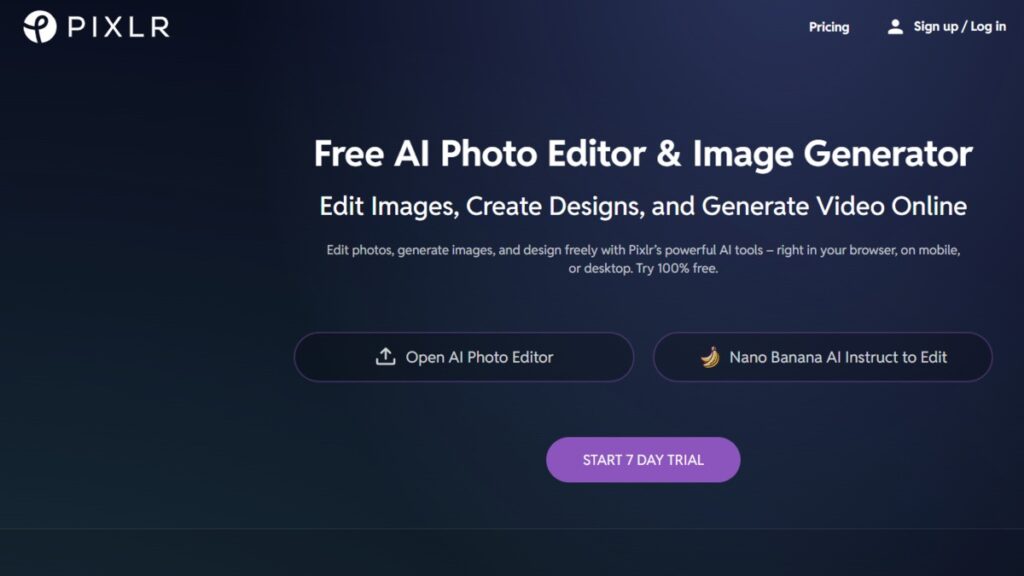
Pixlr is one of the most popular free AI photo editors in 2025, and for good reason. It’s super easy to use, even if you’ve never edited a photo before. With its intuitive interface and a range of AI-powered tools, you can enhance your images, remove backgrounds, and apply creative effects in seconds.
Pixlr also offers an AI image generator, which lets you create unique visuals from scratch. It’s perfect for bloggers, social media users, and anyone who wants quick, professional-looking edits without the hassle. The platform works online, so there’s no need to download anything, and you can access it from any device. Whether you’re editing for fun or for business, Pixlr is a reliable choice.
Pixlr Key Features:
- Simple drag-and-drop interface
- AI-powered background removal
- One-click enhancements and effects
- Batch editing for multiple images
- Online access with no downloads
Best For: Beginners and social media creators who want quick, easy edits.
Canva: Best Free AI Photo Editor for Design Enthusiasts
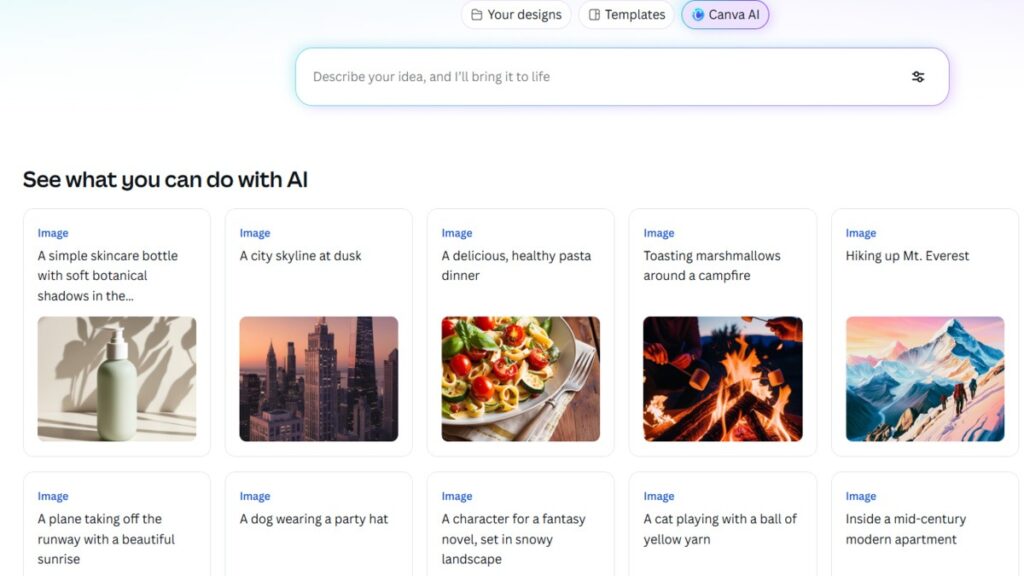
Canva has become a household name in the world of design, and its AI photo editor is no exception. The platform is packed with templates, filters, and AI tools that make editing photos a breeze. You can use Canva to remove backgrounds, enhance images, and add text or graphics with just a few clicks. Its AI features include smart object removal and automatic color correction, so your photos always look vibrant and professional.
Canva is especially great for creating social media posts, presentations, and marketing materials. The free version offers plenty of tools, and you can upgrade for more advanced features if needed. With its massive library of templates and assets, Canva is a top pick for anyone who loves to design.
Key Features:
- AI-powered background removal
- Smart object eraser
- Automatic color correction
- Huge library of templates and graphics
- Easy collaboration and sharing
Best For: Designers, marketers, and content creators who want professional results with minimal effort.
Fotor: Best Free AI Photo Editor for Quick Enhancements
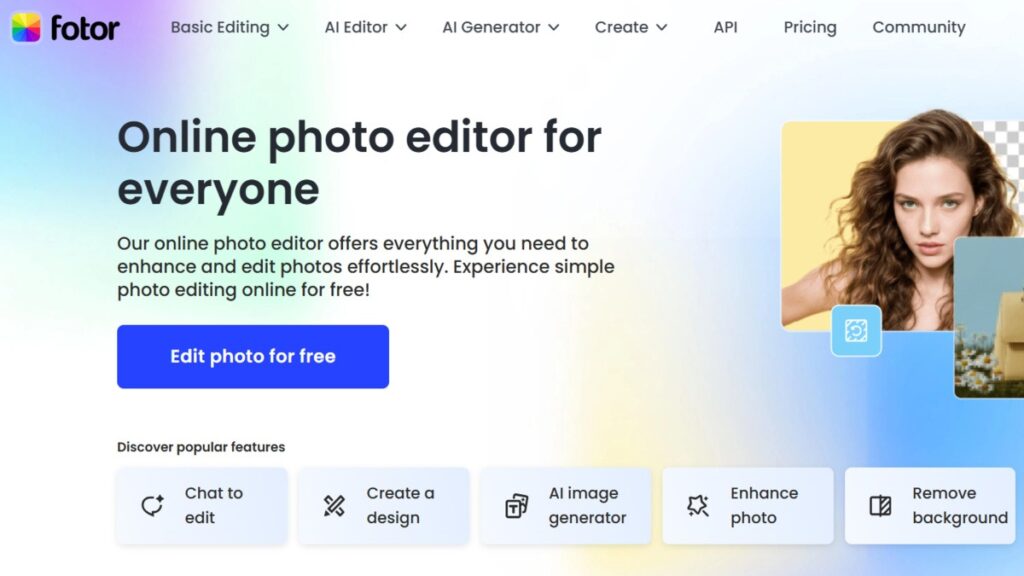
Fotor is a well-known name in the photo editing world, and its AI features make it a top contender for the best free AI photo editor. The platform specializes in one-click enhancements, letting you improve lighting, color, and sharpness with a single click. Fotor also excels at background removal and object erasing, making it easy to clean up your photos.
It offers creative filters and text-to-image generation, so you can add unique effects to your images. While some advanced features are locked behind a paywall, the free version still provides plenty of useful tools. Fotor is perfect for anyone who wants to make quick edits and get great results without spending hours learning complicated software.
Fotor Key Features:
- One-click enhancements for lighting and color
- AI background removal and object eraser
- Creative filters and effects
- Text-to-image generation
- Simple, user-friendly interface
Best For: Users who want fast, easy enhancements and creative effects.
MyEdit: Best Free AI Photo Editor for Quick and Easy Edits
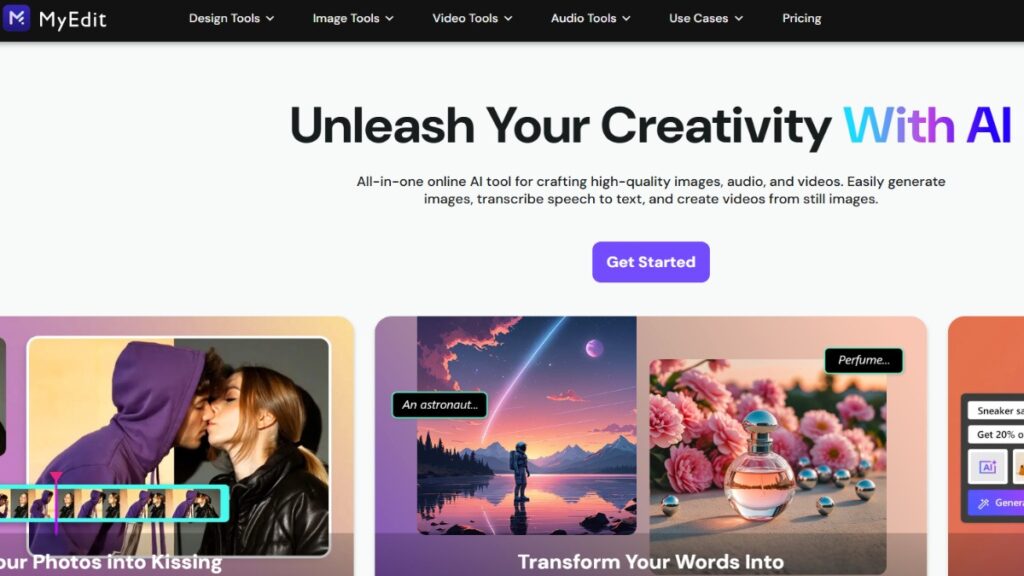
MyEdit is a lesser-known but highly effective free AI photo editor that’s perfect for quick edits. The platform offers a range of AI-powered tools, including enhancements, AI-generated content, and basic editing features like crop, flip, and resize. You get three free daily credits, which don’t max out, so you can edit images every day without worrying about running out.
MyEdit is known for its high-quality results and speed, making it a great choice for both beginners and advanced users. The interface is straightforward, and all tools are available for free, with a daily usage limit for each feature. If you want a tool that delivers pro-level results with zero learning curve, MyEdit is worth checking out.
MyEdit Key Features:
- AI-powered enhancements and content generation
- Basic editing tools (crop, flip, resize)
- Three free daily credits
- High-quality results in seconds
- Easy-to-use interface
Best For: Beginners and advanced users who want quick, high-quality edits.
Photoroom: Best Free AI Photo Editor for Product and Social Media Photos

Photoroom is a top choice for anyone who needs to edit product photos or create content for social media. The platform specializes in background removal and AI-generated backgrounds, making it easy to make your images stand out. With Photoroom, you can remove backgrounds, replace them with cool effects, and even edit multiple images at once.
The free version allows for 250 background removals per year, which is plenty for most users. Photoroom also offers ad-free editing, so you won’t be distracted by annoying pop-ups. It’s a great tool for e-commerce sellers, marketers, and social media managers who want to create professional-looking images without spending a fortune.
Photoroom Key Features:
- AI background removal and replacement
- Ad-free editing experience
- Batch editing for multiple images
- High-quality export options
- Simple, intuitive interface
Best For: E-commerce sellers, marketers, and social media managers who need professional product and social media photos.
Why AI Photo Editors a Game-Changer?
AI photo editors are revolutionizing the way we edit images, making it easier than ever to create stunning visuals. Here’s how these tools are changing the game:
- Automated Editing Tasks: AI editors now handle complex tasks like background removal, object erasing, and color correction automatically, saving time and making editing accessible to everyone.
- Creative Experimentation: With features like style transfer and AI-generated templates, users can effortlessly try out new looks and effects, unleashing their creativity without any technical skills.
- Accessible to All: These tools aren’t just for professionals; they’re perfect for beginners, bloggers, and anyone who wants to make their photos stand out on social media or for personal projects.
- Faster, Easier, More Creative: Thanks to AI, photo editing is now faster, easier, and more creative than ever, opening up endless possibilities for everyone, no matter their experience level.
AI photo editors are making professional-quality edits available to everyone, transforming the way we create and share images.
Conclusion
Wrapping up, the best free AI photo editors in 2025 have made editing photos easier, faster, and way more fun than ever before. Whether you’re a beginner or a seasoned pro, these tools let you create stunning images with just a few clicks. From removing backgrounds to adding creative effects, AI does the heavy lifting so you don’t have to.
The top editors we’ve covered, Pixlr, Canva, Fotor, MyEdit, and Photoroom, all offer powerful features that are perfect for social media, marketing, or just making your personal photos look amazing. With new innovations like real-time style transfer and voice-powered editing, there’s never been a better time to try out these editors. So go ahead, pick your favorite, and start transforming your photos today. The world of AI photo editing is waiting for you.
