
If you’ve ever dabbled in photo editing or digital design, chances are you’ve heard of Adobe Photoshop. It’s the heavyweight champ of creative software, beloved by photographers, graphic designers, social media creators, and pretty much anyone who needs to make images look amazing. But with so many subscription options floating around, understanding the real Adobe Photoshop Premium price can feel like decoding a secret formula.
Whether you’re a hobbyist looking to spruce up your Instagram pics or a full-time creative professional working across multiple projects, getting the right plan for your needs and budget is crucial. This article breaks down the latest Adobe Photoshop pricing tiers and plans in 2025, so you know exactly what you’re paying for, what you’re getting, and how to snag the best deal without any complicated tech jargon.
Quick Overview of Photoshop Plans
If you just want a fast answer before digging into details, here’s the gist of the current Adobe Photoshop Premium price options:
- Photoshop Single App (desktop, web, mobile + Adobe Express Premium): around $22.99/mo, annual plan billed monthly.
- Photography Plan (Photoshop + Lightroom + Lightroom Classic + 1TB cloud): about $19.99/mo, annual, billed monthly.
- Creative Cloud Standard (20+ apps, including Photoshop): about $54.99/mo, annual, billed monthly.
- Creative Cloud Pro (20+ apps + extra Firefly generative credits): regularly $69.99/mo, often discounted to $34.97/mo for the first year during promos.
So when you see people asking, “What are the real Adobe Photoshop Pricing Plans?” The honest answer is: it depends on how many Adobe apps you need and how much AI you use.
Photoshop Single App: when you only need Photoshop:
If you’re a designer, content creator, or editor who mostly lives inside Photoshop, the Single App plan is the cleanest way to understand the Adobe Photoshop Premium price.
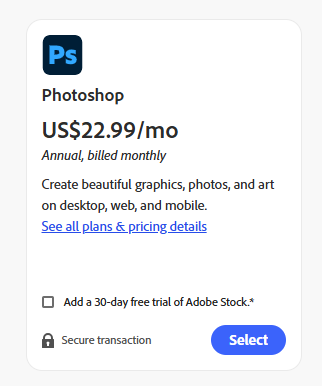
Price: about $22.99/mo, annual plan, billed monthly.
What you get: Photoshop on desktop, web, and mobile, plus Adobe Express Premium for quick templates and social media graphics.
This plan makes sense if:
If you’re the type of creative who mainly uses Photoshop and doesn’t really dive into other Adobe apps like Premiere Pro, After Effects, or Illustrator, then the Single App plan for Photoshop is probably your best bet. It gives you the full professional version of Photoshop, packed with all the latest features you need, including the advanced generative AI tools powered by Adobe Firefly. This means you get the power to create stunning graphics, edit photos at a high level, and leverage AI-driven enhancements and creative boosts—all without paying for extra apps you won’t use.
Photography Plan: the sneaky best-value option:
If you work a lot with photos, this is usually the best “hidden gem” Adobe pricing option.
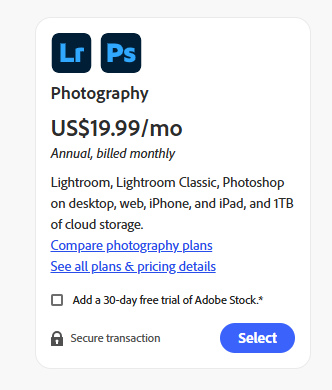
Price: about $19.99/mo, annual, billed monthly.
What you get: Adobe Photoshop (desktop, web, mobile), Lightroom and Lightroom Classic, with 1TB of cloud storage for syncing and backup.
Why it’s such a good value:
You pay less with the Photography Plan compared to the stand-alone Photoshop plan, but you still get the full version of Photoshop along with both Lightroom and Lightroom Classic. This plan also comes with a generous amount of cloud storage, typically 1TB, which is a game-changer for photographers, creators, and social media enthusiasts who are constantly managing large volumes of RAW images.
The extra cloud space not only makes storing and syncing photos across devices incredibly easy but also adds tremendous value to the Adobe Premium price, making it a practical and cost-effective choice for anyone juggling heavy photo workflows.
Creative Cloud Standard: for multi‑discipline creators:
If you’re not just editing photos but also doing video, layout, and illustration, the Adobe Photoshop Premium price conversation shifts toward the “all-in-one” route.
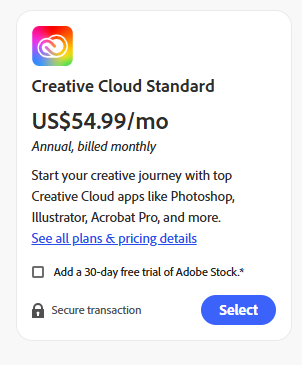
Price: About $54.99/mo, annual, billed monthly, for individuals.
What you get: More than 20 apps, including Photoshop, Illustrator, InDesign, Premiere Pro, After Effects, Acrobat Pro, and more.
This makes sense if you:
If you’re someone who needs to work across multiple creative tools—like video editing, social media graphics, PDFs, motion graphics, and more—buying 2 to 3 single apps separately can quickly add up, often exceeding the cost of the Adobe Photoshop Premium pricing for the full Creative Cloud All Apps plan. This comprehensive subscription provides access to over 20 powerful Adobe applications, including Photoshop, Illustrator, Premiere Pro, After Effects, and Lightroom, all bundled into one budget-friendly package
Creative Cloud Pro: premium bundle with AI:
Creative Cloud Pro is basically the “maxed out” bundle for individuals who want everything plus AI credits.
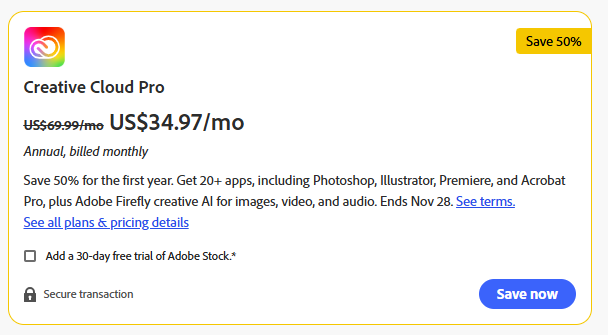
- Regular price: $69.99/mo for individuals, annually billed monthly.
- Promo price: Often $34.97/mo for the first year during big campaigns like Black Friday, which is a huge 50% off.
What’s included:
The Adobe Creative Cloud All Apps plan includes over 20 powerful Adobe applications, such as Photoshop, Illustrator, Premiere Pro, After Effects, and Acrobat Pro, giving you access to the full creative suite in one subscription. Beyond just the apps, this plan also provides extra generative credits for Adobe Firefly AI, allowing you to create advanced images, videos, audio, and more with AI-powered creative tools.
Business and Team Pricing:
Once you move into business and agency territory, the Adobe Photoshop Premium price becomes “per license” instead of per individual, and it comes with admin tools and support.
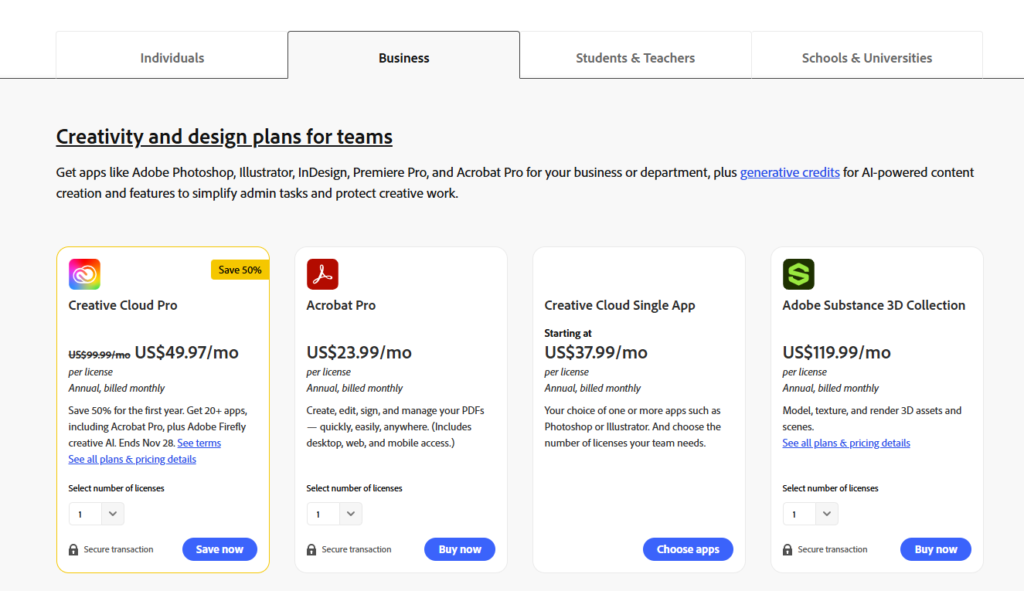
Key options for teams:
- Creative Cloud Pro for teams: regularly around $99.99/mo, often discounted to about $49.97/mo per license for the first year during promo periods.
- Creative Cloud Single App (teams): starting at around $37.99/mo per license for one app like Photoshop or Illustrator.
- Acrobat Pro for teams: about $23.99/mo per license, annual, billed monthly.
- Substance 3D Collection (teams): around $119.99/mo per license, focused on 3D workflows.
These business plans add features like centralized license management, better security controls, and 24/7 support, which is why the Adobe Photoshop Premium price is higher than for solo users.
Student and Teacher Plan:
If you’re eligible as a student or educator, Adobe’s education discount absolutely destroys the standard Adobe Photoshop Premium pricing for individuals.
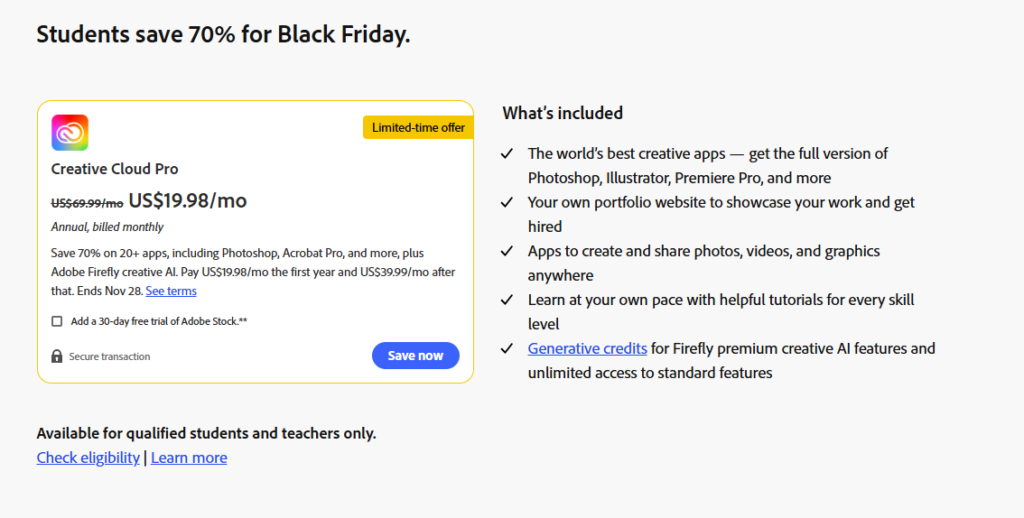
Creative Cloud Pro (students & teachers):
- Price: Around $19.98/mo for the first year, then $39.99/mo after that, annually billed monthly.
This includes 20+ apps: Full Photoshop, Illustrator, Premiere Pro, and more, plus Firefly AI features.
Schools, Universities, and Enterprise Education:
For institutions, pricing gets a bit more “talk to sales,” but there are some anchor numbers you can still mention around the Adobe Photoshop Premium price ecosystem.
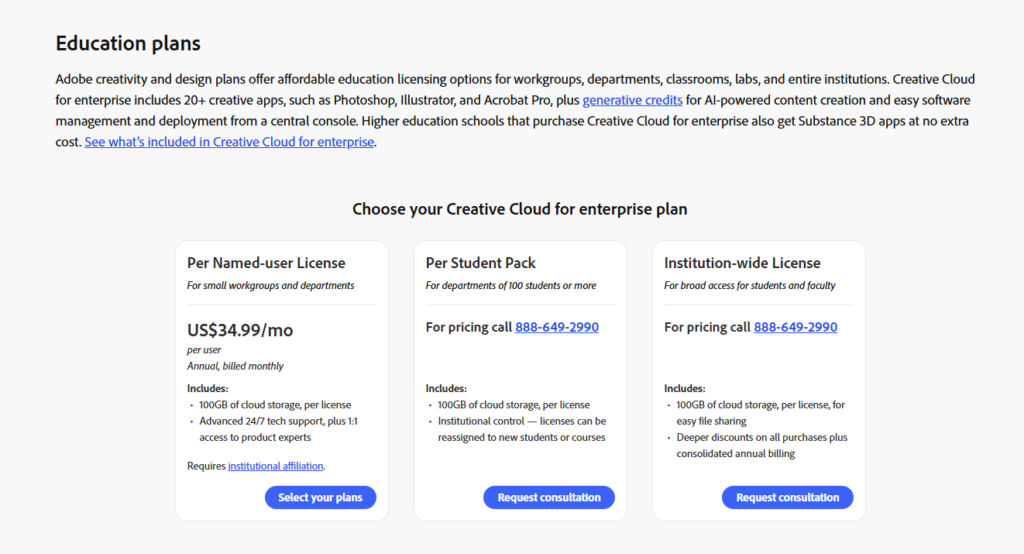
- Per Named-User License: Around $34.99/mo per user, annual, billed monthly, for small workgroups and departments.
- Per Student Pack: For departments of 100+ students, pricing is custom (you have to call Adobe), but each license includes 100GB storage and can be reassigned.
- Institution-wide License: Also phone-quoted, designed to give broad access and deeper discounts across the school with consolidated billing.
AI add-ons: Firefly and Acrobat AI:
One big shift is how AI is increasingly baked into what feels like the “real” Adobe Photoshop Premium price.
- Adobe Firefly Pro (Individual):
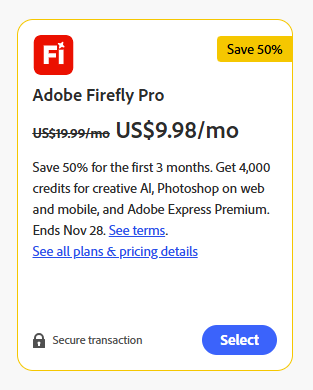
- Promo around $9.98/mo for the first three months, regularly US$19.99/mo.
- Includes 4,000 AI generative credits, Photoshop on web/mobile, and Adobe Express Premium.
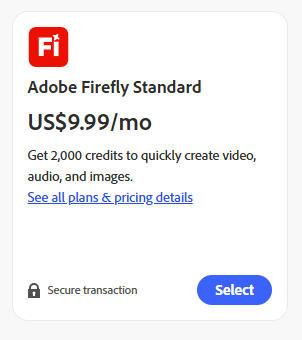
- Adobe Firefly Standard: Around $9.99/mo with 2,000 credits for creating videos, audio, and images.
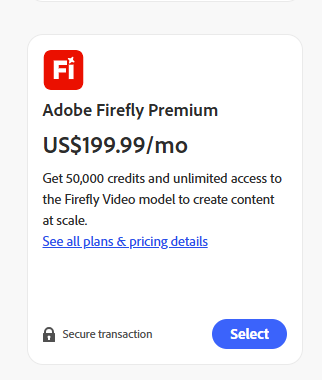
- Adobe Firefly Premium: About $199.99/mo with 50,000 credits and unlimited use of the Firefly Video model for big-scale content production.
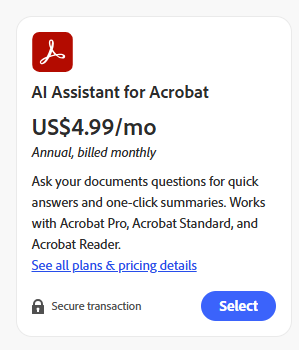
- AI Assistant for Acrobat: around $4.99/mo, annually billed monthly, as an add-on for Acrobat users who want question-answering and summaries inside their documents.
Non‑Photoshop Apps that affect Pricing:
Some notable individual prices (annual, billed monthly, individuals):
- Illustrator: About $22.99/mo
- Premiere Pro: About $22.99/mo
- After Effects: About $22.99/mo
- InDesign: About $22.99/mo
- Lightroom (solo): About $11.99/mo
- Acrobat Pro (solo): About $19.99/mo
Ways to save on the Adobe Photoshop premium price
Nobody wants to overpay, so let’s talk practical money‑saving angles around the Adobe Photoshop Premium price without overcomplicating it.
- Watch for official sales
Adobe runs sales a few times a year, like Black Friday, back-to-school, and occasional regional promos, which can cut up to 40–50% off the first year for new subscribers. These deals often apply to Photoshop Single App, Creative Cloud Pro, and student plans.
- Choose annual billed‑monthly over true month‑to‑month
The advertised prices for Photoshop, Photography, and All Apps usually assume an annual commitment billed every month. Pure month‑to‑month options (with no annual lock‑in) tend to cost more, even though they’re more flexible if you only need Photoshop for a short project.
- Pick the right bundle
If your needs focus mainly on Photoshop and Lightroom, the Photography Plan usually offers the best Adobe Photoshop Pricing by giving you access to both powerful tools and plenty of cloud storage at a great value. However, if you require three or more Adobe apps, opting for the Creative Cloud Standard or Pro plans typically ends up being more cost-effective than subscribing to multiple single-app plans separately. This way, you get a wide range of Adobe’s creative tools in one package while keeping your overall expenses lower.
- Use student/teacher or institution discounts where valid
If you’re actually eligible, the education plans offer some of the lowest effective prices per app. This is a huge SEO and conversion angle if your audience is students, educators, or training centers.
Which plan should you actually choose?
To wrap it up in a casual, practical way:
- Go Photoshop Single App if you only care about Photoshop and want something straightforward. The Adobe Premium price here is easy to justify if you use it daily.
- Go Photography Plan if you’re any kind of photographer or visual creator who uses Lightroom alongside Photoshop, this is probably the best value sweet spot for most people
- Go Creative Cloud Standard or Pro if you create across photo, video, design, and docs, or if you really want to lean into Firefly AI and advanced workflows.
- Go Student/Teacher plan if you qualify, no contest, it’s the strongest deal on the table in terms of price per app.
- Look at Teams / Enterprise / Education institution plans if you need admin controls, multiple seats, and centralized billing.
Conclusion
Navigating the world of Adobe Photoshop subscriptions can be a bit overwhelming, but knowing your options makes all the difference. The Adobe Photoshop Premium price is far from one-size-fits-all; it’s tailored to fit your specific creative needs, whether you want just Photoshop, the Photography Plan, a full Creative Cloud suite, or something geared toward students or teams.
Don’t forget to watch for seasonal discounts and special promos, as they can slash your monthly cost significantly. At the end of the day, choosing the right plan means getting the best bang for your buck while unlocking the powerful tools Photoshop offers to create stunning visuals. So go ahead, pick your perfect Adobe plan, and get your creative juices flowing without breaking the bank!
