
Choosing the right WordPress website builders has become a key part of building a successful online presence, especially for creators, small businesses, freelancers, bloggers, and eCommerce owners. With so many tools available today, it’s easy to feel overwhelmed when deciding which platform to trust for your website. Fortunately, modern builders have become more intuitive and beginner-friendly, giving you the freedom to design professional-looking pages without writing a single line of code. Whether you want to launch a personal brand, build a portfolio, promote services, or run an online store, the right builder can help you bring your vision to life faster and more efficiently. In this guide, we explore the best builders in 2026 and break down their strengths, ideal use cases, and what makes each one worth considering. Our goal is to help you make a confident, informed decision.
Comparing Best WordPress Website Builders
| Builder | Best For | Key Highlights | Pricing |
|---|---|---|---|
| Elementor | Beginners, designers, WooCommerce | Drag-and-drop editor, Theme Builder, large template library | Free / $59 per year (1 site) |
| Divi | Agencies, creative layouts | Visual builder, global styles, unlimited sites | $89 per year or $249 one-time (Lifetime) |
| Brizy | Simple & clean websites | Minimal UI, global blocks, Brizy Cloud | Free / $60 per year (Personal) |
| Beaver Builder | Agencies, long-term sites | Stable performance, clean code, Beaver Themer add-on | $99 per year (Standard) |
| Oxygen Builder | Developers, custom builds | Full theme control, dynamic data, clean code output | $129 one-time (Basic) |
| WPBakery | Classic-style page builder | Frontend & backend editor, large add-on ecosystem | $64 one-time (Regular license) |
Best WordPress Website Builders in 2026
Here are the top WordPress builders that offer the best mix of design freedom, performance, and ease of use, making them strong alternatives to many AI website builder best platforms available today.
1. Elementor – A Beginner-Friendly WordPress Website Builder

Elementor is one of the most trusted platforms among creators who need a flexible wordpress website builder without a steep learning curve. The drag-and-drop interface allows users to build custom pages quickly, while its extensive template library makes it easy to start with beautifully pre-designed layouts.
Elementor offers a wide range of widgets for headers, footers, forms, sliders, product grids, and more, so you can customize your site based on your niche. Its visual editor makes real-time design changes effortless, and the responsiveness controls help ensure your website looks polished across all devices. Elementor Pro adds even more value, giving you access to advanced features like theme building, global styling, and dynamic content. For users wanting a balance of creativity and simplicity, Elementor offers an excellent experience that feels both professional and beginner-friendly.
If you want to explore Elementor further, you can visit its official listing on the WordPress plugin directory, where its 4.5/5 user rating, over 10 million active installations, support for 64 interface languages, and regular updates highlight its reliability, global adoption, and ongoing development.
Pros:
- Huge template and widget library: Offers thousands of elements for fast, professional designs.
- Beginner-friendly drag-and-drop: Easy to build pages visually without coding.
Cons:
- Can slow down sites if too many elements are used.
- Some advanced features require the Pro version.
2. Divi – A Strong Choice for Creative Agencies
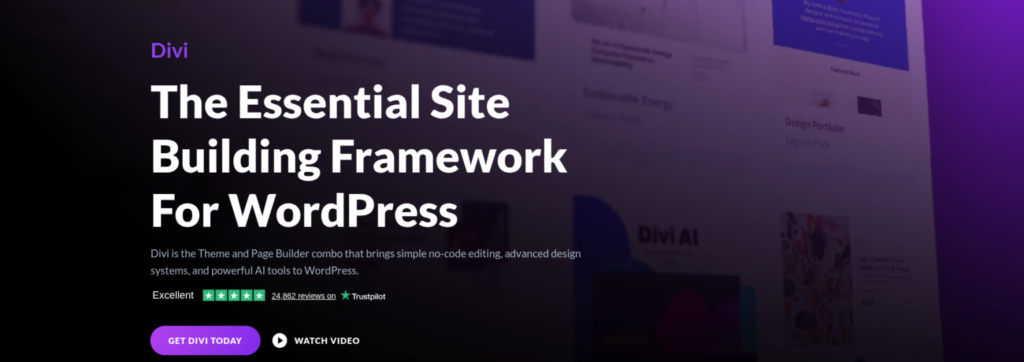
Divi is among the most visually expressive WordPress website builders with an all-in-one ecosystem. Its real-time editor provides instant feedback, making page building intuitive. With extensive layout packs for various industries and powerful global styling options, maintaining brand consistency is easy. Divi’s lifetime plan offers long-term value, and features like split testing, continuous updates, and a strong community make it ideal for freelancers, agencies, and business owners seeking creative control without complexity.
If you want to explore Divi Builder further, you can visit its official listing on the WordPress plugin directory, where its 4.7/5 user rating, 50,000+ active installations, and regular updates reflect its strong reputation, active development, and continued use among WordPress professionals.
Pros:
- Real-time visual editing: Immediate feedback while designing pages.
- Extensive layout packs: Hundreds of templates for various industries.
Cons:
- Slightly heavy, may affect load times.
- Interfaces can feel overwhelming for beginners.
3. Brizy – Clean, Simple, and Ideal for Modern Sites
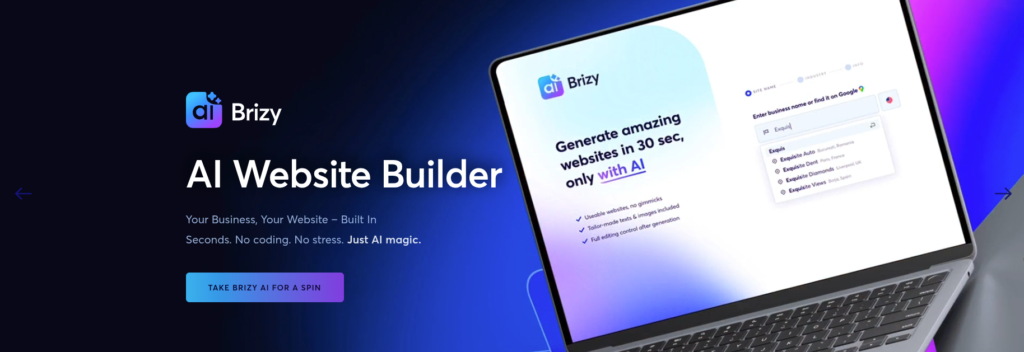
Brizy is a modern and one of the most beginner-friendly wordpress website builders that prioritizes simplicity and beautiful design. Its interface feels clean and minimal, making it ideal for users who want a stress-free editing experience. Brizy offers elegant templates and customizable blocks that help you build visually appealing websites quickly. One of its standout features is the global block system, which lets you reuse designs across multiple pages, perfect for maintaining consistent branding. Brizy Cloud adds even more flexibility, allowing you to publish pages outside WordPress if you prefer. The builder includes popups, image galleries, forms, and stylish content blocks suited for both business and personal websites. For beginners or freelancers looking for a visually clean environment that still offers powerful features, Brizy strikes an excellent balance.
If you want to explore Brizy further, you can visit its official listing on the WordPress plugin directory, where its 4.7/5 user rating, 70,000+ active installations, support for 35 interface languages, and frequent updates reflect its growing adoption and ease of use among WordPress users.
Pros:
- Minimalist interface: Clean UI for stress-free editing.
- Global blocks: Maintain consistent design across pages.
Cons:
- Fewer advanced features for developers.
- Smaller community and fewer third-party add-ons.
4. Beaver Builder – Reliable and Great for Long-Term Projects

Beaver Builder is a highly stable and one of the most reliable WordPress website builders, favored by developers, agencies, and long-term site owners who value consistency and performance. Its clean code output and strong compatibility with most WordPress themes ensure smooth site performance and minimal conflicts with plugins, even as websites grow over time. The intuitive drag-and-drop editor allows users to build professional content layouts quickly, making it easy to design pages without needing advanced technical skills. For more advanced customization, the Beaver Themer add-on enables full control over headers, footers, archive pages, and dynamic content layouts. Beginner-friendly yet powerful, Beaver Builder strikes a balance between simplicity and flexibility, making it an excellent choice for websites that require dependable performance, easy maintenance, and long-term scalability.
If you want to explore Beaver Builder further, you can visit its official listing on the WordPress plugin directory, where its 4.7/5 user rating, 100,000+ active installations, support for 21 interface languages, and consistent updates highlight its stability, reliability, and long-term use across WordPress websites.
Pros:
- Stable and conflict-free: Rarely causes plugin or theme issues.
- Clean code output: Ensures faster loading and easier maintenance.
Cons:
- Basic design features compared to newer builders.
- Limited templates may require more customization.
5. Oxygen Builder – A Developer-Focused Tool with Deep Customization
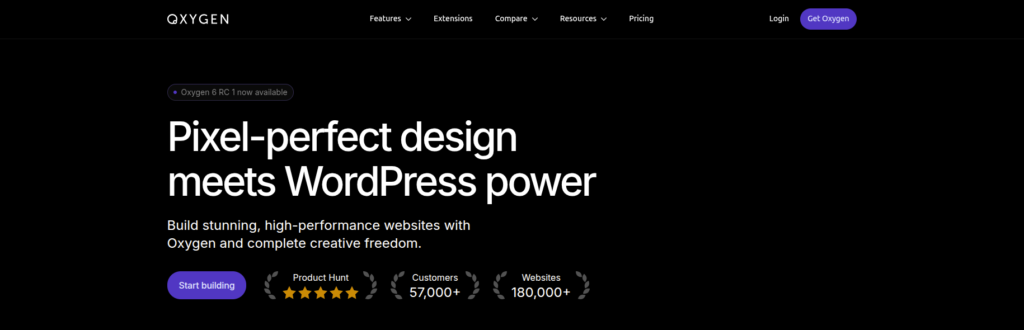
Oxygen Builder is a powerful and advanced wordpress website builder designed for users who want complete control over their website’s structure and code. Unlike traditional drag-and-drop solutions, Oxygen combines visual building with developer-level customization, allowing you to design complex layouts with precision. Oxygen replaces your theme entirely, giving you full authority over headers, footers, templates, and global styles. It outputs clean code, making websites faster and more SEO-friendly. Oxygen’s dynamic data capabilities also make it ideal for building custom websites, membership platforms, and WooCommerce stores. While it comes with a learning curve, the flexibility it offers is unmatched. Designers and developers who want ultimate creative freedom often prefer Oxygen because it delivers high performance, professional design tools, and a lifetime pricing model that offers excellent long-term value.
Pros:
- Developer-level control: Complete customization of layouts and code.
- Fast and SEO-friendly: Clean code for better performance.
Cons:
- Not beginner-friendly; steep learning curve.
- Lacks traditional drag-and-drop simplicity.
6. WPBakery – A Classic WordPress Website Builder with Add-On Support

WPBakery Page Builder is a reliable and widely used WordPress website builder, offering both frontend and backend editing to support flexible workflow management. Its dual editing modes allow users to choose the interface that best fits their working style, making content creation efficient for both beginners and experienced developers. The builder includes a large library of elements such as sliders, tabs, buttons, and grids, enabling users to create visually rich and custom layouts without writing code. Highly compatible with thousands of WordPress themes and plugins, WPBakery also supports a wide range of third-party add-ons, premium templates, and advanced content modules. While its interface may feel less modern compared to newer builders, WPBakery remains a stable, customizable, and dependable choice for long-term website development and maintenance.PBakery remains a stable and customizable choice for long-term website building
If you want to explore WPBakery Page Builder further, you can visit its official listing on the WordPress plugin directory, where its 4.2/5 user rating, 20,000+ active installations, and steady update cycle reflect its continued use and compatibility across a wide range of WordPress websites.
Pros:
- Reliable and widely compatible: Works with most themes and plugins.
- Large add-on ecosystem: Extend functionality easily.
Cons:
- Outdated interface compared to modern builders.
- Overloaded pages can slow down site performance.
Conclusion
Selecting the right wordpress website builders ultimately depends on your goals, budget, and technical comfort level. If you prioritize creative flexibility and professionally designed templates, Elementor and Divi stand out as reliable options for a wide range of projects. Elementor, in particular, is often chosen by entrepreneurs and store owners looking for the best ecommerce website builder for small business websites powered by WooCommerce. For users who value performance and granular control, Oxygen Builder delivers exceptional speed and customization, especially for complex or custom-built sites. Meanwhile, Brizy and Beaver Builder offer a balanced approach, combining simplicity, stability, and ease of use for beginners and long-term website owners. Each builder covered in this list serves a specific purpose, so the smartest choice is the one that aligns with your long-term website vision. With the right WordPress website builder, you can create a fast, responsive, and professional site that supports growth, engagement, and lasting online success.
FAQs
A WordPress website builder is a visual tool that allows users to create and design websites using a drag-and-drop interface instead of writing code. These builders make it easier to customize layouts, add content, and manage design elements directly within WordPress.
Elementor and Brizy are considered excellent choices for beginners due to their intuitive interfaces, pre-designed templates, and easy drag-and-drop editing. They allow new users to build professional-looking websites with minimal technical knowledge.
Yes, many WordPress website builders support ecommerce functionality, especially when paired with WooCommerce. Builders like Elementor, Divi, and Oxygen allow users to design custom product pages, checkout layouts, and store templates.
Website speed depends on how the builder is used. Overloading pages with too many elements, animations, or heavy scripts can affect performance. Builders that generate clean code and follow best practices tend to perform better over time.
