
Choosing the best photo enhancing software can make a big difference in your images. Every day, millions of people use these tools to make their photos look sharper, brighter, and more professional. From social media influencers to small business owners, everyone wants high-quality images that grab attention. Photo enhancing software helps you fix blurry photos, remove backgrounds, and add creative effects with just a few clicks.
The global photo editing market is growing fast, with over 2 billion users relying on these tools for better visuals. Whether you’re editing for fun or for work, the right software can save time and boost creativity. With the best photo editor with AI software, you can turn ordinary pictures into stunning masterpieces and stand out in a crowded digital world.
What Are the Best Practices for Using Online Photo Enhancing Software?
Using online photo enhancing software effectively requires more than just basic editing following best practices helps you achieve professional results and maximize the potential of your images.
- Choose the Right File Format: Use high-resolution formats like JPEG or PNG to maintain image quality during editing and sharing.
- Use AI Tools Wisely: Apply AI enhancements selectively to avoid over-editing and keep your images looking natural. If you’re looking for more options, check out our guide on best free ai photo editor to explore additional tools.
- Optimize for Different Platforms: Adjust image size and aspect ratio to fit the requirements of various social media channels.
- Regularly Update Your Skills: Stay informed about new features and updates to get the most out of your chosen software.
- Backup Your Originals: Always save a copy of your original images before editing to avoid losing important details.
Following these best practices ensures you get the best results from best photo enhancing software and maintain the integrity of your visuals.
Top Online Photo Enhancing Software
Discover the best photo enhancing software that helps you create stunning, high-quality images with ease and professional results:
Fotor
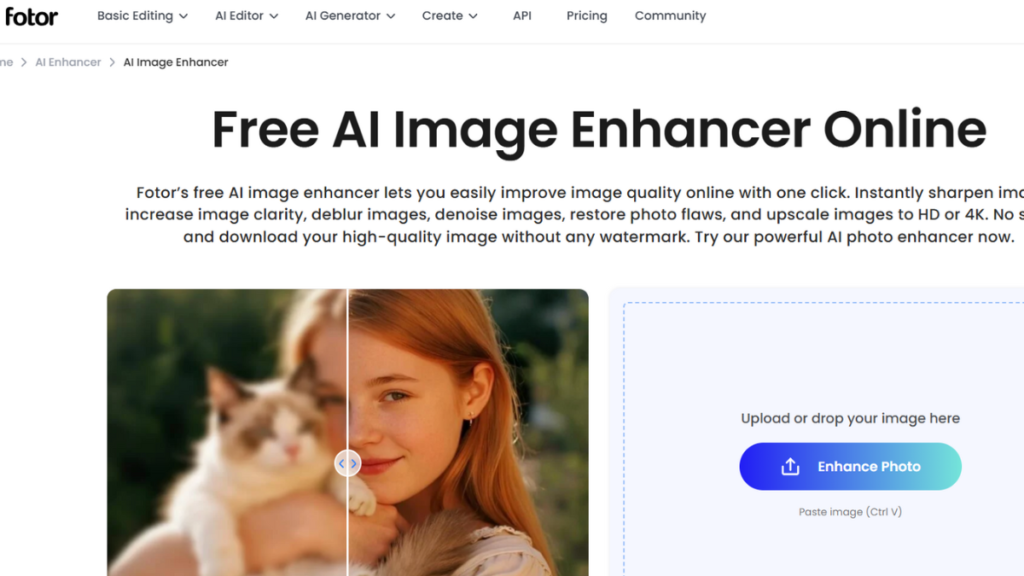
Fotor is one of the best photo enhancing software that caters to both beginners and professionals. It offers a wide range of editing tools, including AI-powered enhancements, filters, and retouching options. With Fotor, you can instantly improve image quality by adjusting brightness, contrast, and color balance. The platform also supports batch editing, allowing you to enhance multiple photos at once.
Fotor’s user-friendly interface makes it easy to navigate, and its advanced features, like HDR effects, portrait retouching, and background removal, ensure professional results. Whether you’re creating social media content or preparing images for print, Fotor delivers reliable and efficient photo enhancement. Its free version provides basic editing, while premium plans unlock more advanced capabilities. For those seeking completely free alternatives, explore our list of free photo editing websites for more options. Fotor stands out for its balance of simplicity and functionality in the world of image enhancement tools.
Fotor Key Features:
- AI-powered image enhancement: Automatically improves photo quality using smart algorithms.
- Batch editing: Edit multiple photos simultaneously for faster workflow.
- HDR effects: Create vivid, high-dynamic-range images with a single click.
- Portrait retouching: Smooth skin, remove blemishes, and enhance facial features.
- Background removal: Easily isolate subjects for creative compositions.
- Filters and effects: Apply trendy filters to transform the mood of your images.
- User-friendly interface: Intuitive design for easy navigation and quick edits.
Canva
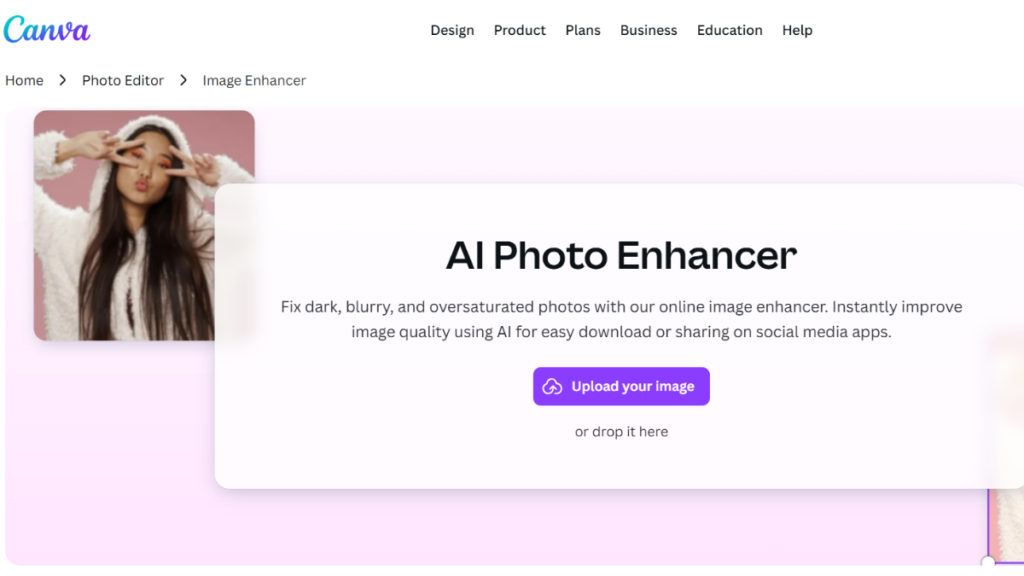
Canva is another best photo enhancing software known for its simplicity and versatility. It integrates photo editing tools with a robust design suite, making it ideal for marketers, educators, and casual users. Canva’s AI-powered image enhancer boosts clarity, sharpness, and color accuracy, while its extensive library of filters and effects lets you customize the look of your photos.
The platform also features a Magic Eraser for removing unwanted objects, background removal for creative edits, and noise reduction for cleaner images. If you need more specialized background removal tools, our guide to the best free background remover can help you find additional options. Canva’s instant sharing options and cloud storage make it easy to collaborate and access your projects from anywhere. Whether you’re editing photos for social media, presentations, or personal use, Canva’s seamless workflow and intuitive tools make it a top choice for an AI photo enhancer. You can also explore how to create an image with ai using Canva’s advanced features.
Key Features:
- AI-powered sharpness & clarity boost: Enhances low-resolution images for better detail.
- Color correction tools: Adjust temperature and tint for accurate color balance.
- Photo filters & effects: Apply one-click edits for quick transformations.
- Magic Eraser: Remove unwanted objects with ease.
- Instant noise reduction: Clean up grainy images without losing detail.
- Background removal: Isolate subjects for creative compositions.
- Integrated design suite: Combine editing with graphic design for versatile projects.
Pixlr
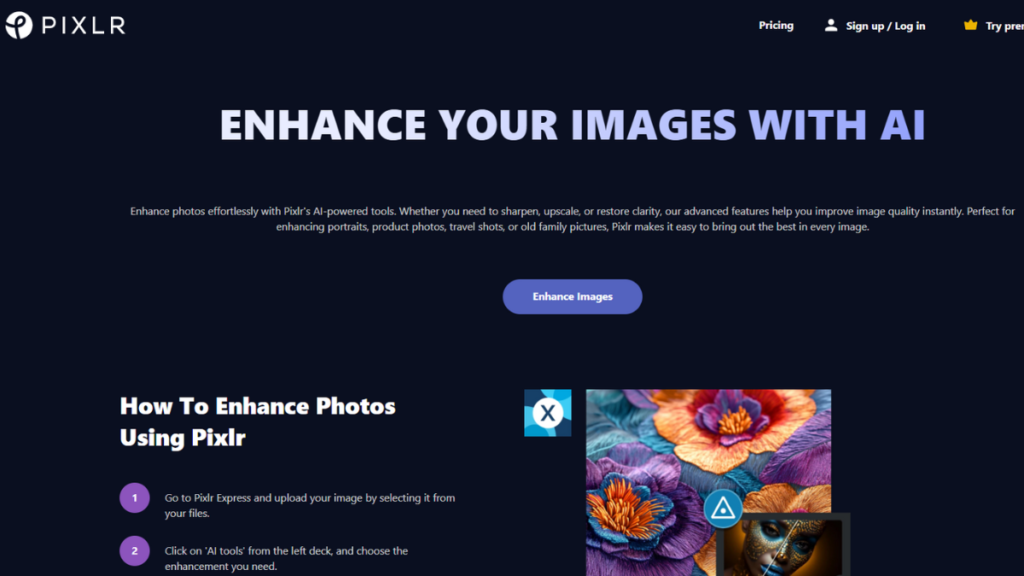
Pixlr is a versatile photo editing software that brings professional editing tools to the web. Its intuitive interface supports a wide range of features, including layers, filters, and advanced adjustment tools. Pixlr’s AI-powered enhancements improve sharpness, reduce noise, and optimize color balance, making it suitable for both beginners and experienced editors. The platform also offers batch processing, enabling you to edit multiple images at once. With its extensive library of effects and templates, Pixlr lets you experiment with creative styles and achieve unique results. Its free version provides robust editing capabilities, while premium plans unlock additional features like advanced retouching and cloud storage. Pixlr is a go-to solution for anyone seeking high-quality image enhancement without the need for desktop software.
Key Features:
- AI-powered image enhancement: Boosts sharpness and reduces noise for cleaner images.
- Batch processing: Edit multiple photos efficiently.
- Layers and masking: Advanced editing for precise control.
- Filters and effects: Apply creative styles with ease.
- Background removal: Isolate subjects for custom compositions.
- User-friendly interface: Easy navigation for quick edits.
- Cloud storage: Access and share projects from anywhere.
Imagen AI
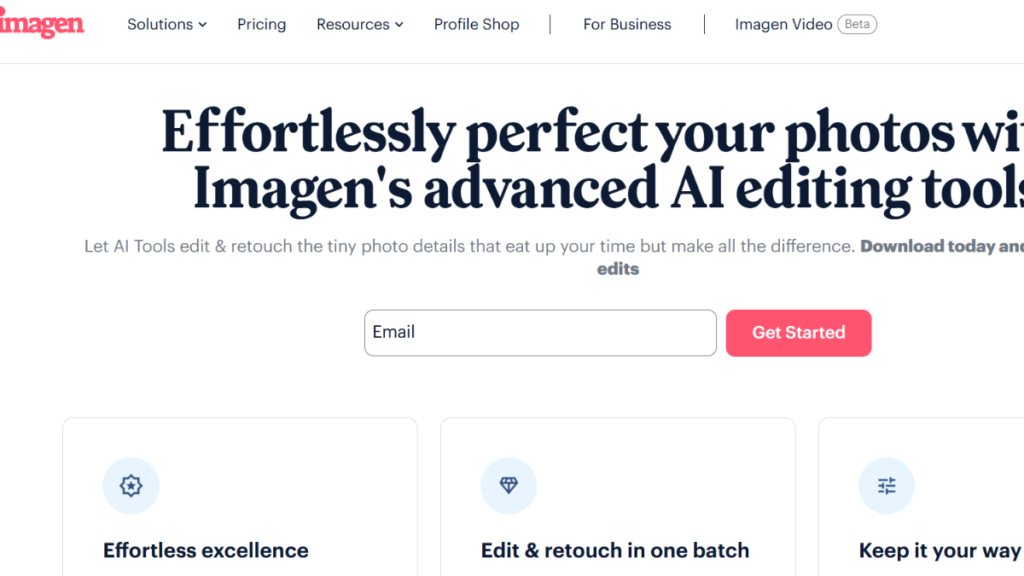
Imagen AI is a photo editing app that leverages deep learning to deliver exceptional image quality. It specializes in AI-driven enhancements, such as super-resolution, color correction, and noise reduction. Imagen AI’s intuitive interface allows users to improve photos with minimal effort, making it ideal for professionals and casual users alike. The platform supports batch processing, enabling you to enhance multiple images simultaneously.
Imagen AI also offers advanced retouching tools, including skin smoothing and facial enhancement, for portrait photography. Its seamless integration with cloud services ensures easy access and sharing of your projects. With its focus on AI-powered editing, Imagen AI is a top choice for anyone seeking high-quality results from the best photo enhancing software.
Key Features:
- AI-driven super-resolution: Enhances image quality for printing and digital use.
- Advanced color correction: Optimizes color balance and vibrancy.
- Noise reduction: Removes grain for cleaner images.
- Batch processing: Edit multiple photos at once for efficiency.
- Facial enhancement: Smooths skin and enhances facial features.
- Cloud integration: Access and share projects from anywhere.
- User-friendly interface: Simple navigation for quick edits.
Adobe Express
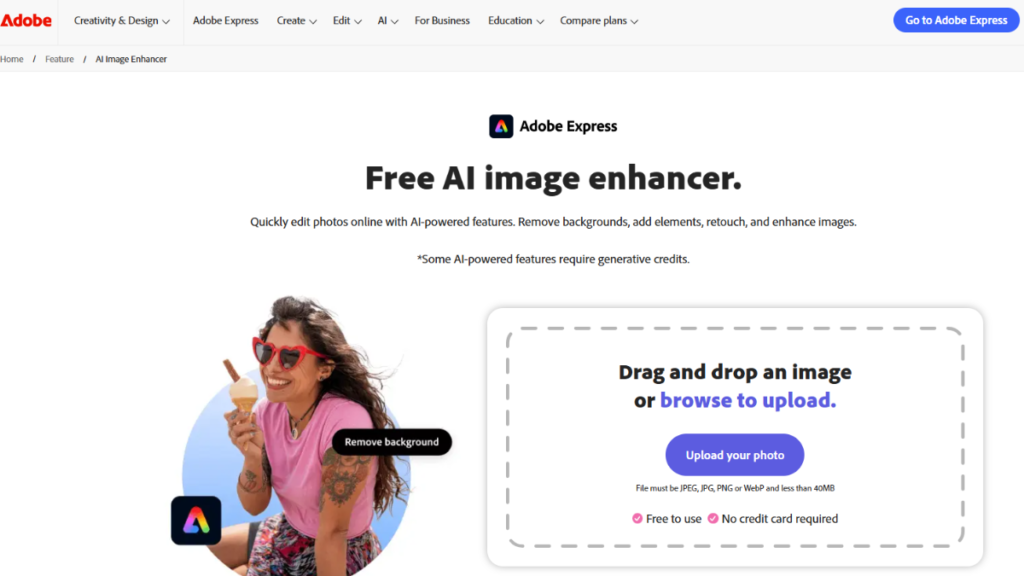
Adobe leads the market in AI-powered photo editing, offering powerful tools like Photoshop and Lightroom that deliver advanced features such as AI-powered enhancements, color grading, and noise reduction. For photographers who need to work with unprocessed image files, raw photo editors like Lightroom are essential for maintaining maximum image quality. If you’re trying to decide between these two powerful tools, our comprehensive comparison guide on photoshop vs lightroom for photo editing can help you choose the right one for your needs. Its cloud-based solutions make it easy to edit photos from any device, supporting remote work and collaboration. Batch processing enables efficient editing of multiple images, while a vast library of presets and effects allows for creative experimentation and professional results. Seamless integration with other Adobe products ensures a smooth workflow for designers and photographers. When it comes to the best photo enhancing software, Adobe remains the gold standard for achieving high-quality image enhancement.
Key Features:
- AI-powered enhancements: Automatically improves sharpness, color, and noise.
- Color grading: Advanced tools for precise color adjustments.
- Noise reduction: Removes grain for cleaner images.
- Batch processing: Edit multiple photos efficiently.
- Presets and effects: Apply creative styles with ease.
- Cloud integration: Access and share projects from anywhere.
- Seamless workflow: Integrates with other Adobe products.
Picsart
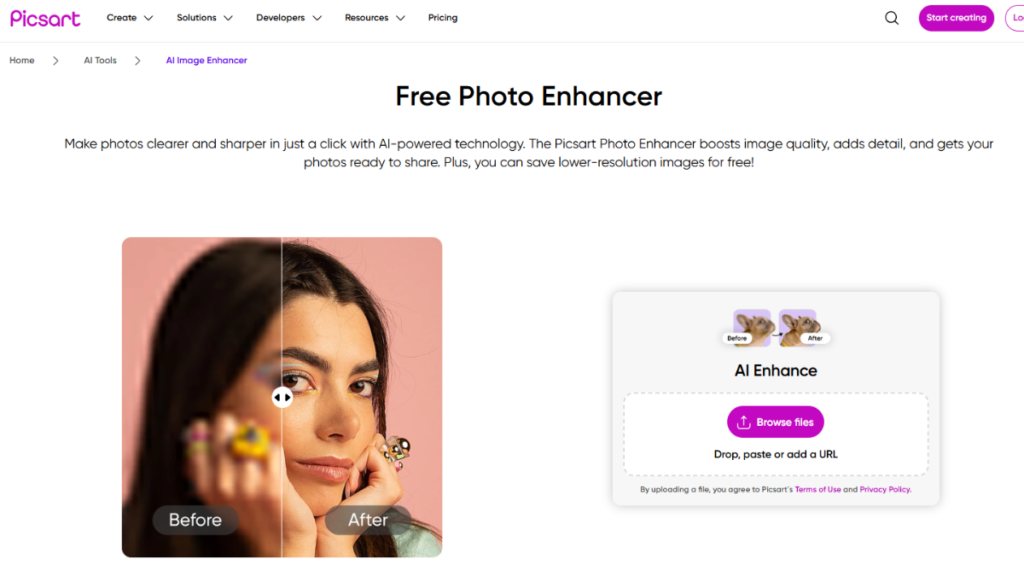
Picsart is a popular platform celebrated for its creative filters and intuitive interface, making it a top contender among the best photo enhancing software. It delivers powerful AI-driven enhancements like sharpening, color correction, and noise reduction, helping users achieve professional results effortlessly. With an extensive library of filters and effects, Picsart lets you transform your photos in just a few clicks. Batch editing is supported, allowing for efficient enhancement of multiple images. Advanced retouching tools, including skin smoothing and facial enhancement, are perfect for portrait photography. Seamless cloud integration ensures your projects are always accessible and easy to share, making Picsart a go-to solution for creative editing needs.
Key Features:
- AI-powered sharpening: Enhances image clarity and detail.
- Color correction: Optimizes color balance and vibrancy.
- Noise reduction: Removes grain for cleaner images.
- Batch editing: Edit multiple photos efficiently.
- Creative filters: Apply trendy effects with ease.
- Facial enhancement: Smooths skin and enhances facial features.
- Cloud integration: Access and share projects from anywhere.
ArtGuru
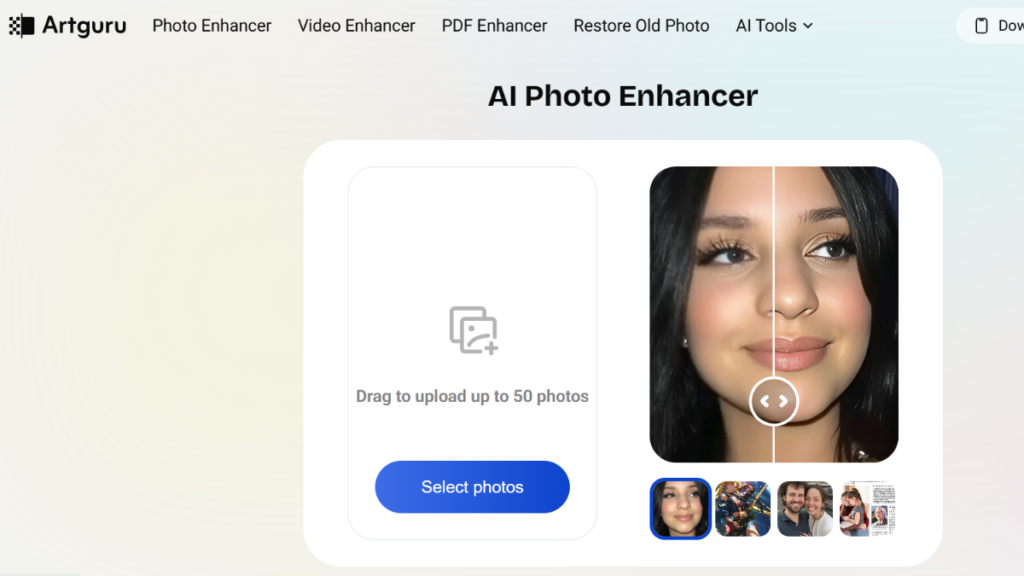
ArtGuru is animage upscaling software that specializes in AI-driven enhancements. It offers advanced tools for sharpening, color correction, and noise reduction, making it suitable for both professionals and casual users. ArtGuru’s intuitive interface allows users to improve photos with minimal effort, while its batch processing feature enables efficient editing of multiple images. The platform also supports advanced retouching tools, including skin smoothing and facial enhancement, for portrait photography. For designers who work with scalable graphics alongside photo editing, exploring software to create vector images can complement your creative workflow. ArtGuru’s seamless integration with cloud services ensures easy access and sharing of your projects. With its focus on AI-powered editing, ArtGuru is a top choice for anyone seeking high-quality results from the best photo enhancing software.
Key Features:
- AI-driven sharpening: Enhances image clarity and detail.
- Advanced color correction: Optimizes color balance and vibrancy.
- Noise reduction: Removes grain for cleaner images.
- Batch processing: Edit multiple photos efficiently.
- Facial enhancement: Smooths skin and enhances facial features.
- Cloud integration: Access and share projects from anywhere.
- User-friendly interface: Simple navigation for quick edits.
How Can Online Photo Enhancing Software Boost My Social Media Presence?
- AI-Powered Image Enhancement: Automatically improves sharpness, color, and clarity, making your photos look more vibrant and eye-catching on social media platforms.
- Batch Editing: Edit multiple images at once, saving time and ensuring a consistent look across your posts.
- Creative Filters and Effects: Apply trendy filters and effects to give your images a unique style that resonates with your audience.
- Background Removal: Isolate subjects and create clean, professional-looking images perfect for product showcases or personal branding.
- Noise Reduction: Remove grain and imperfections for crisp, high-quality visuals that impress your followers.
- Easy Sharing Options: Directly share your enhanced images to social media platforms for instant engagement.
By using the best online photo enhancing software, you can consistently deliver visually appealing content that helps grow your social media following and engagement. If you need high-quality images to start with, browse our curated collection of stock image websites for professional photos. For creative presentations and product mockups, check out our guide on freepik mockup to enhance your visual content strategy.
Final Thoughts
The best photo enhancing software has become essential for anyone looking to create high-quality images. These tools make it easy to improve clarity, color, and overall appearance without needing advanced skills. With features like AI-powered enhancements, batch editing, and cloud storage, users can quickly transform ordinary photos into professional-grade visuals. The demand for online photo retouching software continues to grow, as more people seek efficient ways to edit images for social media, marketing, and personal use.
Whether you’re a beginner or an experienced creator, these platforms offer powerful solutions that save time and boost creativity. By using photo enhancing software, you can achieve stunning results and make your images stand out in a digital world filled with competition. Investing in the right software helps you unlock your full creative potential and deliver images that truly impress.
