

Agile project management tools have evolved from simple task trackers into full-scale project execution platforms. In fast-changing business environments, where requirements shift, teams are distributed, and delivery speed matters, traditional linear project management often falls short. In fact, studies show that over 70% of organizations now use Agile practices to manage projects, and teams using Agile tools report up to 60% faster time-to-market compared to traditional methods. Agile tools address these challenges by enabling iterative planning, real-time collaboration, and continuous delivery, helping distributed teams improve productivity by 30–40% while responding quickly to change.
Modern teams don’t just need task lists; they need visibility, automation, analytics, and integrations. This is why Agile tools are now considered essential Project Management Apps rather than optional productivity software. They help teams respond to change without losing control, aligning daily execution with long-term goals.
If you want to understand how Agile tools work, how they differ technically, and which one fits your team best, this guide breaks it down in detail.
What Are Agile Project Management Tools?
Agile project management tools are software platforms designed to support Agile methodologies such as Scrum, Kanban, and hybrid Agile frameworks. Instead of rigid project plans, these tools enable teams to work in short iterations (sprints), continuously refine priorities, and deliver incremental value.
Unlike traditional systems, Agile tools focus on:
- Adaptive planning
- Continuous feedback
- Cross-functional collaboration
- Data-driven decision-making
They provide a centralized workspace where teams can manage backlogs, plan sprints, track progress, and measure performance, all in real time.
To understand the principles behind these tools, it’s useful to explore different Methodology in Project Management, as Agile tools are built to enforce these frameworks at a technical level through workflows, permissions, and reporting.
How Agile Project Management Tools Work
Agile Tools operate through a combination of visual workflows, automation, and analytics that support iterative and flexible project execution. They help teams manage changing priorities while maintaining visibility and control. Here’s how they function in practice:
1. Backlog & Sprint Management
Work is broken into user stories or tasks and stored in a centralized backlog. During sprint planning, teams define priorities, scope, and timelines, ensuring work is aligned with business goals while remaining adaptable to change.
2. Workflow Visualization
Most tools use Kanban boards or sprint boards, allowing tasks to move across stages such as:
- To Do
- In Progress
- Code Review
- Done
This visual workflow makes progress easy to track, improves transparency, and helps teams quickly spot bottlenecks or delays.
3. Automation & Rules
Agile tools include basic to advanced automation that reduces manual effort, such as:
- Auto-assigning tasks
- Status-based notifications
- Dependency tracking
- Sprint rollover rules
Automation keeps workflows consistent and saves time, especially as teams scale.
4. Reporting & Analytics
Built-in reports provide insights into team performance through metrics like:
- Sprint velocity
- Cycle time
- Burndown and burnup charts
- Team workload
These insights help teams plan better and continuously improve delivery.
5. Integrations
Modern Agile tools integrate with essential platforms such as:
- Development tools (GitHub, GitLab)
- Communication apps (Slack, Teams)
- Documentation and CI/CD tools
This connectivity keeps information synchronized across systems and reduces context switching.
This technical foundation is what differentiates Agile project management tools from basic task managers or even some Free Online Project Management Tools, while still keeping workflows simple and efficient.
Comparison Table
| Tool | Agile Frameworks | Integrations | Automation | Reporting Depth (1–10) | Pricing Range | Ideal Team Size (users) |
|---|---|---|---|---|---|---|
| Jira | Scrum, Kanban | Extensive (Dev-focused) | Advanced | 9/10 | $0–$8/user/mo | 50–2000+ |
| ClickUp | Scrum, Kanban, Hybrid | Broad (1,000+ apps) | High | 8/10 | $0–$7/user/mo | 10–1,000+ |
| Asana | Agile, Hybrid | Strong (Business apps) | Medium | 7/10 | $0–$11/user/mo | 10–500 |
| Zoho Projects | Scrum, Kanban (via Zoho Sprints) | Strong (Zoho + 2000+ via Zapier/Flow) | High | 8/10 | $0–$10/user/mo | 5–500 |
| monday.com | Agile, Custom | Strong (100+ integrations) | High | 7/10 | ~$8+/user/mo | 10–500 |
| Notion | Custom Agile (Kanban, boards) | Moderate (via integrations) | Basic | 5/10 | ~$8+/user/mo | 1–200 |
Each Agile tool offers unique strengths tailored to different team needs, from simple visual tracking to advanced development workflows. Small teams may prefer Notion or Asana for ease and clarity, while larger or development-focused teams benefit from Jira or Clickup. Choosing the right Agile project management tools ensures smoother collaboration, better visibility, and more efficient project delivery.
Popular Agile Project Management Tools
Choosing the right agile tools depends on team size, workflow, and project complexity. These platforms help teams collaborate efficiently, track progress, and adapt quickly to changing priorities. Below are some of the most widely used tools with key features and reasons why teams prefer them. Each tool brings unique features that help teams collaborate, track progress, and adapt to changes effectively. By aligning a tool with your team’s workflow and project needs, work becomes more organized and efficient. The right platform ensures smoother communication, faster task completion, and better overall project results.
1. Jira
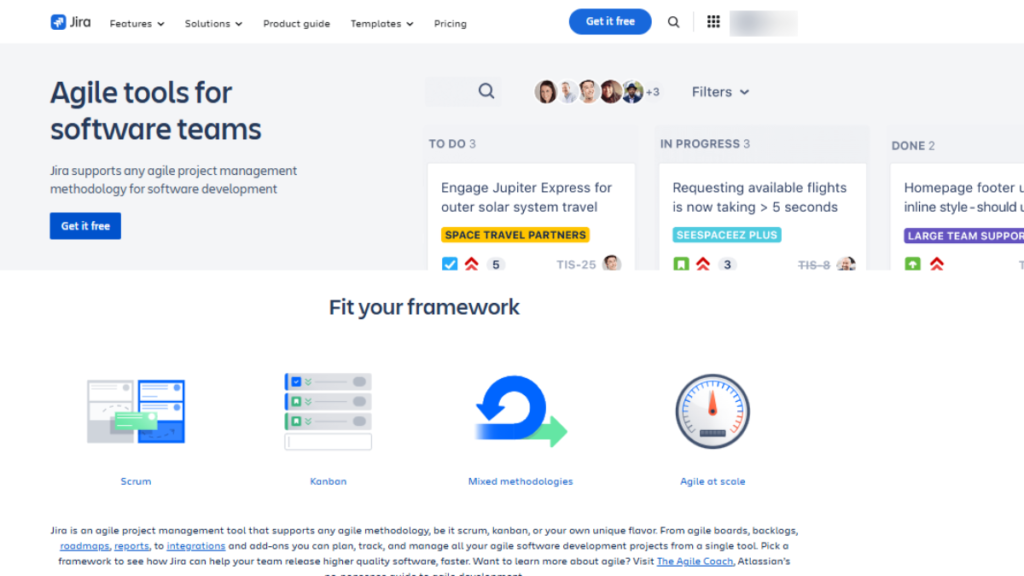
Jira Project Management Software is one of the most powerful Agile platforms, especially for software development teams. It is built specifically for Scrum and Kanban frameworks and supports highly complex workflows. It excels at sprint planning, backlog management, and task tracking, making it easier to manage complex projects. Visual dashboards provide clarity on progress and identify bottlenecks early. Detailed analytics allow teams to measure velocity, optimize workflows, and make data-driven decisions. Jira integrates seamlessly with development tools, ensuring continuous, smooth project execution.
1. Technical Standout Features
- Advanced backlog prioritization
- Custom workflows with conditions and validators
- REST APIs for deep integrations
- Sprint velocity and burndown analytics
2. Users & Adoption
- Used by over 300,000 companies
- Trusted by teams at Spotify, eBay, Cisco, and Airbnb
3. Pricing
- Free (up to 10 users)
- Paid plans start around $7–$8/user/month
4. Customer Support
- Ticket-based support
- Extensive documentation and community forums
5. Best For
- Development and engineering teams that need deep customization, scalability, and Agile reporting.
2. ClickUp
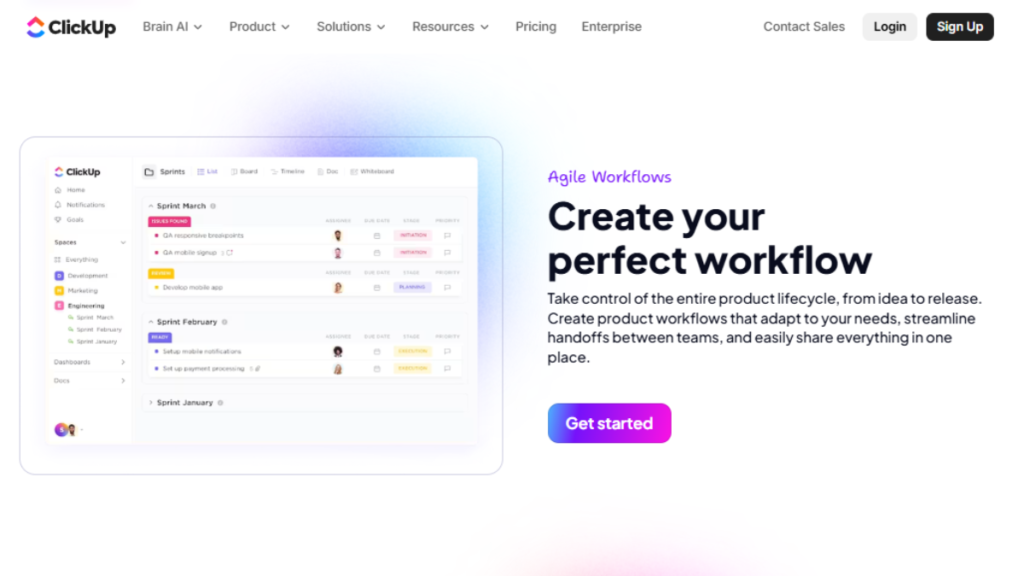
ClickUp Project Management Software is one of the flexible and highly customizable Agile project management tools suitable for teams of any size. It combines task management, goal tracking, time tracking, and document collaboration in a single workspace. Agile boards, lists, and timelines allow teams to organize work efficiently while adapting to changing priorities. ClickUp also supports automation, notifications, and integrations with multiple platforms, reducing manual effort and improving productivity.
1. Technical Standout Features
- Multiple Agile views (List, Board, Gantt, Timeline)
- Built-in automation builder
- Native time tracking
- Custom fields and task hierarchies
2. Users & Adoption
- Used by 800,000+ teams
- Popular among startups and agencies
3. Pricing
- Free plan available
- Paid plans start at $7/user/month
4. Customer Support
- Live chat and email
- Onboarding webinars and help center
5. Best For
- Teams requiring flexibility across Agile, hybrid, and non-technical workflows.
3. Asana
Asana Project Management Software is designed for clarity and smooth coordination in Agile workflows. It allows teams to create tasks, set priorities, and track progress using boards, timelines, or list views. Asana focuses on clarity, visibility, and cross-team coordination rather than deep development workflows. Real-time updates, comments, and notifications ensure everyone stays aligned. Asana makes it easier to balance multiple projects, assign responsibilities, and meet deadlines. Its focus on visualization and communication helps teams maintain productivity without confusion
1. Technical Standout Features
- Timeline-based sprint planning
- Workload management
- Rule-based automation
- Strong reporting dashboards
2. Users & Adoption
- Used by 150,000+ organizations
- Companies include Uber, Pinterest, and Deloitte
3. Pricing
- Free for small teams
- Paid plans start at ~$10.99/user/month
4. Customer Support
- Email and self-help resources
- Priority support on higher tiers
5. Best For
- Marketing, operations, and business teams running Agile without heavy technical dependencies.
4. Zoho Projects
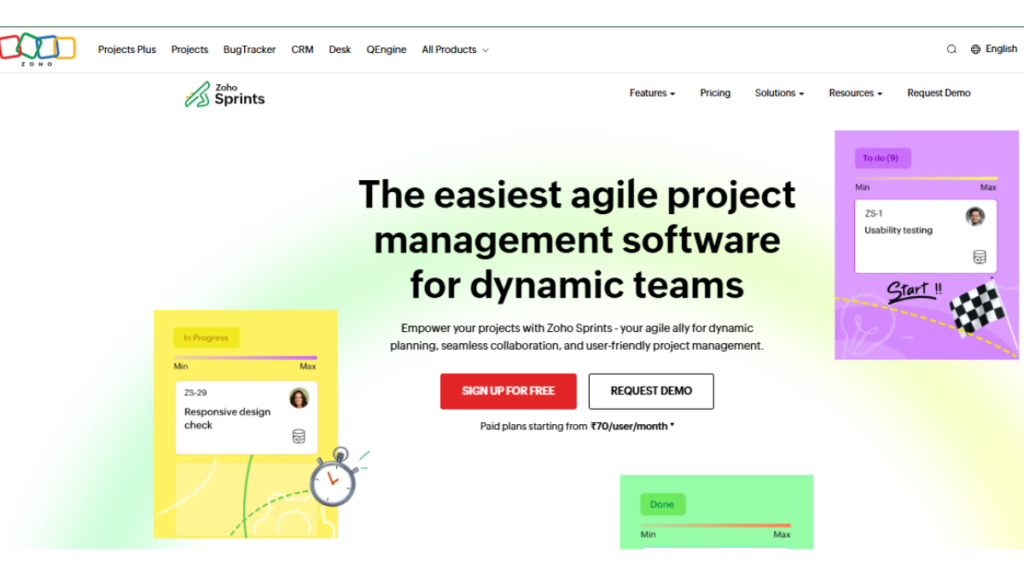
Zoho Projects is one of the structured Agile project management tools that supports Scrum and Kanban workflows, ideal for teams that require seamless planning, tracking, and collaboration in a single platform. It combines sprint management, task tracking, time tracking, and reporting, making it suitable for Agile execution without adding unnecessary complexity. With built-in dashboards, Gantt charts, and performance reports, Zoho Projects provides clear visibility into project progress, team workload, and deadlines, helping managers make informed decisions quickly. Its integrations with the broader Zoho ecosystem and third-party apps further enhance collaboration, making it a reliable choice for small to mid-sized teams looking to streamline Agile workflows and improve productivity.
1. Technical Standout Features
- Native Scrum boards and Kanban boards
- Backlog, sprint, and milestone management
- Built-in time tracking and workload reports
- Automation rules and integrations within the Zoho ecosystem
2. Users & Adoption
- Over 3,000,000 users globally on the Zoho Projects platform
- Used by notable organizations such as Airbus, Infosys BPM, TopBuild, ITC Limited, and Université de Bordeaux for project tracking and collaboration across teams.
3. Pricing
- Free plan available with limited features
- Paid plans start at approximately $5 per user/month
4. Customer Support
- Email and ticket-based support
- Extensive documentation and onboarding resources
5. Best For
- Small to mid-sized teams that want structured Agile workflows with sprint planning, tracking, and reporting at an affordable price point.
5. Monday.com
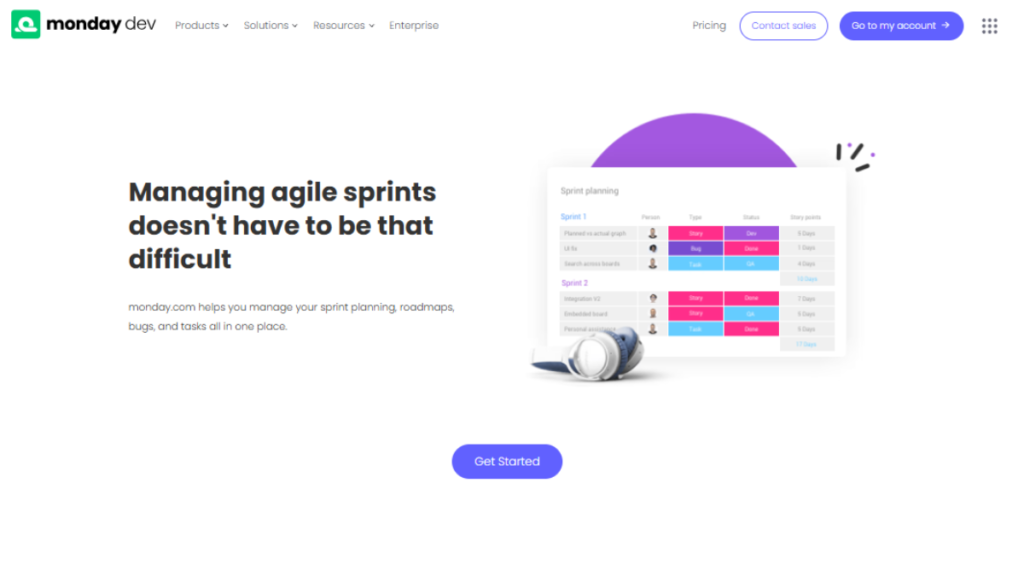
Monday Project Management Software is a visual Agile project management tool designed for customization and collaboration. Teams can create boards, dashboards, and workflows tailored to their processes. Automation reduces repetitive work, while real-time updates keep everyone aligned. Its visual reporting and color-coded task status make it easy to track progress across multiple projects. Monday.com supports integration with various tools, helping teams centralize work and improve efficiency. Monday.com is a highly recommended Agile platform because it emphasizes customization and automation.
1. Technical Standout Features
- No-code automation
- Custom dashboards
- Role-based permissions
- Multiple Agile templates
2. Users & Adoption
- Used by 180,000+ customers
- Includes Coca-Cola, Hulu, Canva
3. Pricing
- No free plan for full use
- Starts at ~$8/user/month (billed annually)
4. Customer Support
- 24/7 support
- Dedicated success managers for enterprise plans
5. Best For
- Cross-functional teams managing Agile workflows across departments.
6. Notion
Notion is a flexible workspace that can be adapted into an Agile project management tool using custom databases, boards, and templates. While it is not Agile-native, teams can configure Notion to manage sprints, backlogs, and task workflows in a lightweight and highly customizable way. Its flexibility allows teams to combine project tracking with documentation, knowledge management, and collaborative notes all in one platform. By providing visibility into tasks, deadlines, and priorities, Notion strengthens coordination between planning and development, making it a reliable and versatile choice among modern Agile project management tools, especially for small to medium teams seeking a centralized and adaptable workspace.
1. Technical Standout Features
- Kanban-style boards for task and sprint tracking
- Custom databases for backlogs and Agile workflows
- Integrated documentation and real-time collaboration
- Reusable templates for Agile and hybrid project setups
2. Users & Adoption
- Approximately 33,257 organizations reported using Notion as of recent market data
- Companies such as Amazon, Nike, DoorDash, Figma, Pixar, Robinhood, and Snowflake use Notion for team collaboration, documentation, workflows, and project coordination.
3. Pricing
- Free plan available for individuals and small teams
- Paid plans start at approximately $8 per user/month
4. Customer Support
- Help center articles and community support
- Priority support on higher-tier plans
5. Best For
- Startups, product, and content teams running lightweight or hybrid Agile workflows that value flexibility and documentation over advanced Agile analytics.
Each tool brings unique features that help teams collaborate, track progress, and adapt to changes effectively. By aligning a tool with your team’s workflow and project needs, work becomes more organized and efficient. The right Agile project management tools ensure smoother communication, faster task completion, and better overall project results.
Conclusion
Agile project management tools have become indispensable for modern teams aiming to work smarter, faster, and more collaboratively. By breaking projects into manageable tasks, providing real-time visibility, and supporting iterative workflows, these tools enable teams to stay organized and adapt to changing priorities with ease. They reduce confusion, eliminate bottlenecks, and make collaboration seamless, ensuring that everyone knows their responsibilities and progress is measurable at every step.
Choosing and implementing the right Agile platform allows teams to optimize workflows, track performance, and continuously improve. Beyond task management, these tools foster accountability, transparency, and engagement, turning ideas into tangible results efficiently. When used effectively, Agile tools become more than software; they become a strategic advantage, enabling teams to deliver high-quality outcomes consistently while maintaining flexibility and clarity.
FAQs
Trello and Jira are among the most widely adopted, with tens of millions of users globally.
No. Marketing, HR, operations, and product teams also use Agile tools for iterative planning and delivery.
ClickUp and monday.com provide the most flexible no-code automation options.
Yes. Jira and Azure DevOps offer deep CI/CD and version control integrations.
Trello and Asana are ideal for teams new to Agile due to their simplicity and low setup effort.
