
Imagine editing a sunset photograph. First, you work with a JPEG file and quickly hit limitations. The highlights blow out. Colors shift unnaturally. Details vanish. Now, you switch to a RAW file of the same scene. Suddenly, you recover blown highlights effortlessly. Colors respond naturally to your adjustments. Hidden details emerge from shadows. This dramatic difference shows why professional photographers swear by RAW photo editors.
However, finding the right RAW editing software can feel overwhelming. Countless options flood the market, each promising professional results. Some cost hundreds of dollars, while others are completely free. Moreover, features vary wildly between platforms. Consequently, photographers waste hours testing software that doesn’t match their needs. This guide solves that problem by comparing 7 top RAW photo editors, breaking down features, pricing, and ideal use cases for both beginners and professionals.
Understanding RAW Photo Editing
RAW files capture unprocessed data directly from your camera’s sensor. Unlike JPEGs, they preserve every bit of information without compression. This provides maximum editing flexibility later.
RAW vs JPEG Key Differences:
- RAW keeps 12-16 bits per color channel versus JPEG’s 8 bits
- File sizes are 3-5x larger than JPEGs
- RAW allows 3-5 stops of exposure recovery
- RAW requires editing software; JPEG is ready to use
- RAW preserves billions of color variations
Consequently, shooting in RAW format offers tremendous advantages. You gain superior highlight and shadow recovery. Additionally, you achieve better color grading results.
General image editors can’t handle RAW files effectively. Meanwhile, dedicated RAW photo editors decode proprietary camera formats accurately. They apply proper demosaicing algorithms to convert sensor data.
These specialized tools offer non-destructive editing workflows. Therefore, your original files remain untouched regardless of edits made. Moreover, RAW processors include camera-specific profiles ensuring accurate color reproduction from the start.
Key Features to Look for in RAW Photo Editors
Essential Editing Tools:
Every quality RAW image editor must include precise exposure control and white balance adjustments. These fundamental tools form your editing foundation. Additionally, robust color correction maintains natural skin tones and accurate hues. Furthermore, lens correction profiles automatically fix distortion, vignetting, and chromatic aberration from your specific camera-lens combination. Modern noise reduction capabilities separate professional editors from basic ones, using AI-powered algorithms for superior results.
Advanced Features:
Beyond basics, local adjustment brushes enable selective area editing without affecting entire images. Meanwhile, gradient tools naturally balance skies and foregrounds in landscape photography. Consequently, sophisticated masking capabilities allow complex, layered adjustments for professional results. Batch processing saves countless hours when handling large photo shoots simultaneously. Moreover, preset support accelerates workflow dramatically, while LUT compatibility enables video-style color grading transformations.
Workflow Considerations:
Catalog management becomes crucial as your photo library grows. Thus, organized editors help you find images faster. Additionally, verify your camera’s RAW format appears in the compatibility list. Export options should preserve quality while offering format flexibility. Furthermore, performance and speed impact your daily productivity. Consequently, test how smoothly the software handles your typical file sizes. For additional editing flexibility, consider exploring free photo editing websites that complement your RAW workflow.
The 7 Best RAW Photo Editors Compared
Choosing the best RAW photo editing software depends on your specific needs. Therefore, we’ve tested and compared seven leading options across different price points and skill levels. Each editor offers unique strengths for particular photography styles.
1. Adobe Lightroom Classic
Best for: Professional photographers and those who need comprehensive workflow management
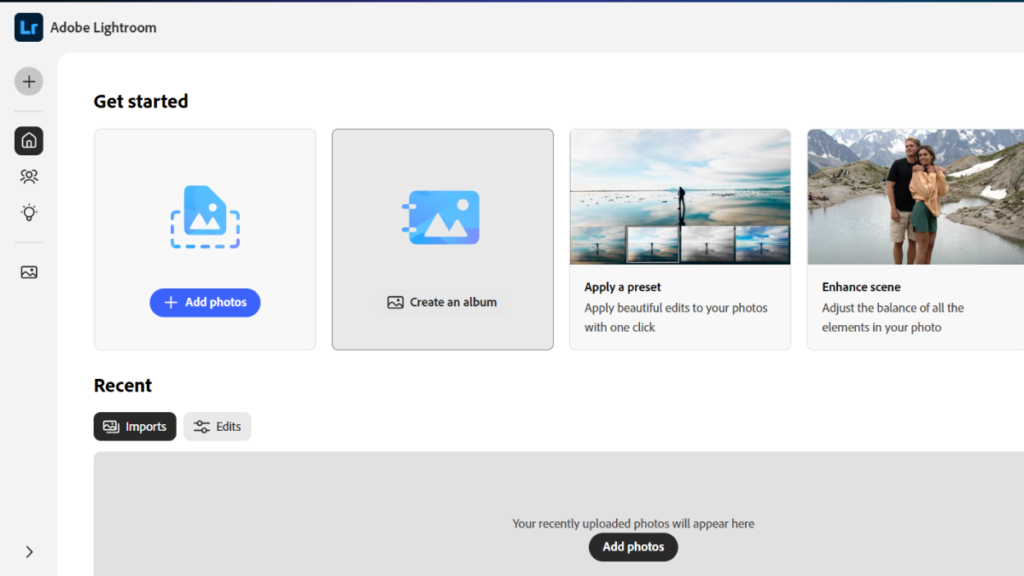
Adobe Lightroom Classic remains the industry standard for raw photo editors, trusted by millions of photographers worldwide for professional-grade work. It combines powerful RAW processing with precise control over every parameter and robust catalog management that effortlessly organizes thousands of images. Seamless integration with Photoshop and the Adobe Creative Cloud creates a complete editing ecosystem, while cloud sync via the Lightroom CC variant enables mobile access. Additionally, a vast preset marketplace and strong third-party support offer endless presets, plugins, and learning resources to elevate editing skills.
The software’s comprehensive toolset covers virtually every editing need, supported by excellent tutorials that help beginners ramp up quickly and wide camera compatibility that includes even obscure models. However, its subscription-only pricing requires ongoing payments, and it can be resource-intensive on older systems, causing costs to add up over time. Overall, Lightroom Classic is best suited for professional workflows, batch editing, and photographers who require extensive photo organization and long-term scalability.
Pricing: $9.99/month (Photography Plan includes Photoshop)
Skill Level: Intermediate to Professional
For enhanced functionality, explore best plugins for Lightroom that extend capabilities further.
2. Capture One Pro
Best for: Professional photographers prioritizing color accuracy and image quality
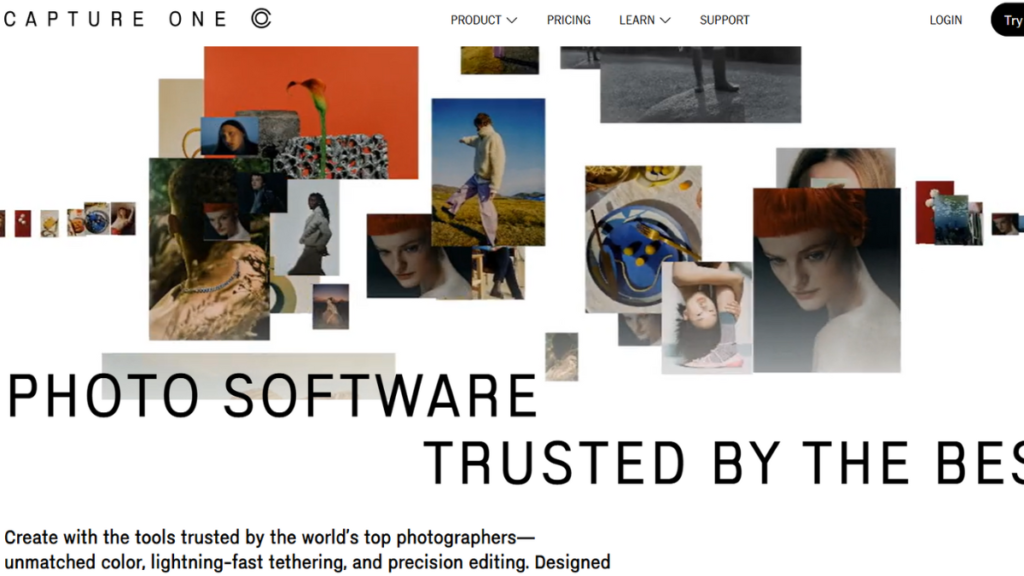
Capture One Pro dominates the high-end professional photography market, particularly among studio photographers who demand superior color fidelity and precision, making it one of the most advanced raw photo editors available today. It offers best-in-class color grading tools, advanced layer-based editing, and professional-grade lens corrections, along with brand-specific optimizations for Sony, Fujifilm, and Phase One cameras to maximize image quality. Additionally, its industry-leading tethering capabilities make it a top choice for studio workflows, live client reviews, and commercial shoots where accuracy and reliability are critical.
The software excels at delivering exceptional image quality with powerful masking, fine detail preservation, and precise color control, making it ideal for color-critical projects and portrait photography. However, its higher price, steep learning curve, and limited third-party plugin ecosystem may pose challenges for beginners or budget-conscious users. Overall, Capture One Pro is best suited for commercial photographers, studio professionals, and creatives who prioritize high-end production workflows and absolute color accuracy.
Pricing: $299 perpetual license or $14.99/month subscription
Skill Level: Advanced to Professional
3. DxO PhotoLab
Best for: Photographers seeking exceptional noise reduction and optical corrections
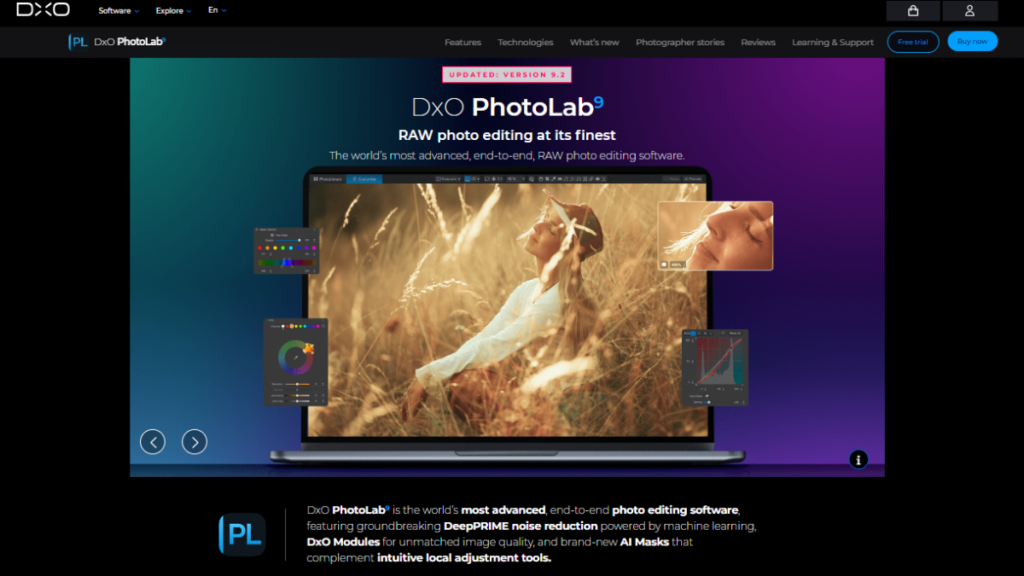
DxO PhotoLab 8 distinguishes itself among raw photo editors by delivering exceptional technical image quality through meticulous lab-tested lens and camera corrections. Each correction is tailored to specific gear, ensuring highly accurate results, while DeepPRIME XD AI noise reduction produces remarkably clean images without sacrificing detail. Its superior RAW demosaicing extracts maximum information from sensor data, making it especially appealing to landscape and low-light photographers. Features like Smart Lighting, ClearView Plus, and U Point technology further enhance dynamic range and enable intuitive selective edits without complex masking.
On the plus side, DxO PhotoLab 8 offers industry-leading noise reduction, time-saving automatic lens corrections, and excellent RAW conversions right out of the box. However, limited organizational tools can frustrate users managing large libraries, and the lack of Fujifilm X-Trans support may deter some photographers. Additionally, its smaller ecosystem provides fewer third-party presets and tutorials. Overall, it is best suited for photographers focused on low-light shooting, landscapes, and achieving the highest possible image quality from RAW files.
Pricing: $139 (Essential) / $219 (Elite) perpetual license
Skill Level: Intermediate to Advanced
4. ON1 Photo RAW
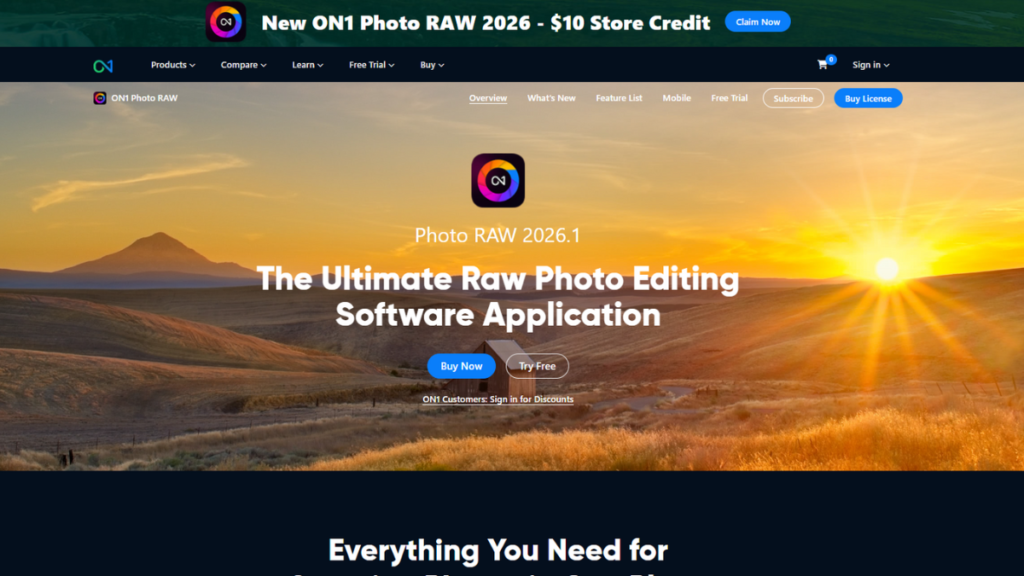
Best for: Photographers wanting an affordable all-in-one Lightroom/Photoshop alternative
ON1 Photo RAW delivers a powerful all-in-one solution by combining RAW processing and layer-based editing into a single package, eliminating the need for multiple programs. Enhanced with AI Masking, Generative tools, and Portrait AI features, it accelerates complex selections and retouching tasks, while NoNoise AI and Resize AI improve overall image quality. Additionally, the extensive Effects library allows photographers to apply creative transformations quickly, making it a strong alternative to traditional raw photo editors at a lower cost.
A major advantage is its one-time purchase option, which helps users avoid subscription fatigue while still accessing professional-grade tools in a simplified workflow. However, performance can slow during complex edits, and the interface may feel less polished than some competitors, with fewer community tutorials available. Overall, ON1 Photo RAW 2026 is best suited for creative photography, budget-conscious professionals, and users who prefer a standalone, subscription-free workflow.
Pricing: $99.99 perpetual or $9.99/month (MAX Edition)
Skill Level: Beginner to Intermediate
5. Luminar Neo
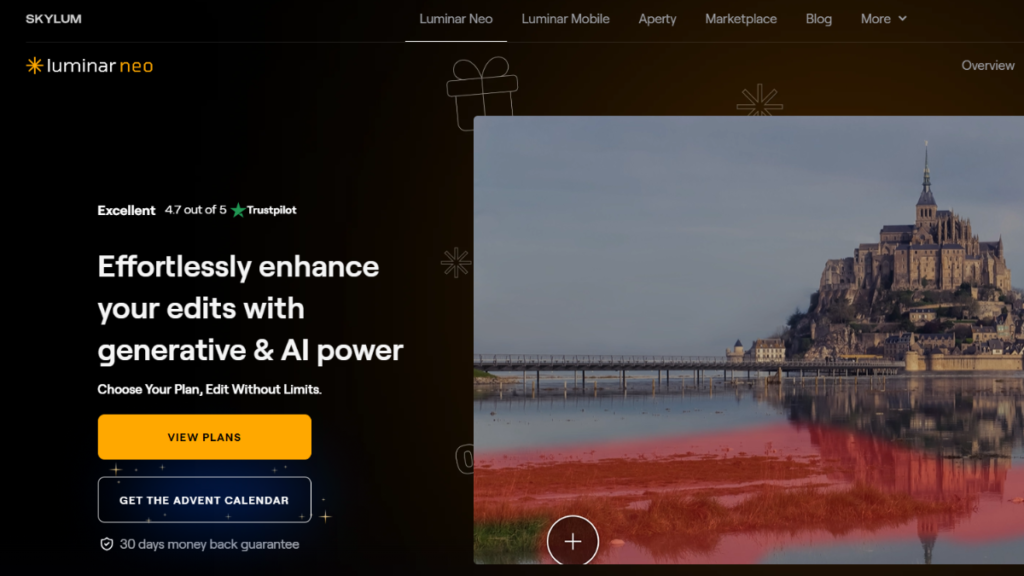
Best for: Creative photographers who want AI-powered editing shortcuts
Luminar Neo redefines raw photo editors by leveraging intelligent AI automation to deliver fast, visually striking results. Features like Sky AI replacement instantly transform dull skies with realistic outcomes, while automated portrait enhancements detect faces and apply flattering adjustments effortlessly. Atmosphere and mood filters add cinematic depth without complex masking, and AI tools such as GenErase and GenExpand simplify object removal and frame extension. Additionally, its layer-based workflow supports creative composites, and plugin compatibility allows smooth integration with Lightroom or Photoshop.
The intuitive AI-driven interface dramatically accelerates editing, making it ideal for high-volume and social media content creation, supported by creative presets for instant stylistic changes. However, it is less precise than traditional editors for technical work, AI results may vary in complex scenes, and limited organizational tools can hinder professional workflows. Overall, Luminar Neo is best suited for landscape photography, creative editing, and visually driven social media production.
Pricing: $79/year or $149 perpetual license
Skill Level: Beginner to Intermediate
Additionally, photographers exploring AI capabilities should check out options to create an image with AI for complementary creative tools.
6. Affinity Photo
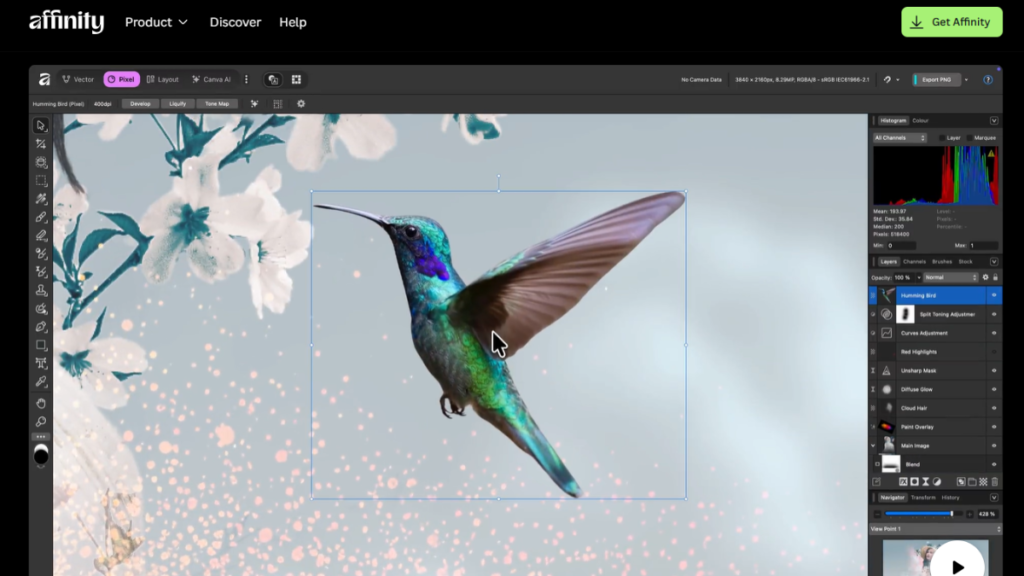
Best for: Photographers seeking professional power without subscriptions
Affinity Photo has become one of the most attractive raw photo editors after turning completely free following Canva’s acquisition, removing what was once a $54.99 perpetual license. It delivers professional-grade performance through its Develop Persona for capable RAW processing and Photo Persona for detailed, pixel-level editing. Advanced masking, precise selections, focus stacking, and HDR merging make it a strong alternative for photographers and designers seeking Photoshop-like power. Additionally, its iPad version allows seamless editing across devices, appealing to mobile and hybrid workflows.
Previously praised for its one-time purchase, Affinity Photo now stands out by eliminating subscription costs entirely while still supporting complex layer-based composites and retouching tasks. However, it lacks strong catalog management, offers a smaller plugin ecosystem, and has fewer tutorials compared to Adobe products. Overall, it is best suited for detailed retouching, composite work, and photographers looking for a powerful Adobe alternative without ongoing expenses.
Pricing: Free (after Canva acquisition)
Skill Level: Intermediate to Advanced
For those seeking additional free editing options, explore best free AI photo editor tools that complement Affinity Photo.
7. Darktable
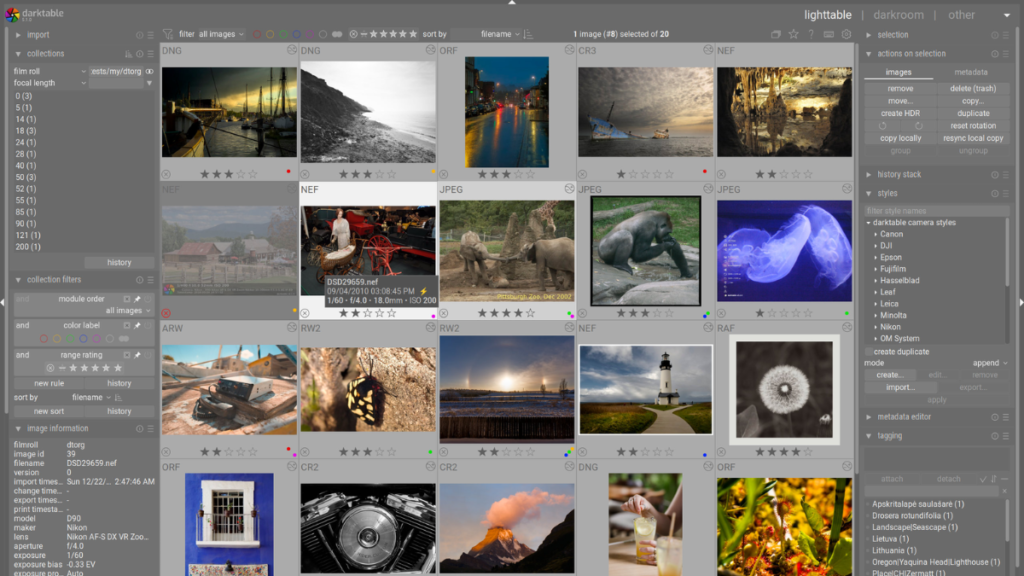
Best for: Advanced users wanting a free, open-source powerhouse
Darktable delivers professional-grade raw photo editors capabilities completely free of cost, making it a powerful open-source alternative to commercial software. It offers comprehensive RAW processing, advanced color management, and a parametric masking system that enables highly precise selective adjustments. Its module-based, non-destructive workflow provides flexibility while preserving original files, and native Linux support makes it especially appealing to users underserved by paid tools.
The biggest advantage of Darktable is that it removes all financial barriers while still rivaling expensive editors in features and control, supported by an active community and frequent updates adding new camera compatibility. However, its steep learning curve, dated interface, and minimal guidance can intimidate beginners, and new camera support may arrive slower than in commercial options. Overall, Darktable is best suited for Linux users, budget-conscious professionals, and technically skilled photographers who value control over convenience.
Pricing: Free (open-source)
Skill Level: Advanced
How to Choose the Right RAW Photo Editor for Your Needs
Consider Your Experience Level: Beginners should opt for user-friendly RAW photo editors like ON1 Photo RAW or Luminar Neo, which offer intuitive interfaces, AI-assisted tools, and preset libraries to simplify the learning curve. Intermediate photographers benefit from a balance of power and usability; Lightroom Classic or DxO PhotoLab provide comprehensive features alongside strong learning resources for skill development. Advanced and professional users require maximum control, precision tools, and sophisticated organization Capture One Pro and Darktable excel in color-critical workflows and professional-level editing.
Evaluate Your Budget: Free options like Darktable offer professional capabilities without cost, while budget-friendly perpetual licenses, such as ON1 Photo RAW ($99), eliminate subscriptions. Mid-range choices like DxO PhotoLab ($139–$219) provide excellent technical value. Premium software includes Capture One Pro ($299) or Lightroom ($9.99/month), where subscriptions spread costs but may add up over time.
Match Your Photography Style: Portrait photographers gain from Capture One Pro’s color accuracy, landscape shooters rely on Lightroom or DxO PhotoLab, and action or high-volume workflows suit Lightroom’s batch processing. Studio work benefits from Capture One Pro’s tethering and precise color management.
System Requirements: Always check camera compatibility, available storage, processing power, and OS support before committing.
Tips for Getting Started with RAW Photo Editors
Start with trial versions to test software before committing financially, and focus on mastering basics like exposure, white balance, and color correction first. Learn keyboard shortcuts early to speed up your workflow, and use presets as starting points rather than final edits to understand adjustment combinations. Always practice non-destructive editing to preserve original files, and join online communities for tutorials and peer support.
Leverage official tutorials, YouTube channels, and courses on Udemy or Skillshare for structured learning. Free webinars, workshops, and community forums provide ongoing guidance and answers to specific questions.
Avoid common beginner mistakes such as over-processing images, ignoring color management, failing to back up RAW files, and relying solely on auto-adjustments. Developing careful editing habits early ensures better results and stronger skills over time.
For inspiration and practice materials, check out stock image websites offering RAW files for learning. Additionally, Freepik mockup resources can help visualize your edited photos professionally.
Conclusion
Choosing the right RAW photo editor can transform your photography workflow significantly. This guide compared seven excellent options across different price points, each catering to specific skill levels and needs. Adobe Lightroom Classic excels for comprehensive workflows, while ON1 Photo RAW and Affinity Photo provide great value without subscriptions. Capture One Pro leads in professional color-critical work, Darktable offers powerful free features, and Luminar Neo enhances creative editing with AI tools.
Always try free trials before committing, and consider your photography style carefully. Remember, developing skills matters more than the software itself the best RAW photo editor is the one you master. Start exploring these professional options today, test interfaces for comfort, and share your experiences to guide fellow photographers on their journey toward high-quality RAW editing.
