
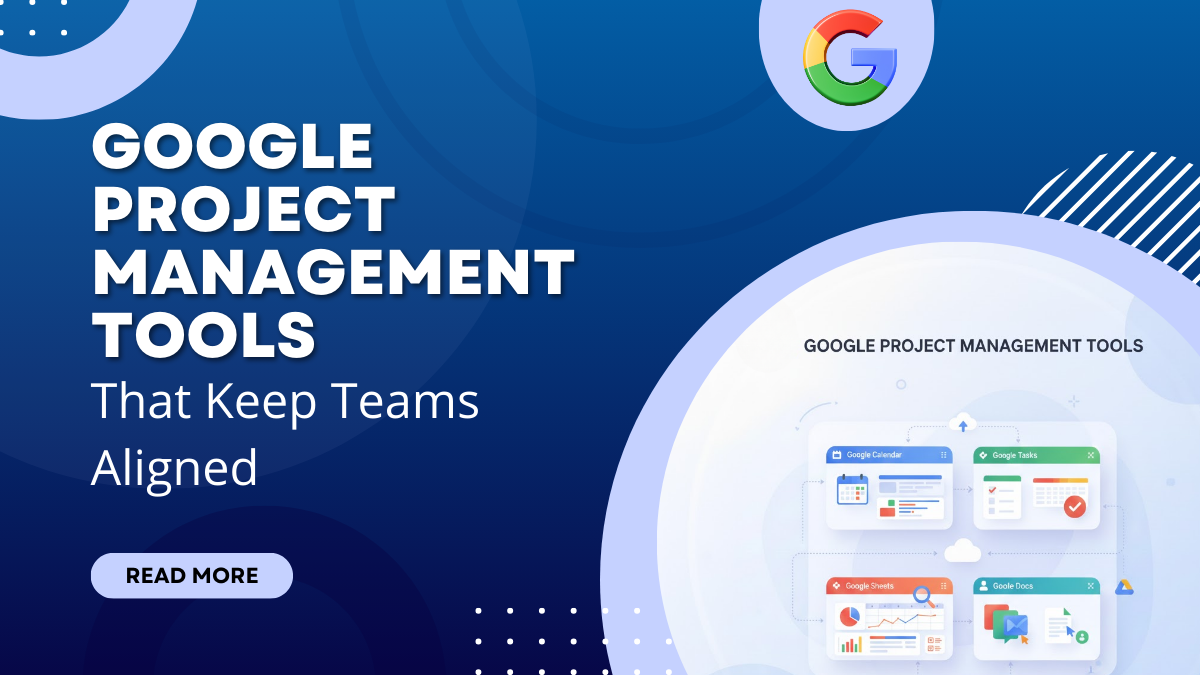
Managing projects today often feels like trying to keep several moving pieces in sync at the same time. Tasks pile up, messages get lost, and deadlines start to blur. This is exactly where google project management tools make a real difference. Instead of adding another complex platform, Google offers familiar tools that help teams stay organized, connected, and focused without feeling overwhelmed.
For many teams, the challenge is not a lack of effort but a lack of alignment. People work in different locations, juggle multiple responsibilities, and rely on scattered tools to get things done. As a result, important updates slip through the cracks. Google’s project management approach brings everything back to one shared space, making collaboration feel natural rather than forced.
Think of these tools as a well-marked roadmap rather than a maze. They guide teams step by step, helping everyone understand what needs to be done, when it needs to happen, and who is responsible. Because most people already use Google apps daily, the learning curve stays low and productivity rises faster.
In this guide, you’ll learn how Google project management tools work together, why they matter, and how teams can use them to stay aligned, organized, and confident from start to finish.
What Are Google Project Management Tools?
Google project management tools are a collection of connected applications designed to help teams plan work, track progress, and collaborate in real time. Rather than relying on a single heavy system, Google provides flexible tools that work together smoothly. This approach allows teams to manage projects using familiar apps instead of learning complex software from scratch.
At their core, these tools focus on visibility and coordination. Tasks, files, conversations, and schedules live in shared spaces, so everyone knows what is happening at any moment. When updates are made, they appear instantly, reducing confusion and repeated follow-ups. This creates a steady flow of information that keeps teams aligned throughout a project.
Another key strength is adaptability. It can support simple task lists as well as multi-step projects. Teams can scale their workflow up or down without changing platforms. As a result, work feels structured but not restrictive, giving teams the freedom to stay productive while remaining organized.
How Google Project Management Tools Work Together
One of the biggest strengths of Google project management tools is how seamlessly they connect with each other. Rather than functioning as separate platforms, each tool supports the next, creating a continuous and organized workflow. This connected ecosystem makes them highly effective as Free Online Project Management Tools, especially for teams that want simplicity without sacrificing coordination.
Planning often starts in Google Sheets, where tasks, timelines, and responsibilities are outlined clearly. Deadlines and milestones then move into Google Calendar, ensuring everyone stays aware of upcoming work. Conversations and quick updates happen through Google Chat or Meet, while all related documents and files remain securely stored in Google Drive. Because every update syncs instantly, teams always work with the most current information.
This integrated approach reduces friction and saves time. Instead of switching between disconnected apps, teams manage projects within one familiar environment. Each tool has a specific role, but together they create a system that keeps work visible, communication clear, and teams aligned from start to finish.
Essential Google Project Management Tools for Daily use
Google offers a suite of tools that simplify project management for teams of all sizes. These tools work together to organize tasks, track progress, and improve collaboration. Each tool has a unique purpose, yet they integrate seamlessly, helping teams stay aligned, save time, and maintain productivity. By leveraging this ecosystem, teams can handle complex projects with clarity and efficiency. To manage tasks efficiently and streamline team collaboration, here are some of the Best Project Management Applications recommended for businesses and teams of all sizes.
1. Google Sheets
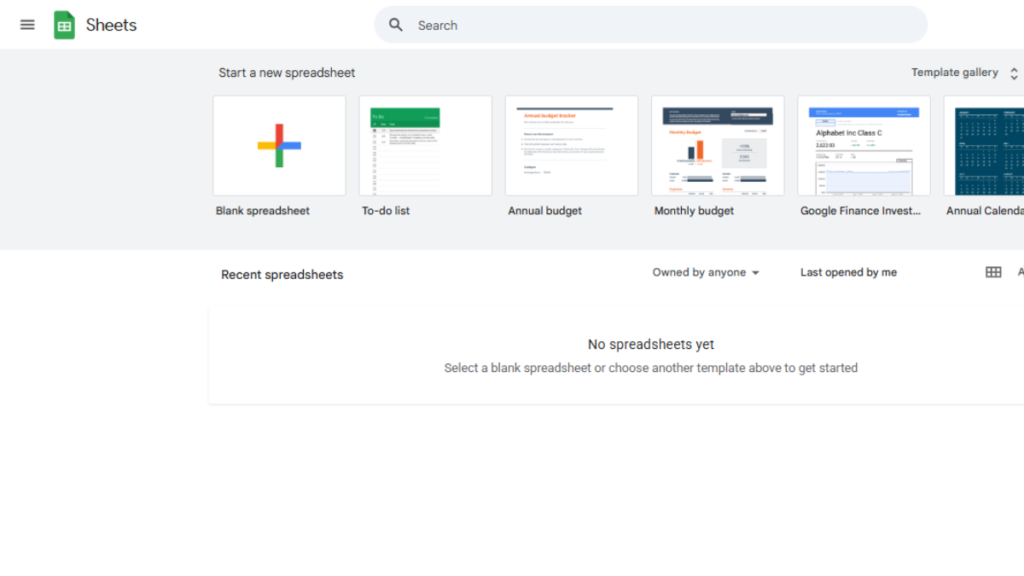
Google Sheets is a versatile spreadsheet tool that goes beyond numbers. It allows teams to organize tasks, track project progress, and manage resources efficiently. With its collaborative features, multiple team members can edit the same sheet in real time, making updates instantly visible. Google Sheets is particularly useful for creating task lists, timelines, and budget trackers. Its cloud-based nature ensures your data is accessible anywhere, on any device, without worrying about version control.
Key Features:
- Real-time collaboration and commenting
- Pre-built templates for project tracking
- Conditional formatting and data visualization
- Integration with other Google Workspace apps
- Cloud storage for easy access and sharing
2. Google Tasks
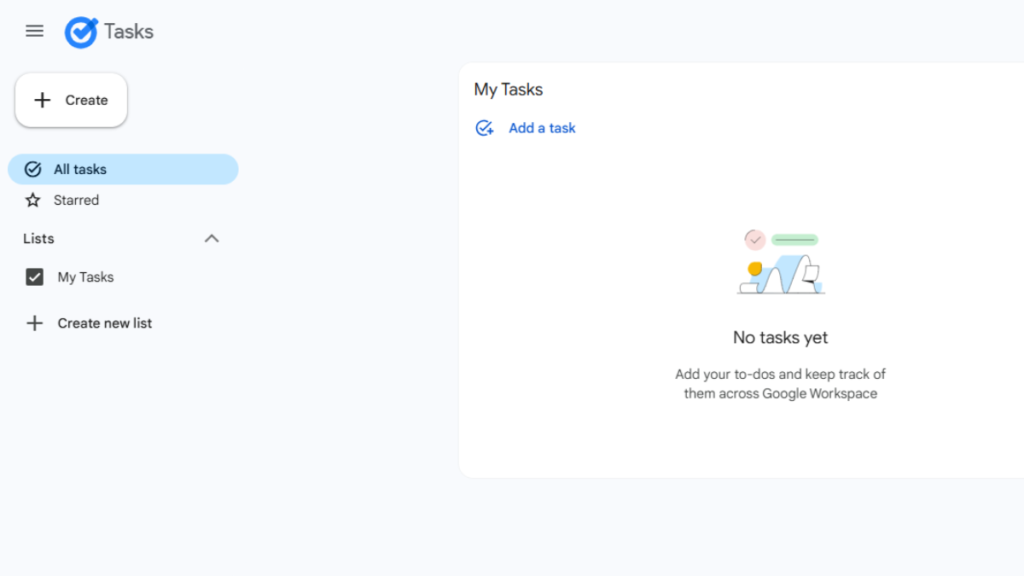
Google Tasks is a simple yet effective tool for managing individual and team to-dos. It helps break down larger projects into smaller, actionable tasks, making deadlines easier to manage. Tasks can be organized into lists, assigned due dates, and checked off as they’re completed. Its seamless integration with Gmail and Google Calendar ensures that all your reminders and deadlines are synchronized, helping you stay on top of your work without juggling multiple apps.
Key Features:
- Create and organize tasks into lists
- Set due dates and subtasks for better planning
- Integration with Gmail and Google Calendar
- Simple, clutter-free interface
- Mobile and desktop accessibility for on-the-go updates
3. Google Keep
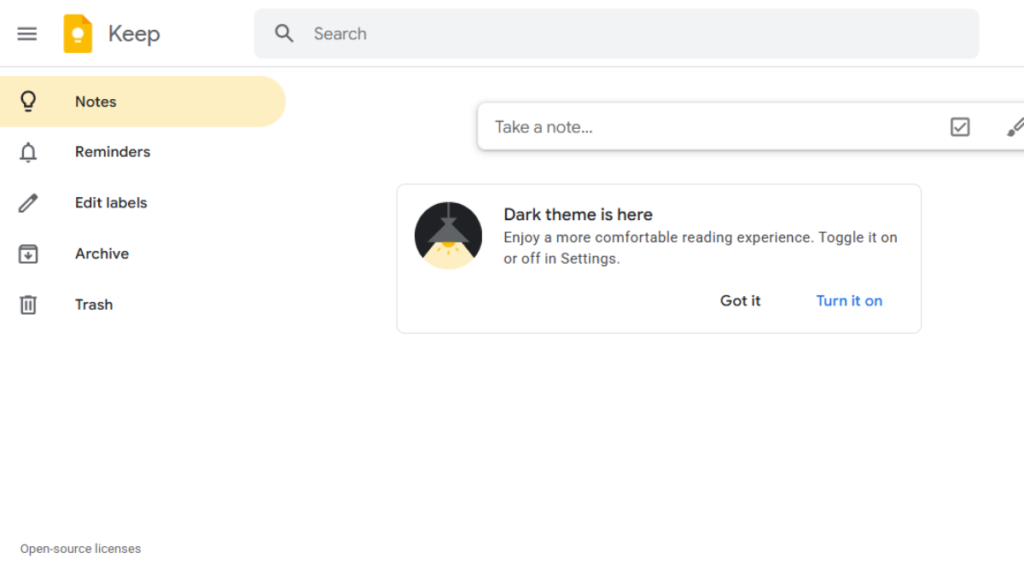
Google Keep is a versatile note-taking and organization tool that helps teams and individuals capture ideas, reminders, and important information quickly. It allows you to create notes, checklists, and voice memos, which can be easily shared with collaborators. Google Keep integrates seamlessly with Google Docs and Google Calendar, making it simple to turn ideas into actionable tasks or schedule reminders. Its colorful labels and pinning options make finding important notes fast and intuitive, keeping your workflow smooth and efficient.
Key Features:
- Create notes, checklists, and voice memos
- Share notes with team members for collaboration
- Integrates with Google Docs and Calendar
- Color-coded labels and pinning for organization
- Mobile-friendly for capturing ideas on the go
4. Google Calendar
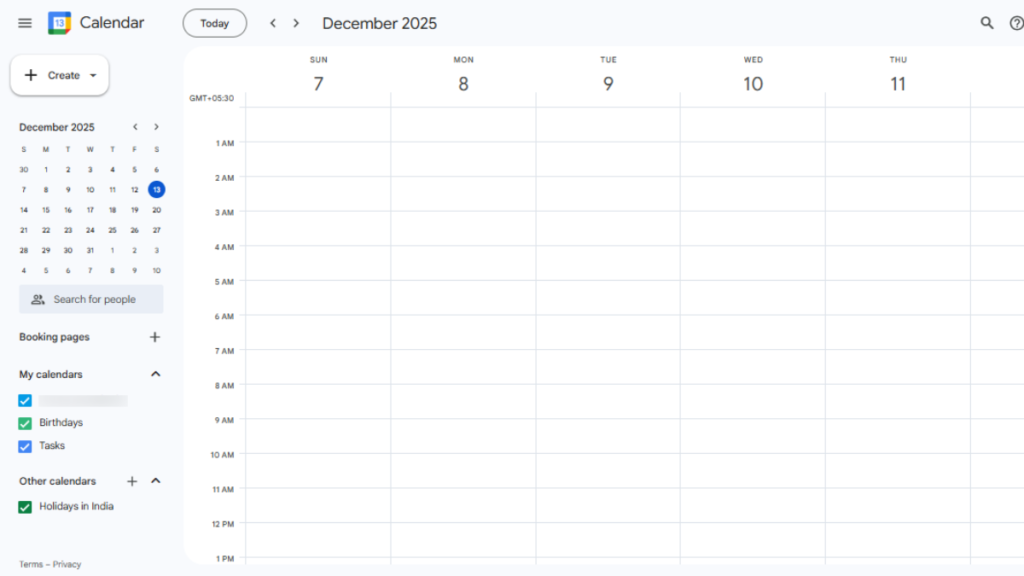
Google Calendar is a powerful scheduling and time management tool designed to help teams stay organized and on track. It allows you to create events, set reminders, and schedule meetings with colleagues effortlessly. By using Google Calendar for Project Scheduling in Project Management, managing deadlines and team availability becomes seamless. With features like shared calendars, event invitations, and integration with Gmail and Google Meet, coordinating tasks is easier than ever. Its color-coded events and multiple calendar views give a clear overview of your day, week, or month, helping you prioritize tasks and stay productive.
Key Features:
- Schedule events, meetings, and reminders
- Share calendars with team members
- Integrates with Gmail, Google Meet, and other Google apps
- Color-coded events for easy tracking
- Multiple views: daily, weekly, monthly
5. Google Drive
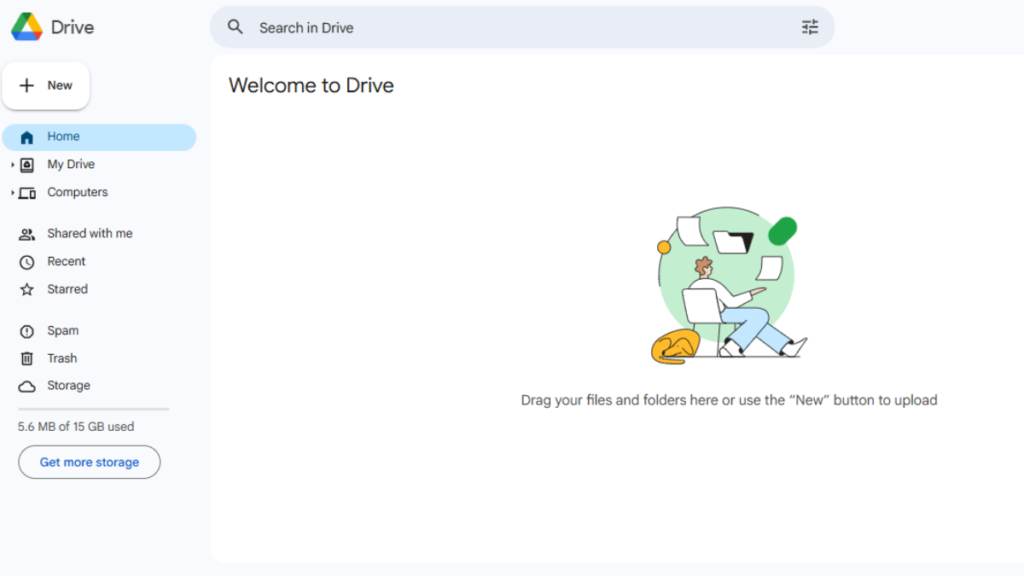
Google Drive is a cloud-based storage and collaboration platform that allows teams to store, share, and manage files efficiently. With Google Drive, documents, spreadsheets, presentations, and other files can be accessed from anywhere, on any device, making remote collaboration seamless. Real-time editing, commenting, and version history ensure everyone stays aligned and up to date. It also integrates with other Google Workspace apps, enabling smooth workflows without constantly switching platforms. Google Drive turns file management into a simple, organized, and collaborative experience. Google Drive is crucial for centralizing team resources, ensuring everyone has access to the latest files. It seamlessly connects with Google Docs, Sheets, Slides, Calendar, and Chat, making collaboration across projects smooth and efficient.
Key Features:
- Secure cloud storage for all file types
- Real-time collaboration and commenting
- Version history to track changes
- Easy sharing with permissions control
- Integrates with Google Docs, Sheets, Slides, and other apps
6. Google Chat
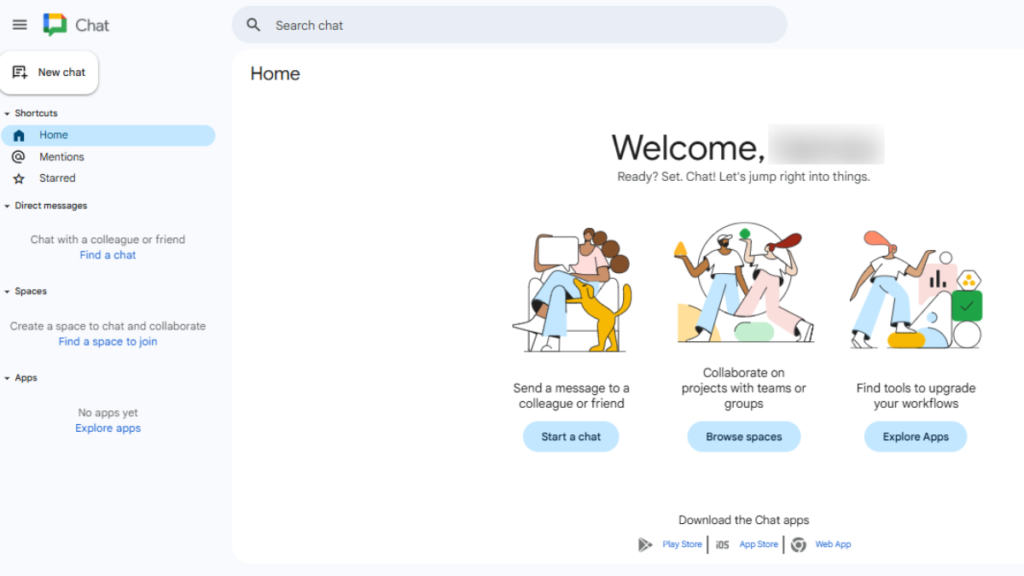
Google Chat is a real-time messaging platform that helps teams stay connected and collaborate efficiently. It allows instant messaging, group discussions, and topic-based threads, making communication organized and easy to follow. By centralizing conversations, it reduces email overload and ensures important updates are never missed. Google Chat integrates seamlessly with Google Calendar, Drive, and Tasks, allowing teams to reference documents, schedule tasks, and coordinate work without leaving the chat environment.
Key Features:
- Instant messaging and group chat threads
- Topic-based conversation channels for organization
- Integration with Google Calendar, Drive, and Tasks
- Real-time notifications and updates
- Secure and reliable communication
7. Google Meet
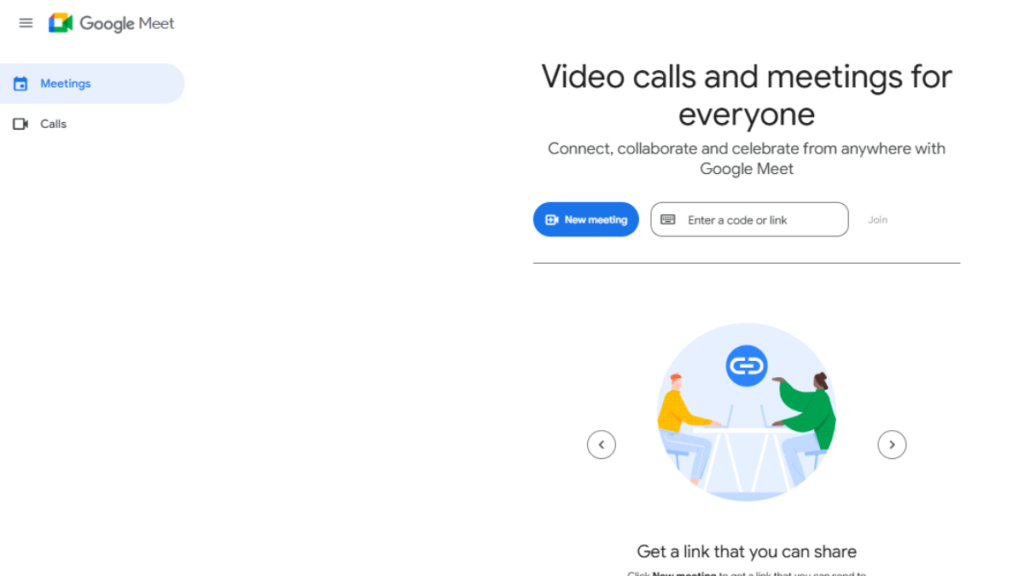
Google Meet is a video conferencing tool designed to make remote meetings seamless and effective. Teams can hold high-quality video calls, share screens, and collaborate in real time from anywhere in the world. Google Meet integrates with Google Calendar and Chat, allowing users to schedule meetings easily and join calls directly from invitations. This ensures efficient coordination, reduces miscommunication, and supports productive teamwork across locations.
Key Features:
- Secure, high-quality video and audio calls
- Screen sharing and presentation support
- Integration with Google Calendar and Chat
- Real-time collaboration and meeting recordings
- Supports large team meetings and webinars
In summary, each of these Google project management tools is specialized for a particular task, whether it’s organizing data, managing tasks, keeping notes, scheduling, storing files, or communicating. Despite their individual strengths, they are all interconnected, allowing seamless collaboration and information flow across the platform. Together, they create a cohesive ecosystem that helps teams stay organized, aligned, and productive
Comparison Table
| Tool Name | Best For | Ease of Use | Key Features | Integration & Connectivity |
|---|---|---|---|---|
| Google Sheets | Data tracking & reporting | Easy | Spreadsheets, formulas, charts, templates | Integrates with Google Drive, Calendar, and Docs |
| Google Tasks | Simple task management | Very Easy | To-do lists, reminders, sub-tasks | Syncs with Gmail, Calendar, and mobile apps |
| Google Keep | Notes & quick ideas | Very Easy | Notes, checklists, labels, reminders | Connects with Google Docs, Calendar, and Tasks |
| Google Calendar | Scheduling & planning | Easy | Event scheduling, reminders, shared calendars | Works with Gmail, Meet, and Tasks |
| Google Drive | File storage & sharing | Easy | Cloud storage, file sharing, access control | Integrates with Docs, Sheets, Slides, and Drive apps |
| Google Chat & Meet | Team communication | Medium | Messaging, video calls, group chat, screen sharing | Works with Gmail, Calendar, and Drive |
These tools vary in purpose but complement each other perfectly. Sheets handles data, Tasks tracks action items, Keep manages quick notes, Calendar organizes schedules, Drive stores files, and Chat/Meet facilitates communication. Together, they form a connected, versatile suite for efficient project management.
Conclusion
Google project management tools offer a powerful, interconnected ecosystem that keeps teams organized, focused, and productive. Each tool shines in its own area like Sheets for data management, Tasks for to-dos, Keep for notes, Calendar for scheduling, Drive for storage, and Chat & Meet for seamless communication, yet they all work together harmoniously to streamline workflows.
By adopting these tools, teams can tackle complex projects with clarity, maintain alignment across tasks, and make smarter, data-driven decisions in real time. Using the right Methodology in Project Management, these tools empower teams to collaborate efficiently, reduce confusion, and achieve their goals with confidence and ease.
