
Imagine managing tasks through emails, WhatsApp messages, and spreadsheets. Deadlines slip, files get lost, and no one is fully sure who is responsible for what. This is a daily reality for many teams, especially as workloads grow and remote work becomes common.
Studies show that nearly 70% of projects fail due to poor planning and communication, and teams using proper project management systems complete work up to 28% faster. The solution is simple: a structured system that brings tasks, timelines, and collaboration into one place. This is where free online project management tools solve the problem without adding extra cost.
Meaning of Free Online Project Management Tools
Free online project management tools are browser-based solutions that allow individuals and teams to plan, track, and complete projects without investing in costly software. By bringing essential project activities into a single system, these platforms simplify workflows and make project details easier to manage and understand.
These tools create a single, organized workspace where teams can plan work using a clear Methodology in Project Management instead of scattered processes. Tasks are assigned, deadlines are visible, progress is tracked, and communication happens in one system.
These tools also strengthen teamwork by enabling seamless collaboration. Team members can share files, communicate updates, and coordinate tasks directly within the platform. With improved visibility and transparency, everyone remains aligned, informed, and confident in their roles throughout the project lifecycle.
Key Benefits of Free Online Project Management Tools
Using free online project management tools, including Agile Project Management Tools, helps teams manage work in a clear and controlled way. Instead of reacting to problems, teams follow defined workflows that support continuous progress and better collaboration. This streamlined approach makes projects easier to handle, helps teams stay focused, minimizes stress, and ensures work is completed efficiently.
It includes:
- Tasks remain structured and easy to follow
- Deadlines are clear and less likely to be missed
- Responsibilities are transparent across the team
- Collaboration becomes quicker and more effective
- Project progress is always visible
Additionally, a structured workflow reduces mental overload. When tasks are clearly defined and tracked, teams spend less time worrying about forgotten work and more time completing what matters. Over time, this leads to improved work habits and more dependable, efficient processes.
Free Online Project Management Tools – Comparison Table
| Tool | Free Plan | Premium / Paid Pricing | Limitations of Free | Premium Highlights & Notable Usage | Estimated Free → Premium Conversion |
| ClickUp | Unlimited users, unlimited tasks, 100MB storage, boards, lists, docs | Unlimited $10/user/mo; Business $19/user/mo; Enterprise custom | Storage cap, limited automations, limited dashboards | Advanced automation, Gantt, dashboards, AI tools; Google, IBM, Airbnb | 6–10% |
| Wrike | Unlimited users, task lists, boards | Team $10/user/mo; Business $25/user/mo; Enterprise custom | No advanced analytics, limited automation | Dashboards, AI insights, resource planning; 20,000+ companies | 5–8% |
| Airtable | 5 users, 1,000 records/base, unlimited bases | Plus $10/user/mo; Pro $20/user/mo; Business custom | Record limit, automation limits | Advanced views, automations, extensions; Netflix, Shopify | 8–15% |
| Asana | Up to 15 users, unlimited tasks, boards, lists | Premium $10.99/user/mo; Business $24.99/user/mo; Enterprise custom | No timeline, no workload, limited reporting | Timeline, workload, automation, advanced reports; Amazon, Deloitte, Spotify | 4–7% |
| Orangescrum | 3 users, Kanban, task tracking | Startup $8/user/mo; Professional $40/user/mo; Enterprise custom | No budgeting, limited reports | Time tracking, resource mgmt, analytics; G2 rating 4.3–4.4 | 3–6% |
| OpenProject | Open-source, Gantt, task tracking | Enterprise (custom pricing) | Limited boards, no enterprise security | Advanced Gantt, reporting, security, and hybrid workflow teams | 2–5% |
| Zoho Projects | 3 users, 2 projects, basic tasks, Gantt | Premium $4/user/mo; Enterprise $9/user/mo | Project limit, storage cap, and limited integrations | Resource management, automation, analytics; Zoho ecosystem users | 7–12% |
How to Choose the Right Tool
Selecting the right free online project management tools can be the difference between a smooth, organized workflow and constant frustration. With so many options available, it’s important to understand your team’s specific needs, project size, and preferred working style. The ideal tool should simplify task tracking, enhance communication, and provide a clear overview of progress. Choosing wisely ensures your team stays productive, avoids miscommunication, and completes projects efficiently without unnecessary stress or delays.
Consider the following points:
- Ease of Use: Pick a platform with a clean interface that your team can learn quickly. Complexity slows adoption.
- Team Size: Ensure the tool supports the number of users you have, even on free plans.
- Task Tracking & Deadlines: The tool should allow easy creation, assignment, and monitoring of tasks.
- Collaboration Features: Real-time updates, comments, and file sharing improve teamwork.
- Visual Workflow: Dashboards, boards, or Gantt charts help visualize progress at a glance.
The goal is simple: choose an Online Project Management Software that feels like a helpful assistant, not another source of stress. When the right tool is in place, your team can focus on completing work efficiently, rather than managing the tool itself.
Top Free Online Project Management Platforms
When it comes to staying organized, free online project management tools provide more than just task lists. They act as a central hub where teams can plan, track, and execute work efficiently. The Best Project Tracking Software ensures real-time visibility, simplifies workflow management, and helps teams stay on top of deadlines. Each platform offers unique features, and understanding them helps you pick the right one for your team’s needs. From simple task tracking to complex project workflows, these tools give clarity, structure, and better visibility for every project stage.
1. Clickup
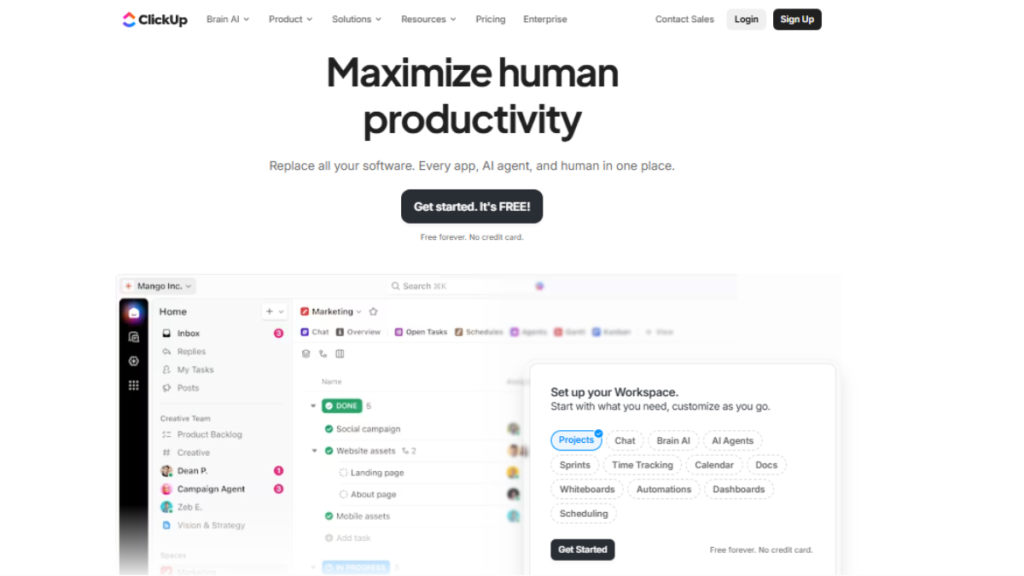
ClickUp is a versatile tool designed for teams of all sizes. It centralizes task tracking, goals, timelines, docs, and collaboration in one platform, with flexible boards, lists, and Gantt views to manage work efficiently. Built-in automation and integrations reduce repetitive work and keep teams focused on execution.
Key Highlights:
- Global Reach: Trusted by over 800,000 teams worldwide
- Monthly Activity: Millions of projects actively managed across web, Android, and iOS
- App Popularity: ClickUp mobile app has 5M+ Android downloads with a 4.6★ rating
- Device Coverage: Accessible on web, Windows, macOS, Android, and iOS
- Workflow Automation: Features built-in automations, AI tools, and 1,000+ integrations
Why choose ClickUp?: Ideal for startups, agencies, and distributed teams needing a single, flexible platform that supports Agile, hybrid, and general workflows. ClickUp stands out for its adaptability, visual clarity, and centralized task management.
Pro Tip: Use custom dashboards and Gantt views to track deadlines and team progress at a glance.
Suitable For: Teams requiring a single, flexible workspace that adapts to Agile, hybrid, or general project workflows without unnecessary complexity, making it one of the most effective Free Online Project Management Tools available.
2. Wrike
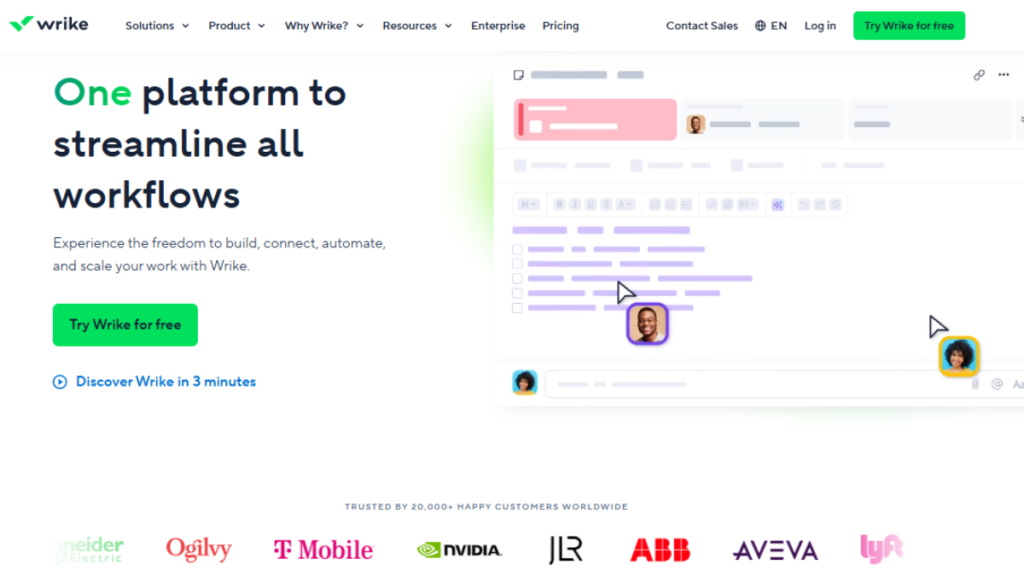
Wrike helps teams stay organized by providing a clear and simple workspace for managing tasks and deadlines. Users can create projects, assign tasks, attach files, and track work without complexity. The interface is clean and easy to understand, which makes onboarding faster. Wrike supports real-time collaboration, allowing teams to comment, share feedback, and stay updated. It works well for teams that want better visibility into their workflows and a smooth, structured way to manage daily operations. Its intuitive dashboard also makes monitoring project health and progress effortless.
Key Highlights:
- Global Reach: Adopted by over 20,000 companies worldwide
- Monthly Activity: Millions of tasks tracked each month
- App Popularity: Android app 1M+ downloads, 4.2★ rating
- Device Support: Web, Windows, macOS, Android, iOS
- Workflow Automation: Custom dashboards, resource planning, AI insights, and integrations
Why choose Wrike?: Best for mid-size and enterprise teams needing advanced reporting and collaboration.
Pro Tip: Use dashboards to monitor workload and project health in real time.
Suitable For: Mid-size and enterprise teams requiring reporting, analytics, and cross-team coordination.
3. Airtable

Airtable is a flexible tool that combines the simplicity of spreadsheets with the power of databases. It allows users to organize projects using tables, grids, and visual layouts. Teams can customize fields, track deadlines, and attach files in a structured way. This tool is ideal for teams that like visual organization and need flexibility in tracking different types of data. Airtable feels like a smart digital notebook that keeps projects clean, organized, and easy to manage. Its automation options further save time by handling repetitive tasks automatically.
Key Highlights:
- Global Reach: Used by over 200,000 organizations
- Monthly Activity: 1M+ bases updated monthly
- App Popularity: Android app 5M+ downloads, 4.7★ rating
- Device Coverage: Web, Windows, macOS, Android, iOS
- Automation & Integrations: Custom views, extensions, and 1,000+ integrations
Why choose Airtable?: Perfect for building custom workflows and organizing complex data visually.
Pro Tip: Link tables and use custom views to track relationships between tasks.
Suitable For: Creative teams, content planners, and data-driven project managers.
4. Asana
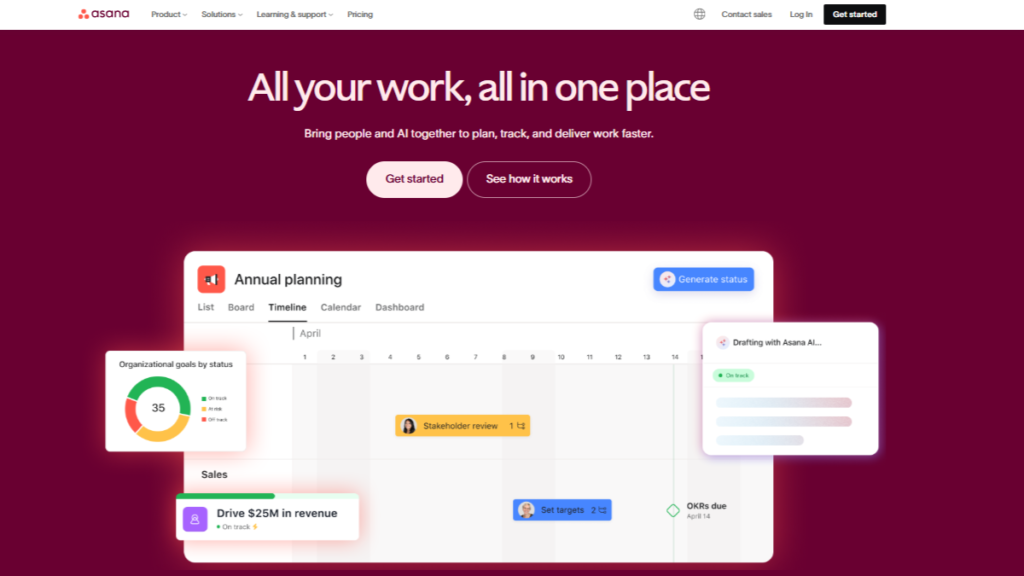
Asana is a team-focused work management tool that organizes projects, tasks, and workflows in a single workspace. Lists, boards, and timelines help teams visualize work, while automation speeds up routine tasks. It also offers task dependencies, goal tracking, and reporting dashboards to ensure teams stay aligned and deadlines are met.
Key Highlights:
- Team Reach: Over 100,000 paying organizations globally
- Monthly Activity: Millions of tasks updated daily across web and mobile apps
- App Popularity: iOS and Android apps have 10M+ downloads with a 4.5★ rating
- Device Support: Accessible on web, Windows, macOS, Android, and iOS
- Automation & Integration: Rules-based automation, reporting dashboards, and 200+ integrations
Why choose Asana?: Perfect for teams that rely on timelines, reporting, and workload management.
Pro Tip: Use Timeline view to visualize dependencies and prevent bottlenecks.
Suitable For: Marketing, operations, and cross-functional teams needing structured workflows and visibility, making it one of the most reliable Free Online Project Management Tools.
5. Orangescrum
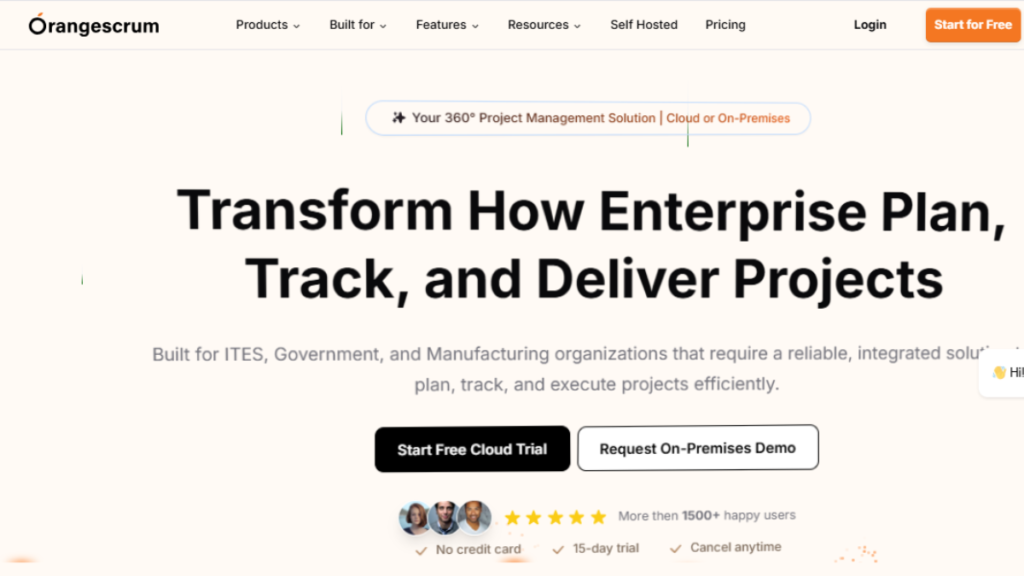
Orangescrum focuses on clarity, speed, and coordination. It enables users to manage tasks through visual boards, set milestones, and track progress efficiently. Teams can collaborate in real time, share updates, and assign responsibilities with ease. Its clean interface reduces learning time and simplifies project monitoring. Orangescrum is perfect for teams looking for a flexible and user-friendly platform that improves workflow efficiency without overwhelming users with complexity.
Key Highlights:
- Global Reach: Adopted by 10,000+ teams worldwide
- Monthly Activity: Thousands of projects actively managed
- App Popularity: Android app 500K+ downloads, 4.3★ rating
- Device Support: Web, Android, iOS
- Workflow Tools: Task assignments, time tracking, reporting, integrations
Why choose Orangescrum?: Offers visual clarity and simplicity for everyday project tracking.
Pro Tip: Use color-coded labels to quickly monitor progress.
Suitable For: Startups and small teams needing a lightweight, user-friendly project management tool.
6. OpenProject
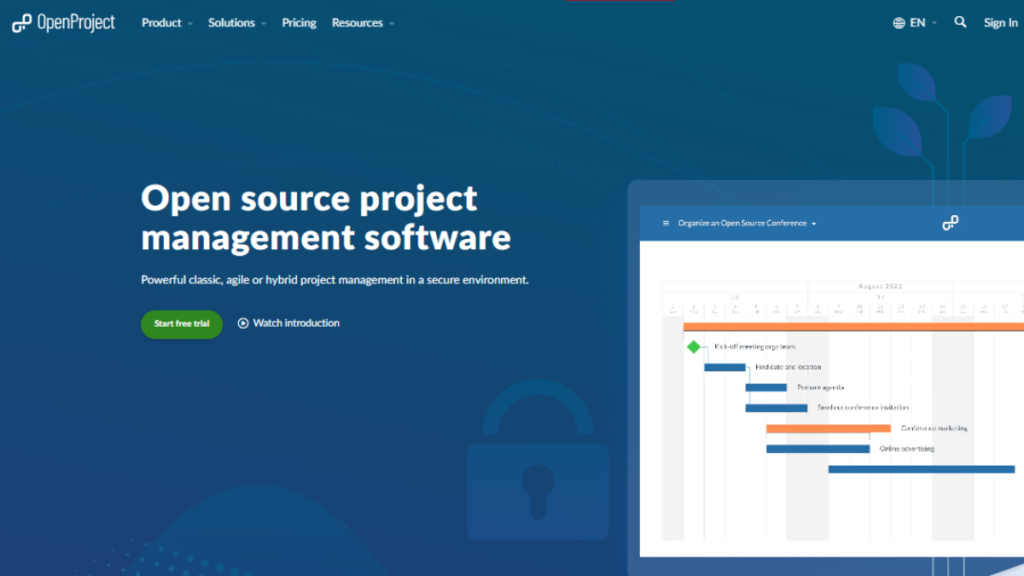
OpenProject is a comprehensive platform for long-term project planning and task management. It offers Gantt charts, roadmaps, and time-tracking features to give teams a clear overview of progress and deadlines. Users can manage documents, collaborate seamlessly, and monitor project performance effectively. OpenProject acts as a digital control center, providing structure, transparency, and reliability for complex projects. It is especially suited for teams handling multiple projects or detailed workflows that require strong planning capabilities.
Key Highlights:
- Global Reach: Used by over 100,000 organizations worldwide
- Monthly Activity: 50,000+ projects actively tracked every month
- App Popularity: Web-based platform only, accessed by 1M+ monthly users
- Device Coverage: Web, accessible on all major browsers, including Chrome, Firefox, Edge, and Safari
- Workflow Tools: Agile boards, Gantt charts, time tracking, and collaboration with 500+ integrations
Why choose OpenProject?: Perfect for structured planning, long-term projects, and collaborative teams.
Pro Tip: Combine Gantt and roadmap views to manage dependencies efficiently.
Suitable For: Engineering, construction, and hybrid workflow teams needing detailed planning and enterprise-level control.
7. Zoho Projects
Zoho Projects is a cloud-based project planning and tracking tool for small to medium-sized teams. It combines task management, time tracking, Gantt charts, and workflow automation, while also providing document management and collaborative discussions. Built-in reporting and notifications help teams stay on top of progress and deadlines.
Key Highlights:
- Global Reach: Used by over 150,000 businesses worldwide
- Monthly Activity: Thousands of projects tracked monthly
- App Popularity: Android app has 1M+ downloads with a 4.3★ rating
- Device Coverage: Web, Android, iOS
- Workflow Tools: Time logs, automation, task dependencies, and Zoho app integrations
Suitable For: Small businesses, teams using the Zoho ecosystem, and projects needing lightweight task management.
Why choose Zoho Projects?: Offers clear task tracking and simple automation for small teams.
Pro Tip: Use task dependencies and milestones to avoid delays.
Conclusion
In today’s fast-paced work environment, free online project management tools act as a backbone for productivity. They keep projects organized, make responsibilities clear, and ensure teams stay on track. By simplifying communication and visualizing deadlines, these tools prevent confusion and help everyone focus on what truly matters. Tasks get completed efficiently, and progress is easier to monitor at every stage.
Choosing the right platform saves time and reduces stress by turning complex workflows into simple, manageable steps. Whether you’re a student handling assignments, a freelancer managing clients, or a small business owner coordinating a team, free online project management tools provide structure, transparency, and smoother collaboration. They help organize tasks clearly, keep everyone aligned, and ensure projects are completed efficiently with better results.
FAQs
These are web-based platforms that let teams organize tasks, track progress, and collaborate without paying for premium software. They centralize work in one place, replacing emails and spreadsheets.
Freelancers, startups, small businesses, and remote teams can benefit most. They help manage workloads, meet deadlines, and maintain transparency across team members.
Yes, free plans provide essential features like task boards, lists, and basic collaboration. Premium plans unlock advanced reporting, automation, and integrations for larger teams or complex projects.
Look at your team size, workflow type, needed features (Gantt charts, automations, reporting), and ease of use. Pick a tool that fits your methodology and doesn’t add extra complexity.
They centralize tasks, timelines, and communications, reduce confusion, and make priorities clear. Teams can track progress in real time and focus on completing work efficiently.
